Zum Hauptinhalt springen
News ·

Set Up Your Own Commercial-Free Waiting Room TV: The Complete Guide for Your Practice

Set Up Your Own Ad-Free Waiting Room TV with SignageNow—A Guide

Long wait times are among the most unpopular aspects of a doctor’s visit for patients. A professional information screen in the waiting room is the perfect way to drastically reduce perceived wait times, provide information about out-of-pocket services (IGeL), and convey important practice information in an engaging way.

However, many commercial full-service providers for practice TV have one major drawback: They’re expensive or display third-party ads over which you have no control. Pharmaceutical ads, promotions for the pharmacy around the corner, or even inappropriate B2C ads disrupt the professional atmosphere of your practice.


In this guide, you’ll learn how to set up your own ad-free waiting room TV step by step—affordably, flexibly, and completely independently.


Step-by-Step: How to Set Up Your Own Waiting Room TV

Setting up an information screen for your medical practice yourself is neither complicated nor expensive these days. You don’t need an advertising agency or expensive specialized hardware to do it.

Step 1: Choose the Right Hardware

Normalen Smart-TV oder Fernseher mit Internetstick für Wartezimmer-TV nutzen


For an ad-free waiting room TV, all you need is:

  • A standard TV or monitor: A standard HD or 4K screen is perfectly sufficient.
  • A compatible media player: Use either a modern smart TV (Android TV, Fire TV, etc.) or upgrade any TV with an affordable Amazon Fire TV Stick or a Google Chromecast.


Step 2: Plan the Right Content

Think ahead about what information will be truly useful to your patients:

  • Practice Information: Hours of operation, vacation and substitute doctor policies, team profiles.
  • Patient Information: Prescription orders, blood draw procedures, hygiene guidelines.
  • Range of Services: Preventive care options, IGeL services, acupuncture, vaccination counseling.
  • Infotainment: Health tips, seasonal advice (e.g., pollen count, flu prevention).


Step 3: Choose the Right Software for Content Management

To avoid the hassle of updating videos, graphics, and notices via a USB drive, you’ll need simple digital signage cloud software. There, you can create all your content and organize it into a playlist. You’ll then receive a code or link. This is exactly where SignageNow comes in.
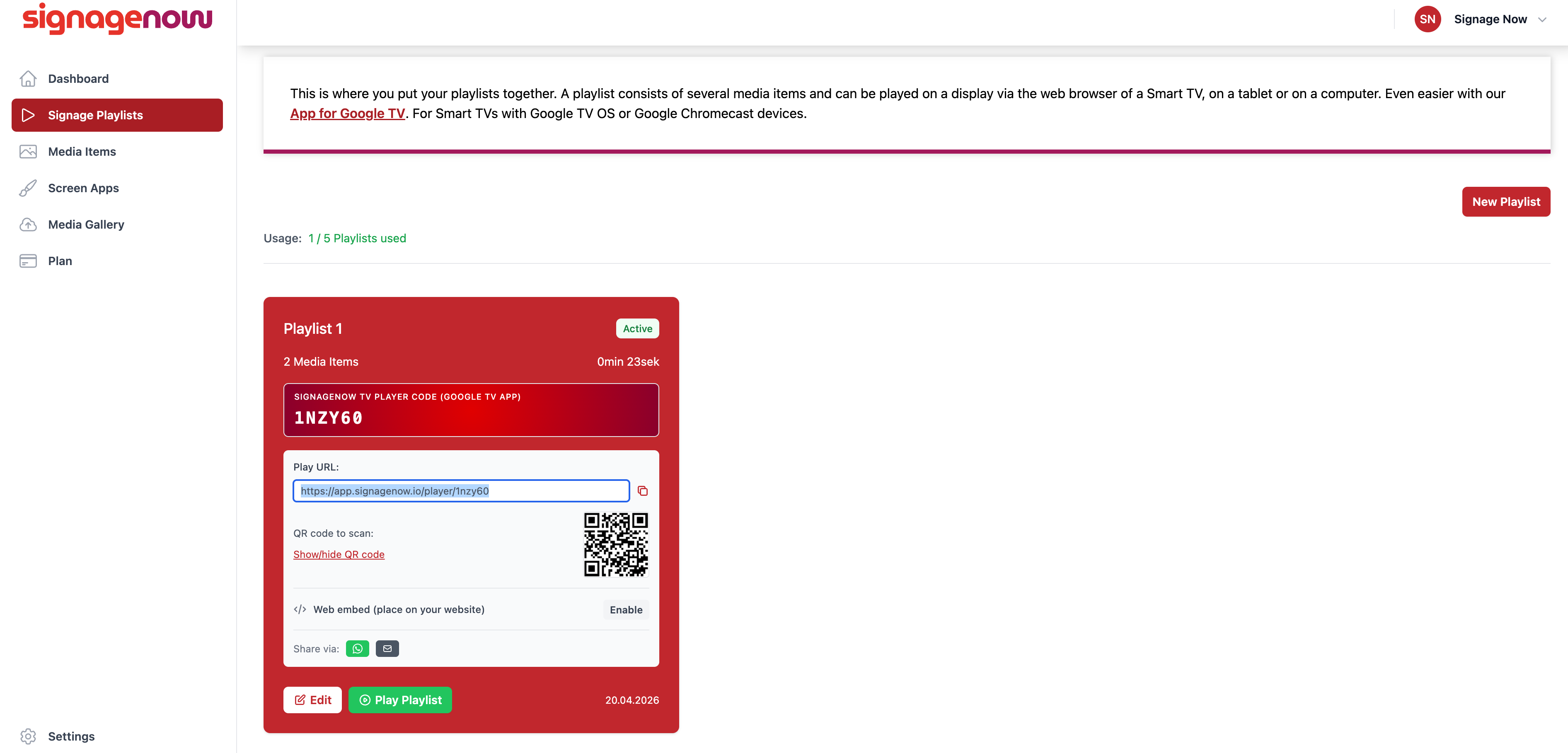
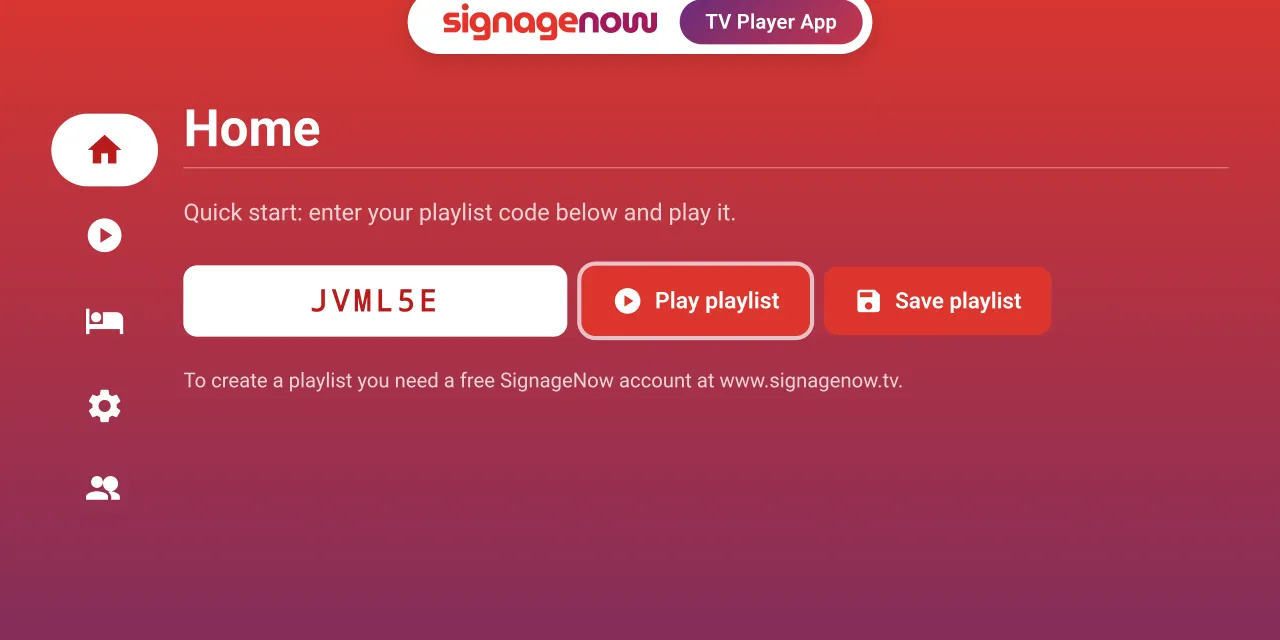
 

Waiting room TV via app or browser through SignageNow
Digital Signage Player App for Android and Fire TV by SignageNow

Your Own Content Instead of Third-Party Ads: It’s a Breeze with SignageNow

If you want to maintain full control over your practice screen without spending a fortune every month on rigid practice systems, SignageNow offers the ideal solution.

100% ad-free & full control

With SignageNow, you can be sure that your waiting room TV will only display content you explicitly approve. There are no unwanted third-party ads, no interruptions, and no third-party logos. Since the software is GDPR-compliant, it cannot access or modify your content.

Simple app for Android TV & Fire TV

Setup takes just a few minutes:

  • Download the SignageNow TV Player app to your Android TV or Fire TV device.
  • Open the app and enter the short code displayed for your playlist. The monitor will immediately start playing your content in an endless loop.
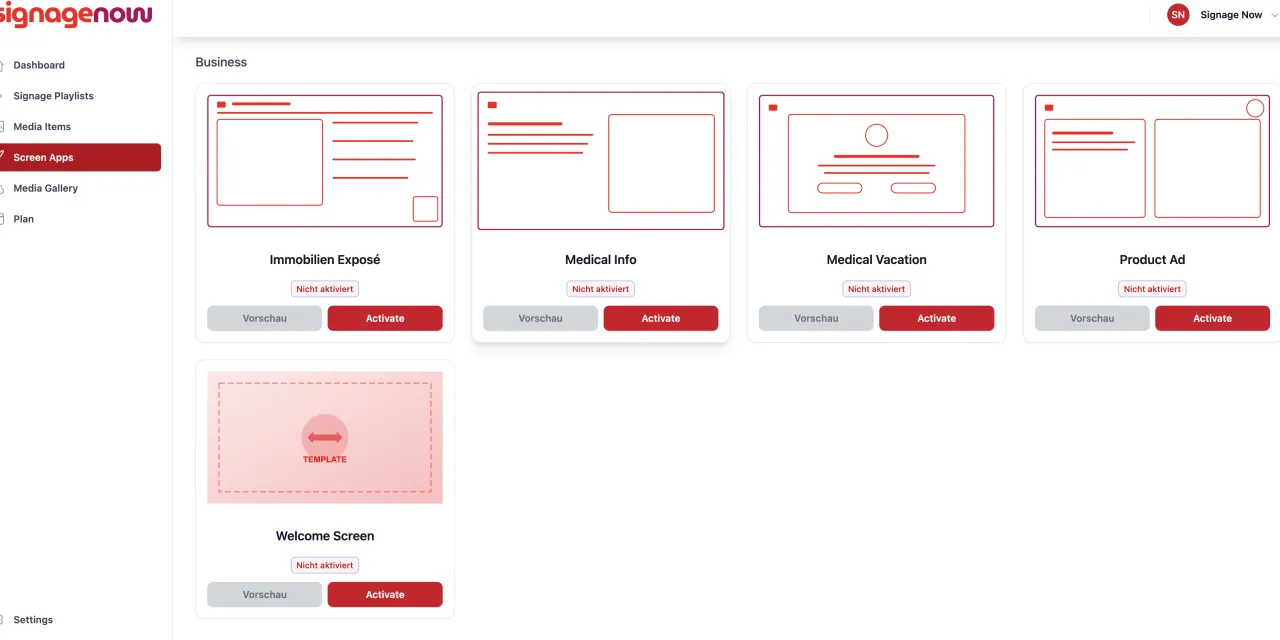
Use SignageNow's free templates for your own waiting room TV

Use Over 65 Ready-Made Templates

You don’t have to be a graphic designer to create eye-catching materials for your practice. SignageNow provides you with an extensive library of over 65 ready-made templates. With these, you can create the following in no time:

  • Professional display boards for office hours and contact information
  • Templates for introducing new doctors or medical assistant team members
  • Eye-catching information cards for IGeL services and vaccination campaigns

Real-time cloud synchronization

Do you need to announce last-minute changes to your hours due to illness? Simply update the playlist conveniently from the reception PC or your smartphone in your browser. Thanks to real-time cloud synchronization, the change will appear directly on the waiting room screen within seconds.

Conclusion: Modern patient infotainment doesn’t have to be expensive

Having your own ad-free waiting room TV increases patient satisfaction, relieves your practice team of the burden of answering repetitive questions, and enhances your practice’s image.

Instead of locking yourself into expensive all-in-one providers with restrictive contracts and unwanted ads, you can set up your system entirely on your own in under 10 minutes using a standard smart TV and digital signage cloud software like SignageNow—flexible, ad-free, and cost-effective.

Want to learn more about SignageNow? No problem.

Learn more about our digital signage software and prices here.