
Digital Signage Player App for Amazon Fire TV
Turn your Amazon Fire TV 4K Stick into a professional digital signage display in no time. The intuitive SignageNow TV Player app for Fire TV is now available for free download directly from the Amazon Appstore - no complicated IT setup required, but with the full range of features you need for modern digital signage.
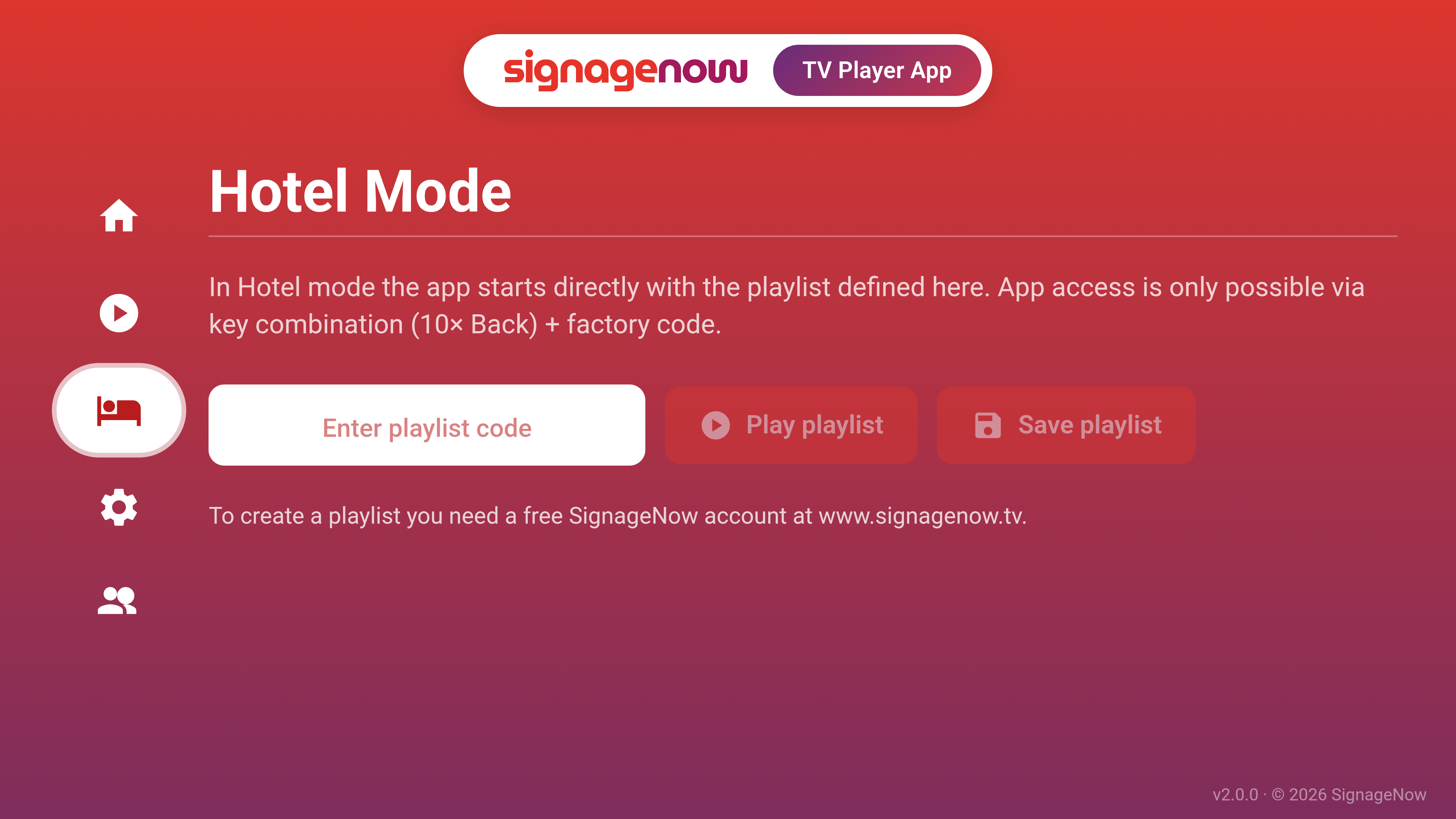
Use your Fire TV as a digital signage player
Are you already using a TV with Fire TV or a Fire TV 4K Stick in your restaurant, café, hotel, or retail store? Perfect! From now on, you no longer need expensive additional hardware or external media players to use professional digital signage software.
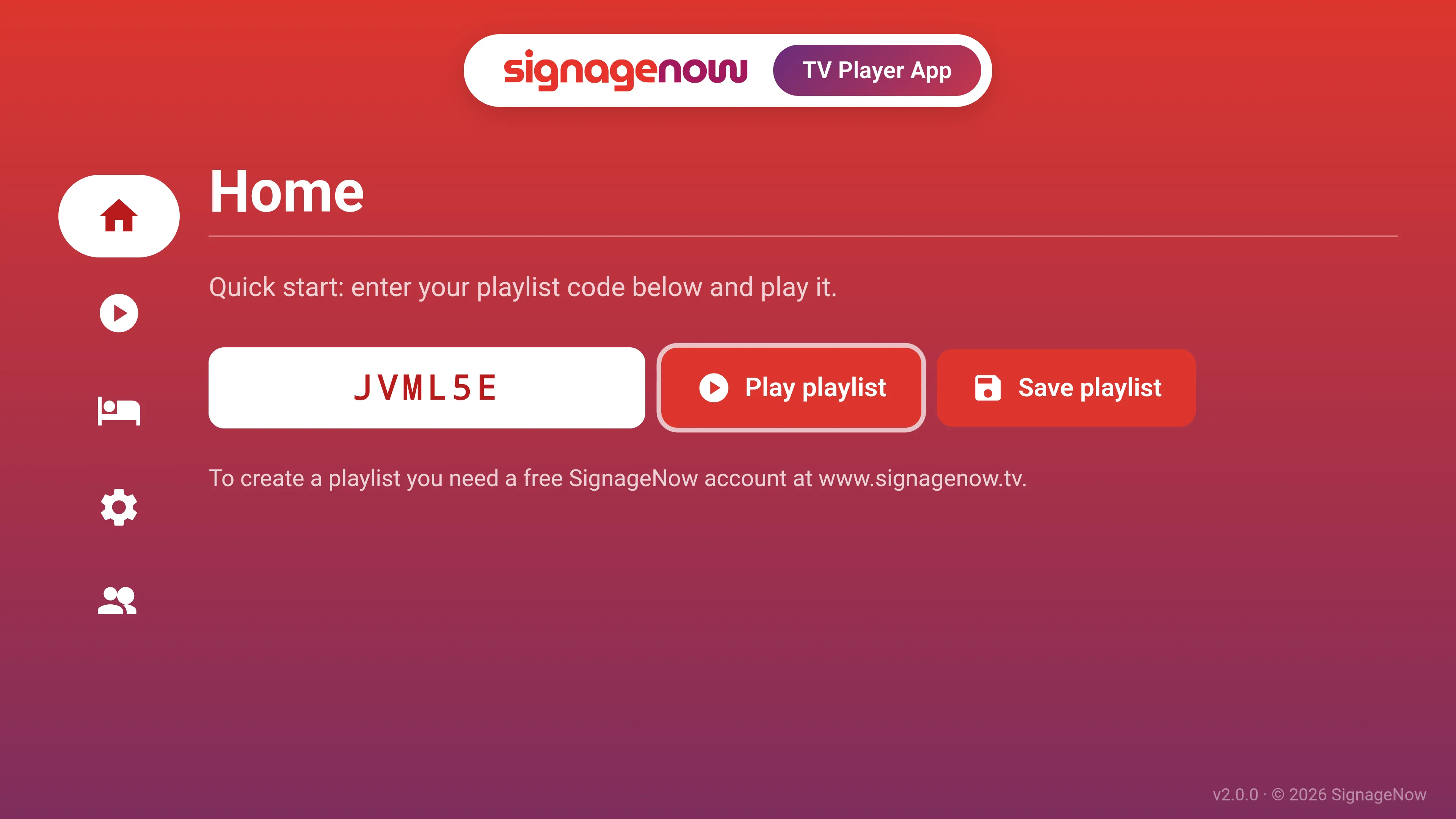
Plug in the stick, download the app, enter the code (which you’ll find in the web dashboard after you’ve created a playlist) and your digital advertising display will be up and running in less than 5 minutes.
Secure kiosk mode for error-free 24/7 playing
No settings can be changed by customers or guests. As soon as your playlist is running via our Digital Signage TV Player app, Hotel Mode (kiosk mode) locks the entire user interface of the app. The app settings are securely protected by a special key combination and a factory code.
No Screen Limits: Scale Your Infoscreen Software as You Wish
Whether you’re running just a single display in your storefront or want to centrally control over 100 TVs across multiple locations - our digital signage software sets no limits.
You can install the Digital Signage app on as many Fire TV Sticks as you like at no additional cost. Simply enter the playlist code displayed and assign the same or different playlists to the screens.
Availability: Now on the Amazon App Store
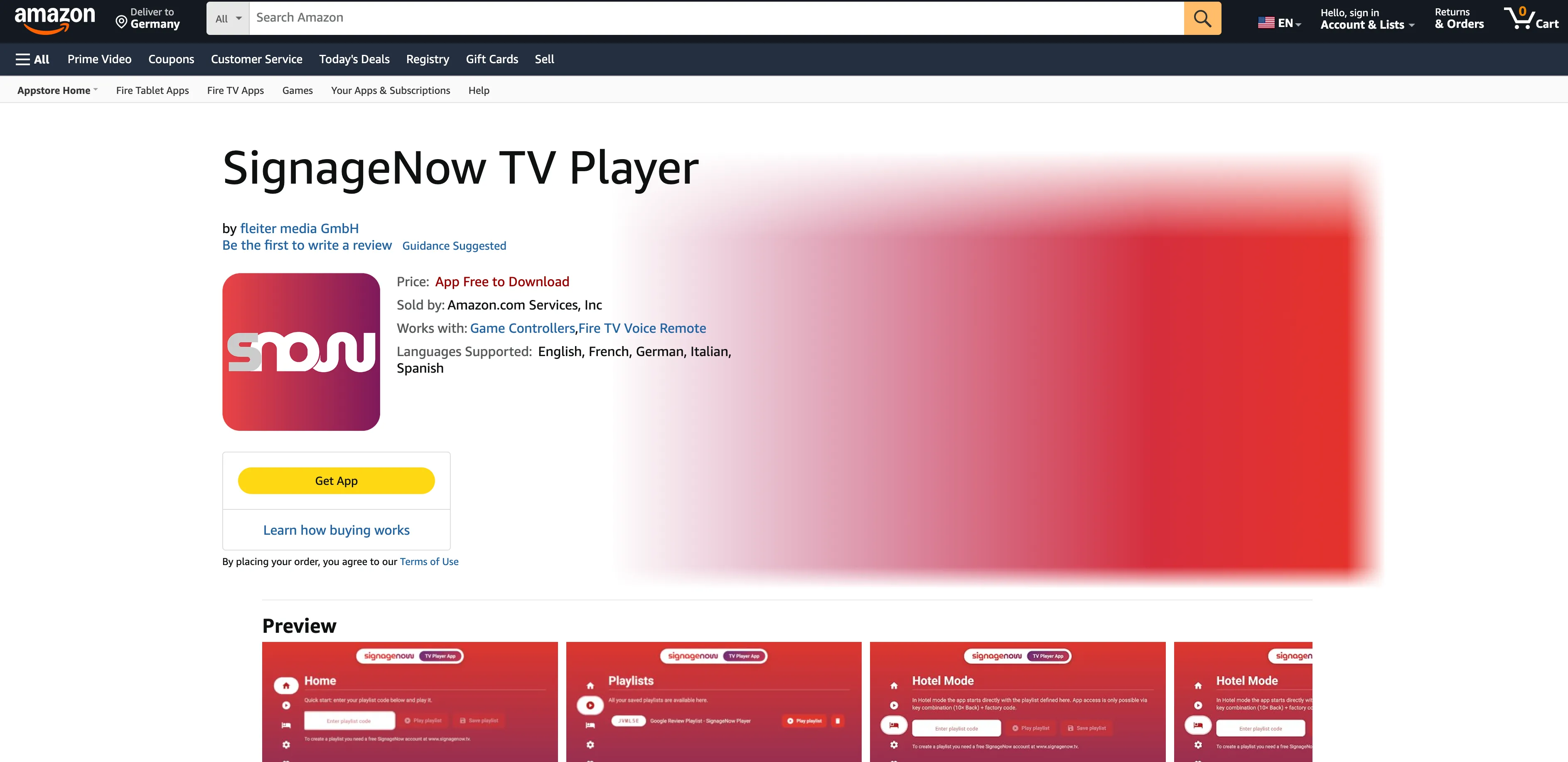
The SignageNow TV Player app is now available on the Amazon App Store! You can easily download it and use it for free.
It works on any Fire TV device (e.g., smart TVs with Fire OS, Fire TV Stick 4K, Fire TV Cube, etc.) except for the Fire TV Stick 4K Select and older generations of Fire TV Sticks.
Requirements:
The SignageNow TV Player app requires:
- A smart TV with the Fire OS operating system
- Alternatively: A streaming stick with Fire OS: Fire TV Stick 4K, Fire TV Cube, Fire TV Stick 4K Plus, and 4K Max, or a similar device.
Want to learn more about SignageNow? No problem.
Learn more about our digital signage software and prices here.