
Digital Signage for Medical Practices and Hospitals
Would you like to keep your patients informed in the waiting room about news, changes to your hours, or important preventive care appointments? With SignageNow, you can create your own playlist with personalized screen apps (templates) in just a few minutes. Boost patient satisfaction and make waiting times feel shorter - it’s easy and professional.
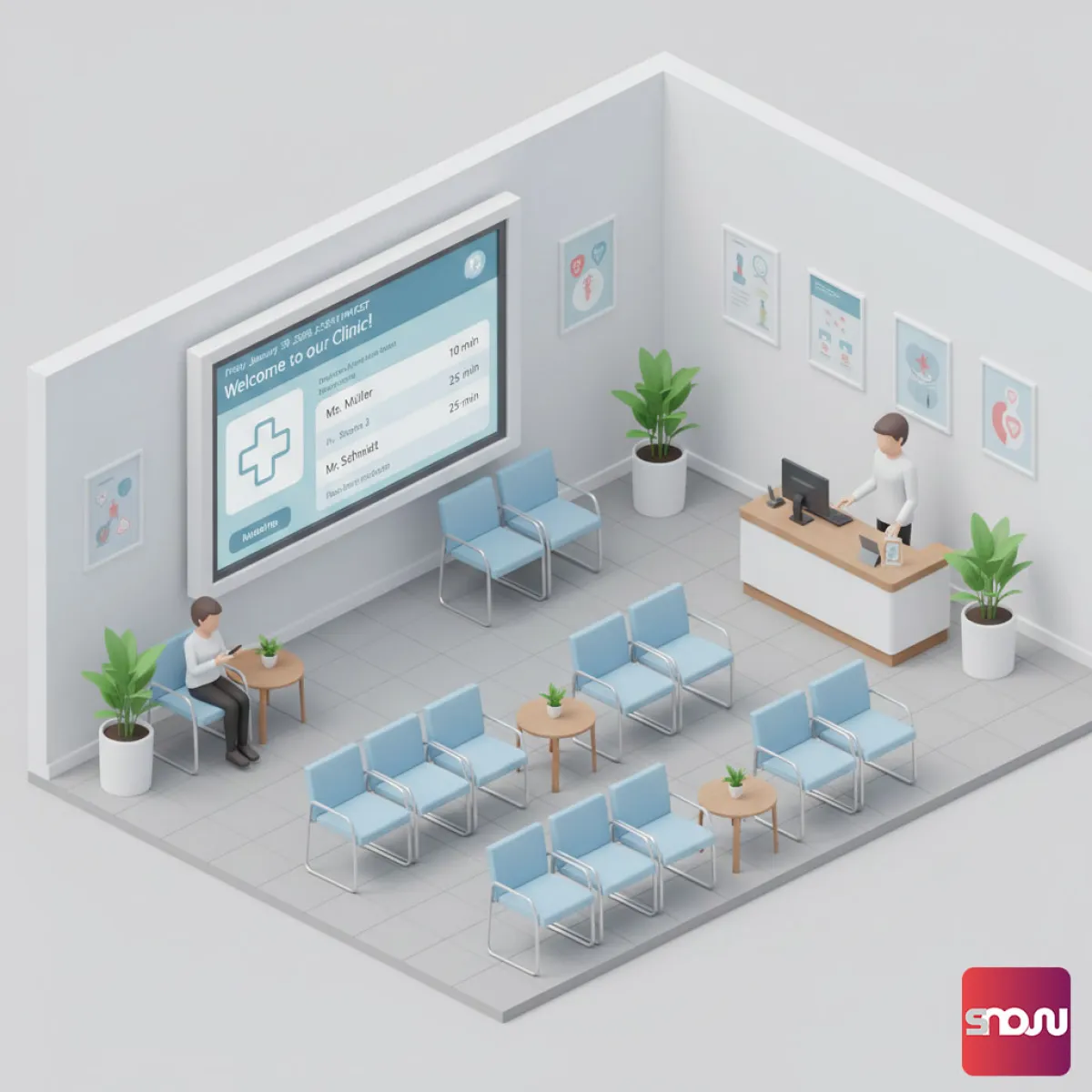
Your digital information board for the waiting room
Instead of outdated flyers and notes on the door, SignageNow lets you capture your patients’ attention right on the screen. Thanks to our intuitive cloud-based control system, you can manage content centrally without disrupting your practice’s workflow. Simply use the existing smart TV in the waiting room - all you need is a browser or our app. No extra PC or media player is required.
Password protection for your sensitive data
Your playlist is easily accessible. You can launch it directly in the practice TV’s browser or our app via your own secure link.
Our password protection keeps sensitive practice information secure, as you can restrict access to your playlists at any time. With our GDPR-compliant software, you’re ready to go right away with no lengthy installation processes—create a playlist, open the link, and you’re done.
Create Your Own Waiting Room TV with Templates
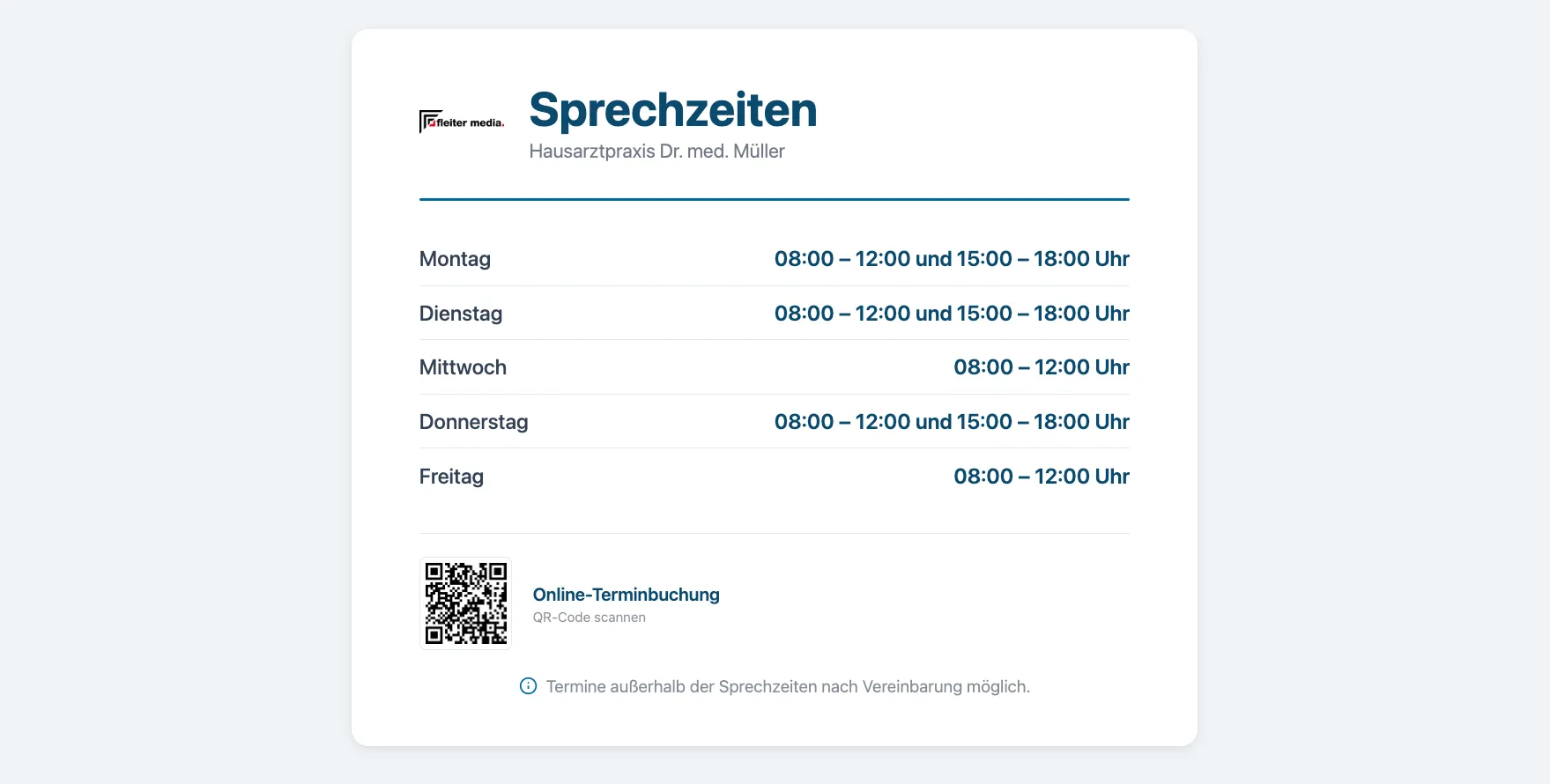
With SignageNow, you can create your own waiting room TV by using our specially designed templates for medical practices. Whether you need to announce clinic closures and substitute doctors, provide important patient information about current vaccination campaigns, or promote IGEL services: simply select a suitable template, add your text, and upload your clinic logo.
The best part: A well-designed practice TV not only makes the wait feel shorter but also provides the perfect platform for entertainment. Combine your own information with our daily news or weather forecasts!


Software “Made in Germany” – GDPR-compliant
At SignageNow, we place a high priority on security and data protection. All your data and content are fully protected. We do not access your files; you retain full control.
- Our software development takes place exclusively in Germany
- We use only certified servers within the EU
- Legally compliant data processing agreements (DPAs)
- You can delete your data and your account at any time
- Two-factor authentication
Free templates for your waiting room TV
To help you avoid wasting valuable time designing images and content for your waiting room TV, our infoscreen software offers a wide selection of templates.
Need a template? Just contact our support team!


Frequently Asked Questions
What are the benefits of having a patient TV in the waiting room?
A practice TV screen provides information about IGeL services, introduces the practice team, and helps make waiting times feel shorter by offering infotainment such as news updates and weather forecasts. It can also display standard information like office hours and vacation schedules using pre-designed templates.
Is SignageNow GDPR-compliant for use in medical practices?
Yes, data protection is important to us. Our digital signage solution is GDPR-compliant and offers additional security through password-protected playlists to prevent unauthorized access.
Do I need an expensive computer for the waiting room TV?
No, a standard smart TV or a monitor with an Amazon Fire TV Stick or a Google Chromecast is all you need. The software launches directly in your web browser or our free app for Android and Fire TV devices.
If you'd like to know how SignageNow works with a Fire TV Stick, you can find instructions here.
Can I vary the content between two consultation rooms?
Yes, you can assign a separate playlist to each screen in your office so that patients in the waiting room see different content than those in the reception area. Simply create two different playlists and enter the respective URL into the TV’s browser or our app.
Want to learn more about SignageNow? No problem.
Learn more about our digital signage software and prices here.