How do I create a playlist?
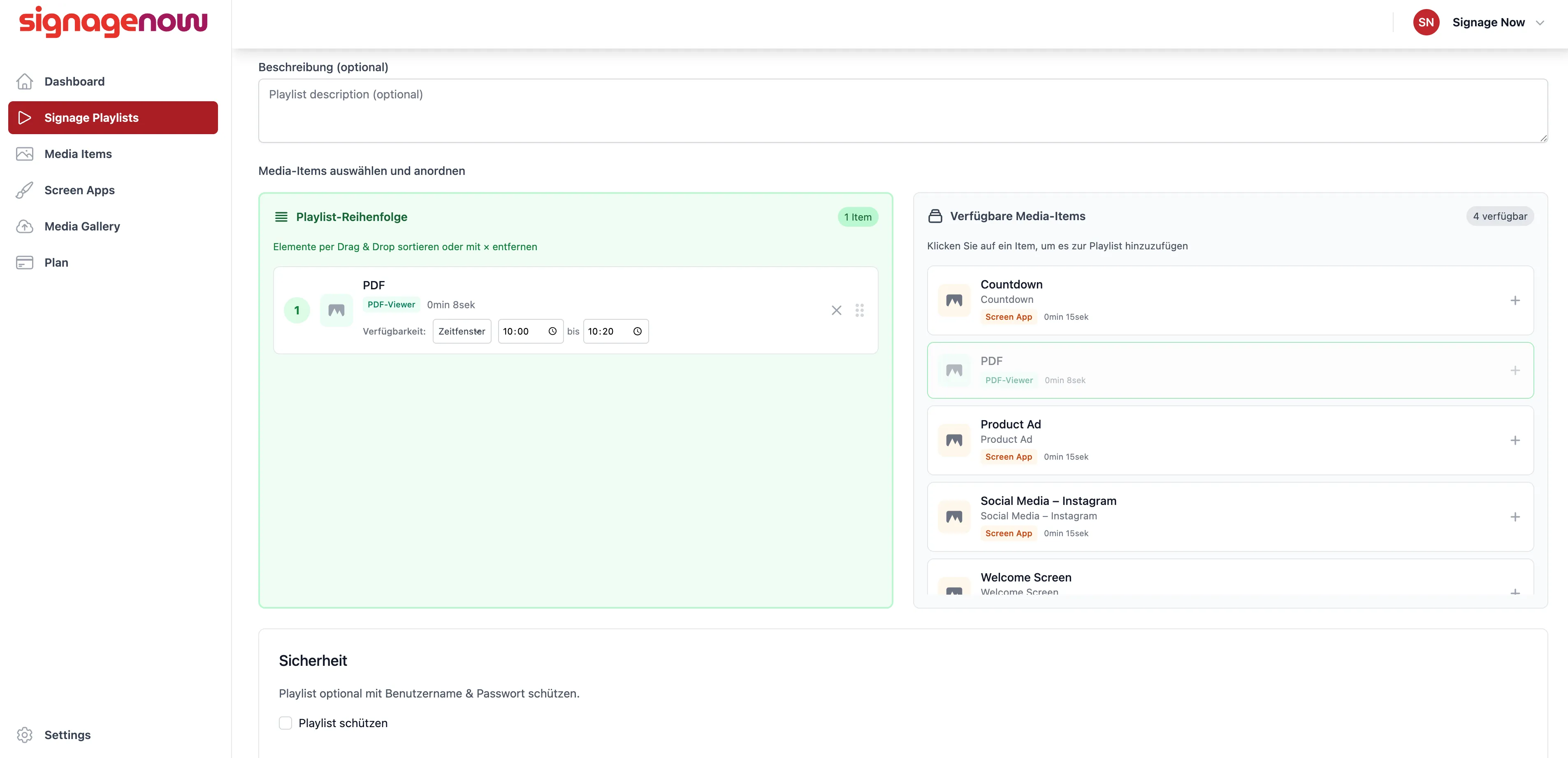
Enter a name and, optionally, a description there. On the right, you can select the media items you want to include in the playlist by clicking on them.
On the left, you can reorder the playlist by clicking and holding an item and dragging it.
Below that, you can protect the playlist with an email address and a password, as well as enable or disable it.
Additionally, with a paid plan, you have the option to hide the SignageNow logo.
Create Playlists on SignageNow
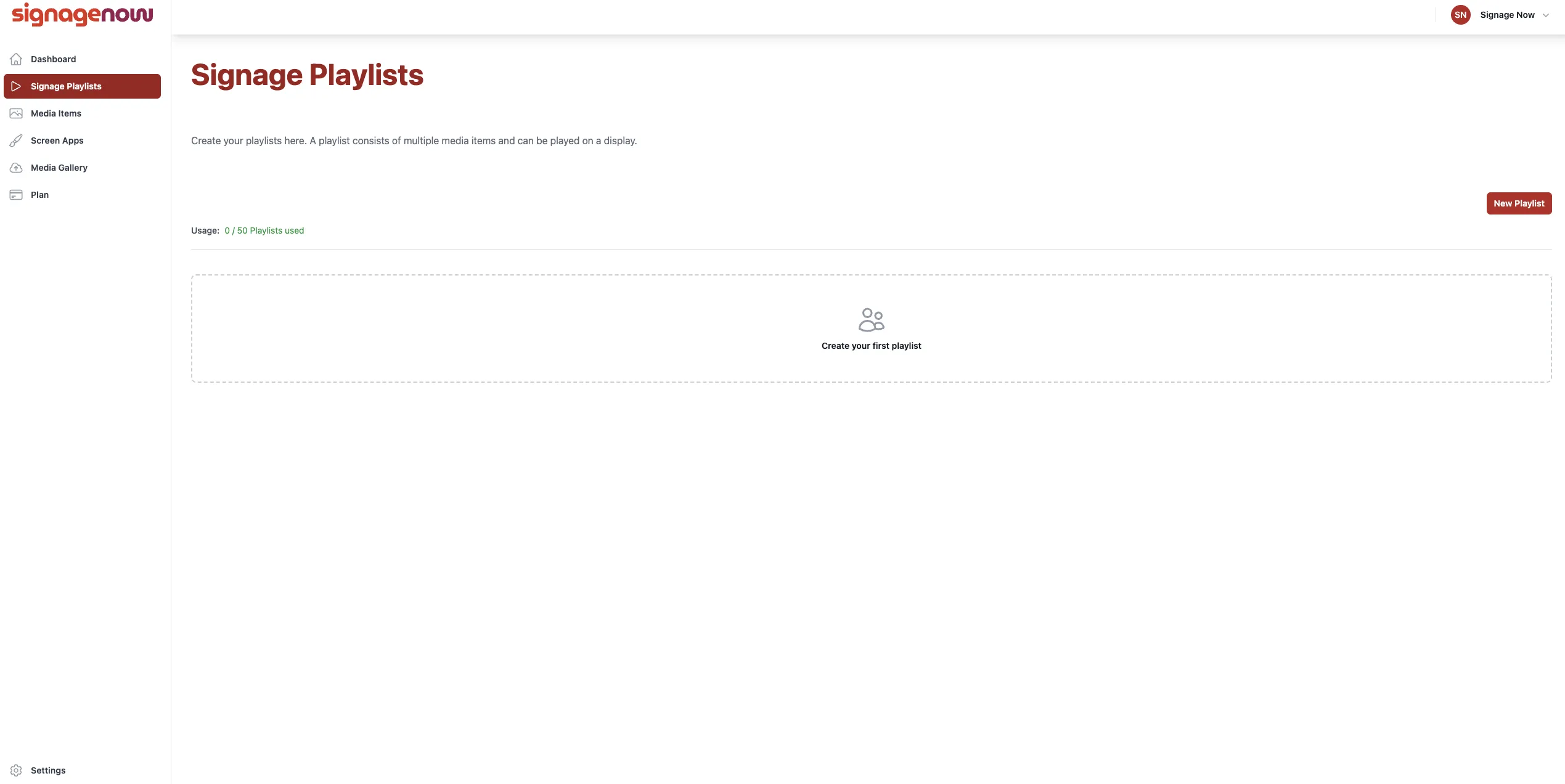
On the left side of the menu, under “Signage Playlists” (/playlists), you can create a new playlist by clicking the “New Playlist” button.
Want to learn more about SignageNow? No problem.
Learn more about our digital signage software and prices here.
