How do I add another payment method?
Add a payment method
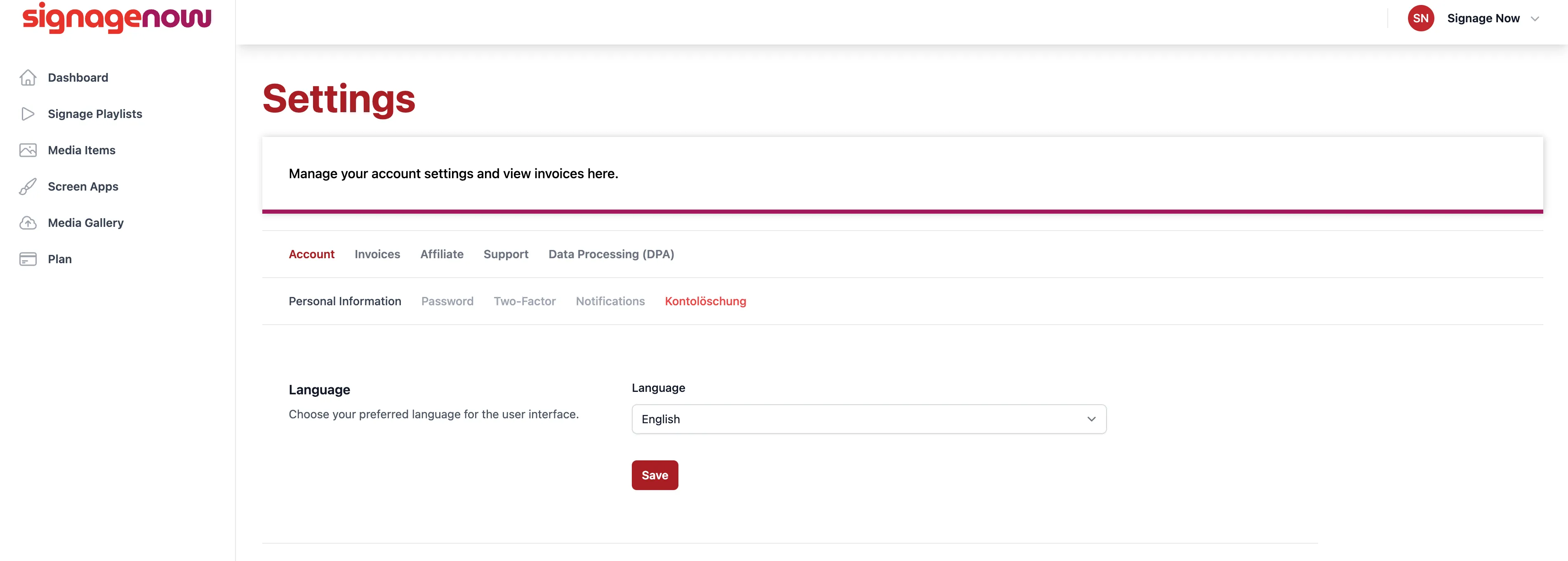
Go to Settings (/settings) and click on the “Invoices” tab. You'll then be redirected to our payment processor, Stripe. There, you'll find your saved bank account information and can edit it using the pencil icon or add a new one. You can also add a new payment method by clicking “+ Add Payment Method.”
Want to learn more about SignageNow? No problem.
Learn more about our digital signage software and prices here.
