How can I make money with SignageNow?
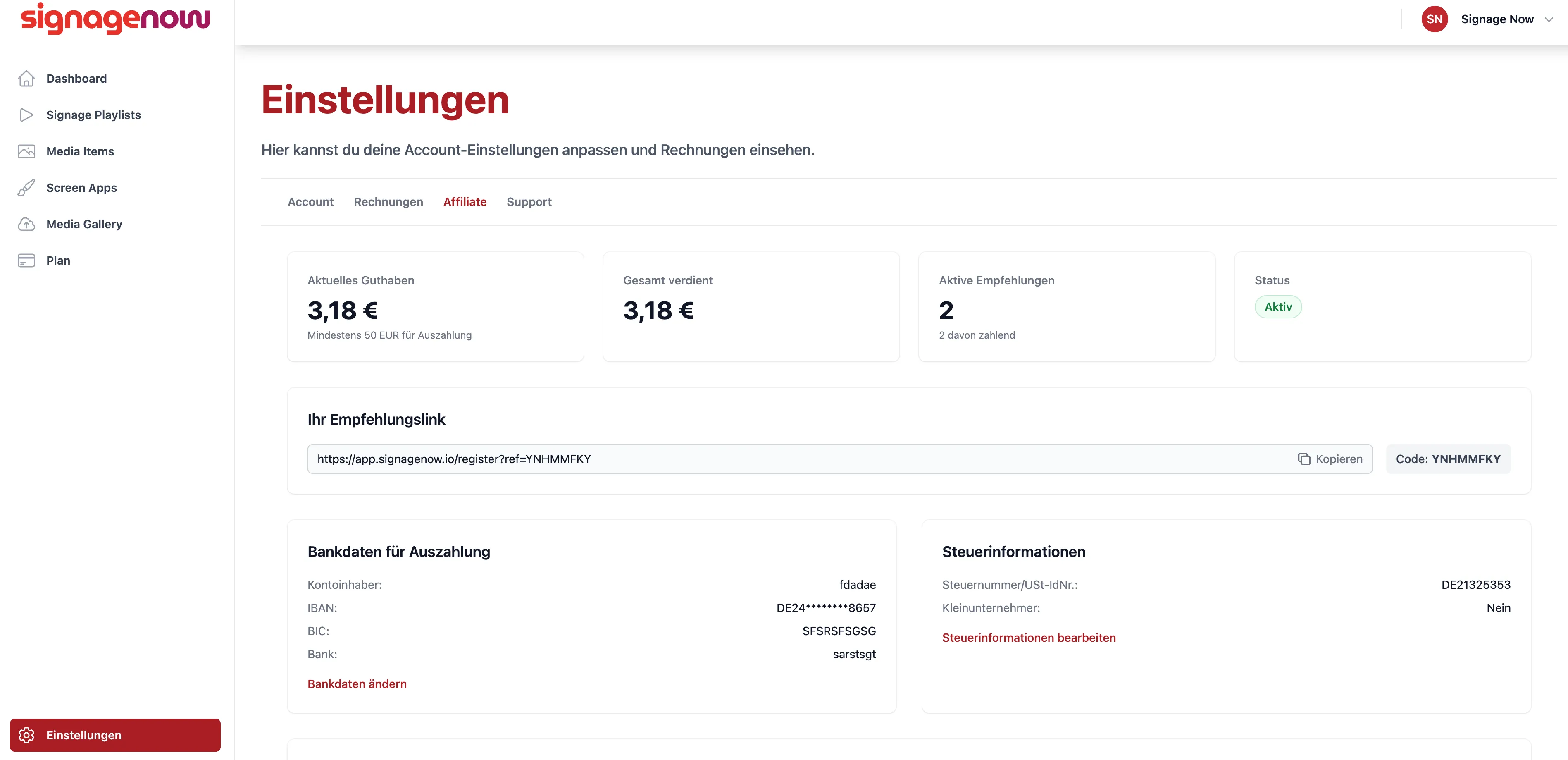
How do I update my bank account information and tax information for the affiliate program?
Go to Settings (/settings) and click on the “Affiliate” tab (/settings/affiliate). There, in the middle of the page, you'll find the bank account information for your payouts and your tax information.
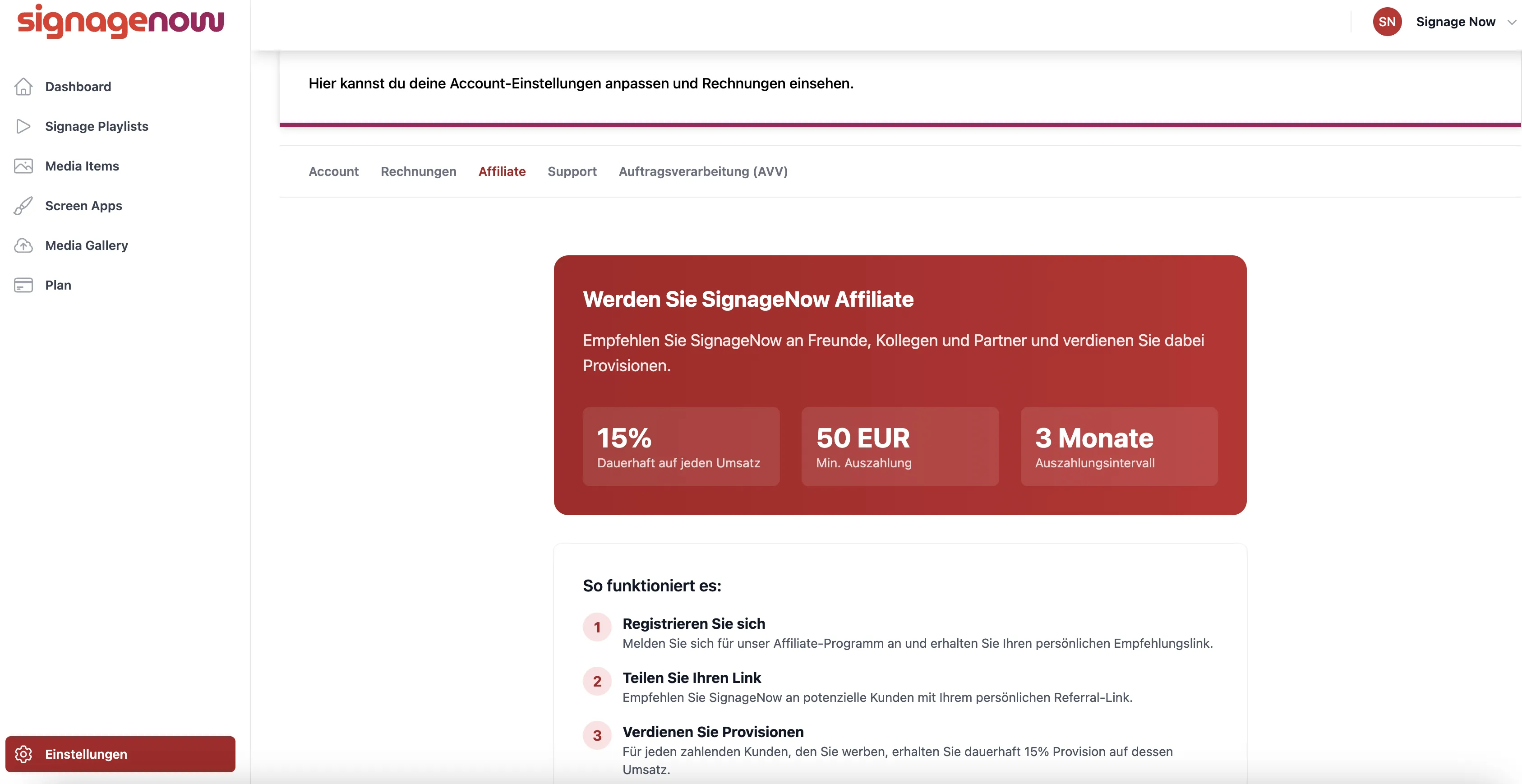
Sign up for the SignageNow affiliate program
The settings (/settings) are located at the bottom left. There, under the “Affiliate” tab, you'll find the option to register as an affiliate partner. After you register, you'll need to wait for someone from the SignageNow team to approve your account.
- We reserve the right to decline certain applicants for SignageNow. This may be for both contractual and technical reasons. We ask for your understanding that we cannot and will not provide further details in cases where an affiliate application is not approved.
Want to learn more about SignageNow? No problem.
Learn more about our digital signage software and prices here.
