How do I embed PDF files?
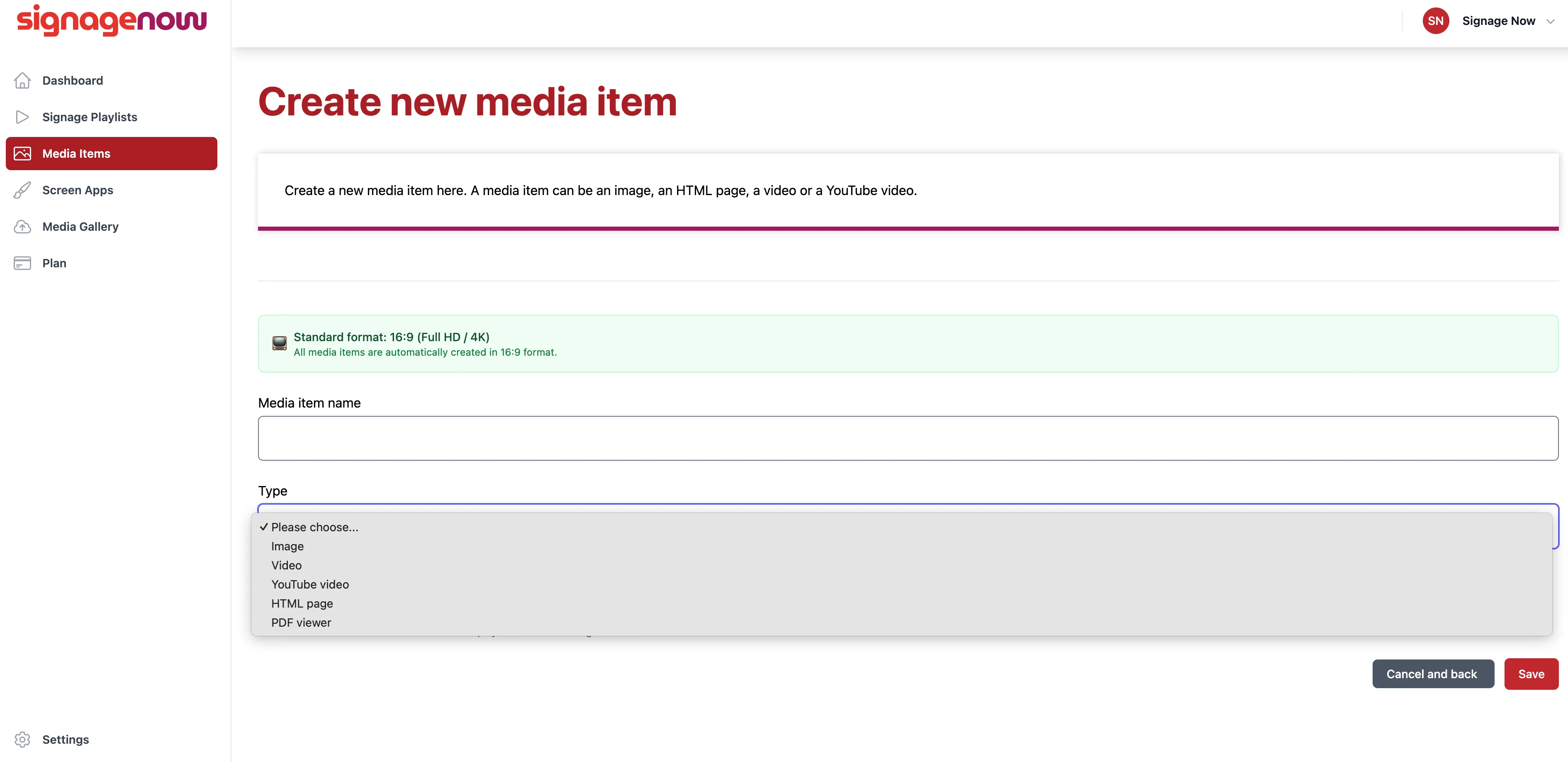
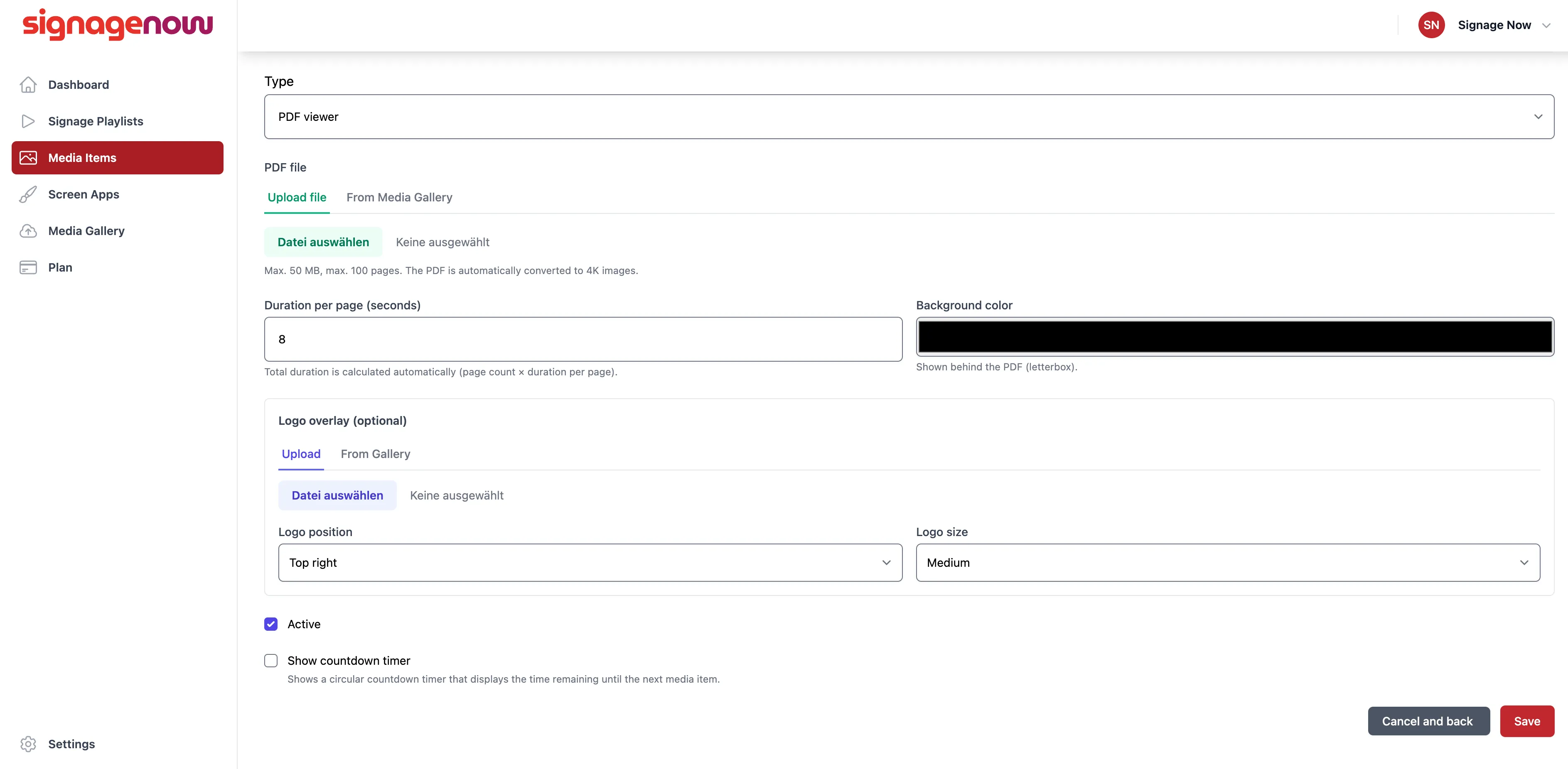
Then you can upload a PDF file or select one from the Media Gallery.
Right below that, you can set the display duration per page and the background color.
You can also upload a logo or select one from the Media Gallery. Below that, you can choose the logo’s position and size.
Last but not least, you can decide whether or not to display the countdown timer.
How to Embed PDF Files in SignageNow
On the left side of the menu, you'll find the “Media Items” option (/media-items).
There, you can create a new one by clicking the “New Media Item” button.
Enter a name and select the “PDF file” type.
Want to learn more about SignageNow? No problem.
Learn more about our digital signage software and prices here.
