
How do I integrate SignageNow into my website?
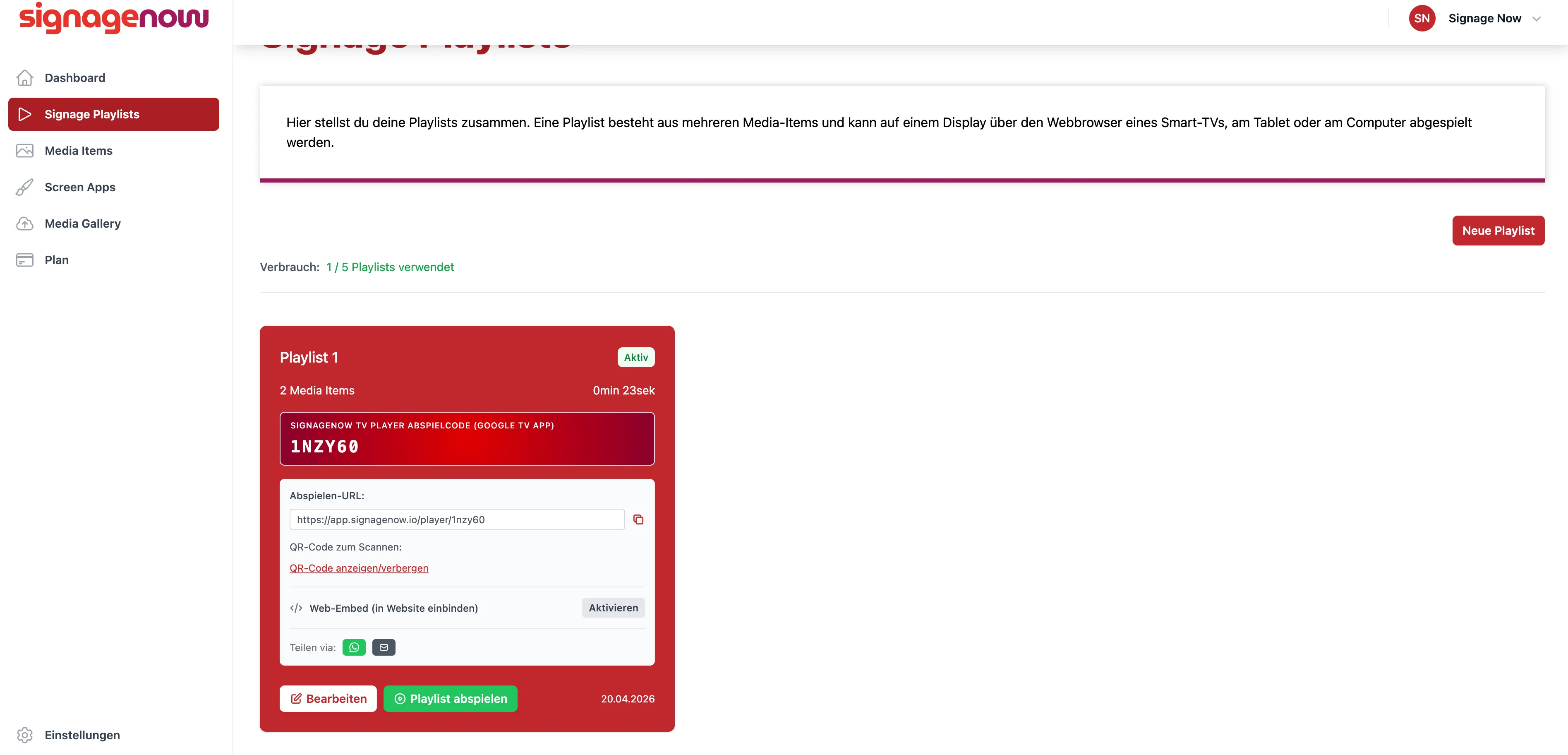
Embed the Digital Signage Playlist on my website
Once you've created a playlist, you'll find the option to enable the embed code in your playlist overview (under “Signage Playlists” in the left-hand menu).
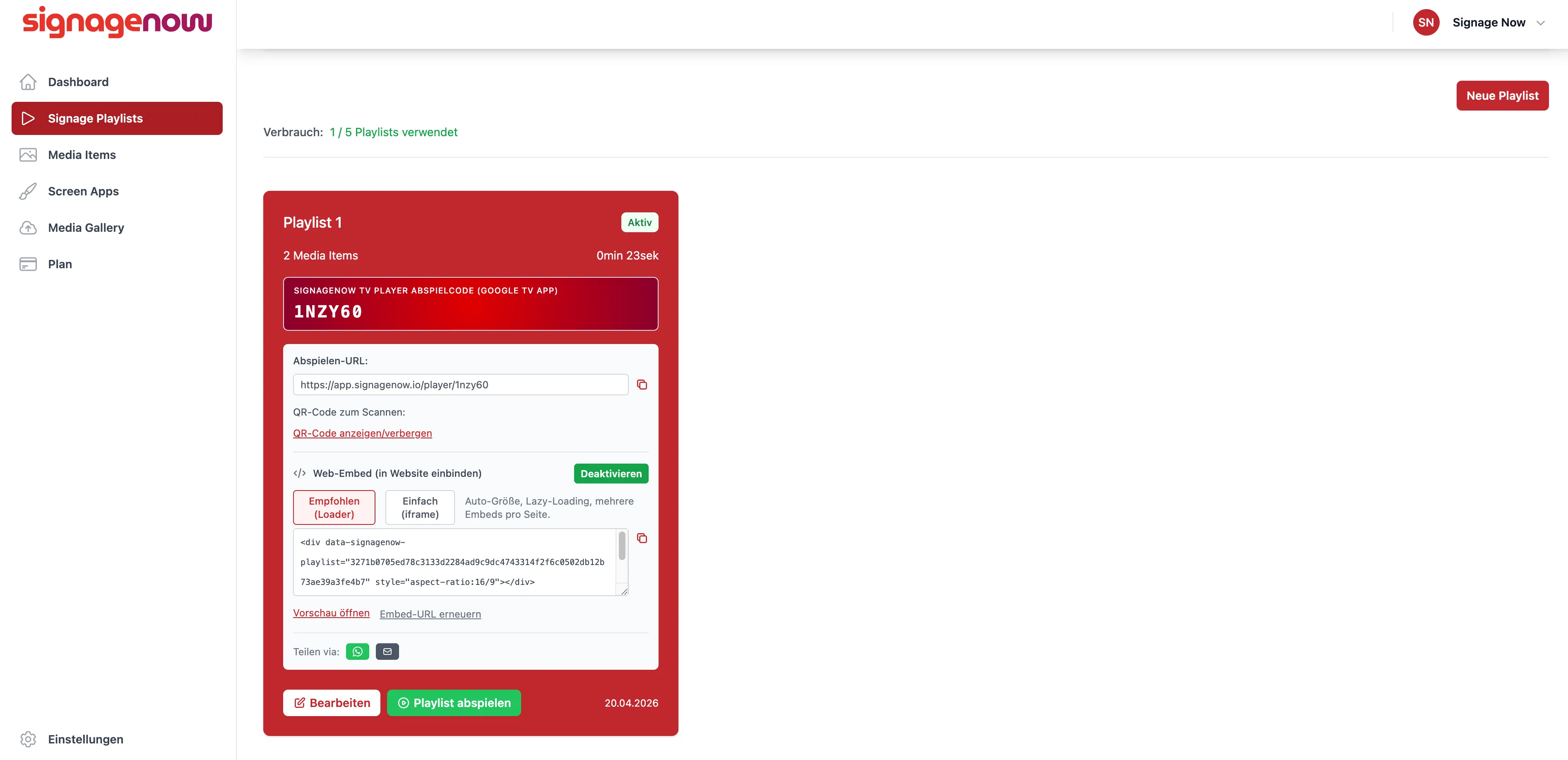
After activation, you will receive two codes: one for embedding via “Loader” and one for iFrame. We recommend using the “Loader.” You can also regenerate the code at any time by clicking the “Refresh Embed URL” button.
Want to learn more about SignageNow? No problem.
Learn more about our digital signage software and prices here.