Plan your content down to the minute
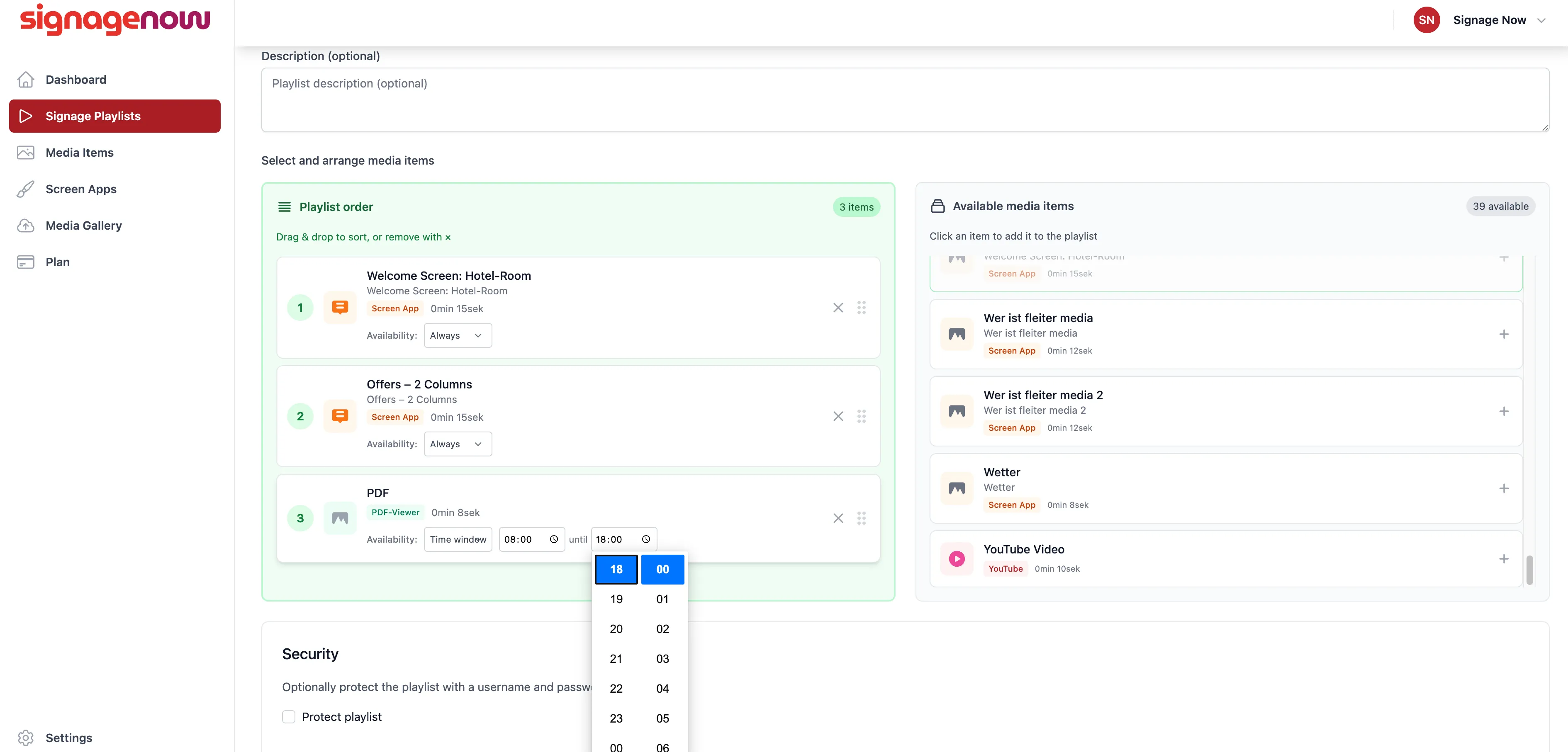
You can then set the availability for each media item in your playlist. By default, this is set to “Always.”
If you want a piece of content to play only during a specific time period, select “Time Slot.”
You can then set the start and end times for when this media item will be displayed.
You can also set schedules overnight, for example, from 9:00 p.m. to 7:00 a.m. The SignageNow digital signage software automatically detects when the item needs to be active and then displays or hides it in your existing playlist.
How do I create a schedule in SignageNow?
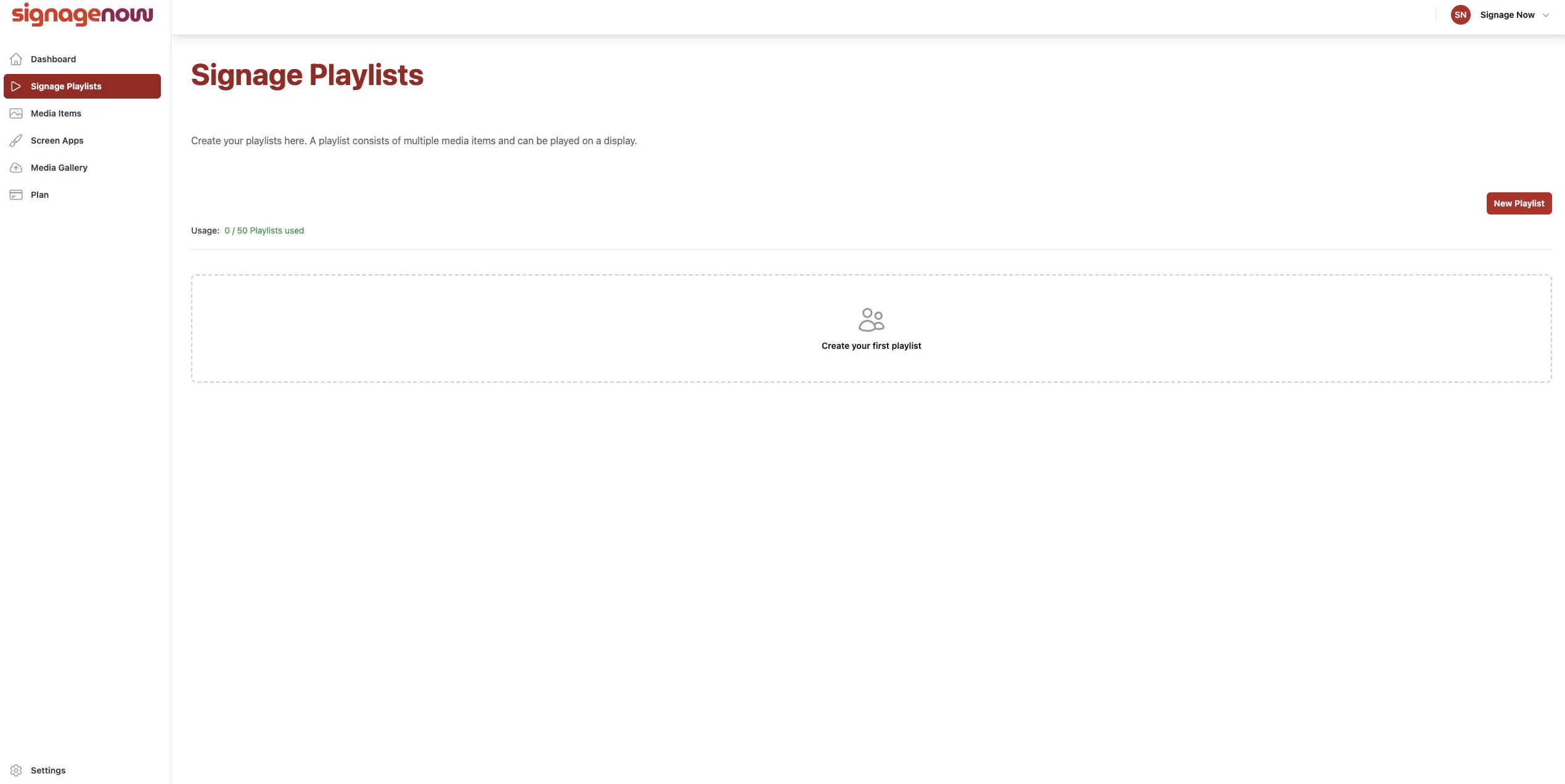
On the left side of the menu, under “Signage Playlists” (/playlists), you can edit your playlists.
Select your playlist and then click “Edit.”
If you don't have a playlist yet, our guide will help you create one.
Want to learn more about SignageNow? No problem.
Learn more about our digital signage software and prices here.
