How can I password-protect my playlist?
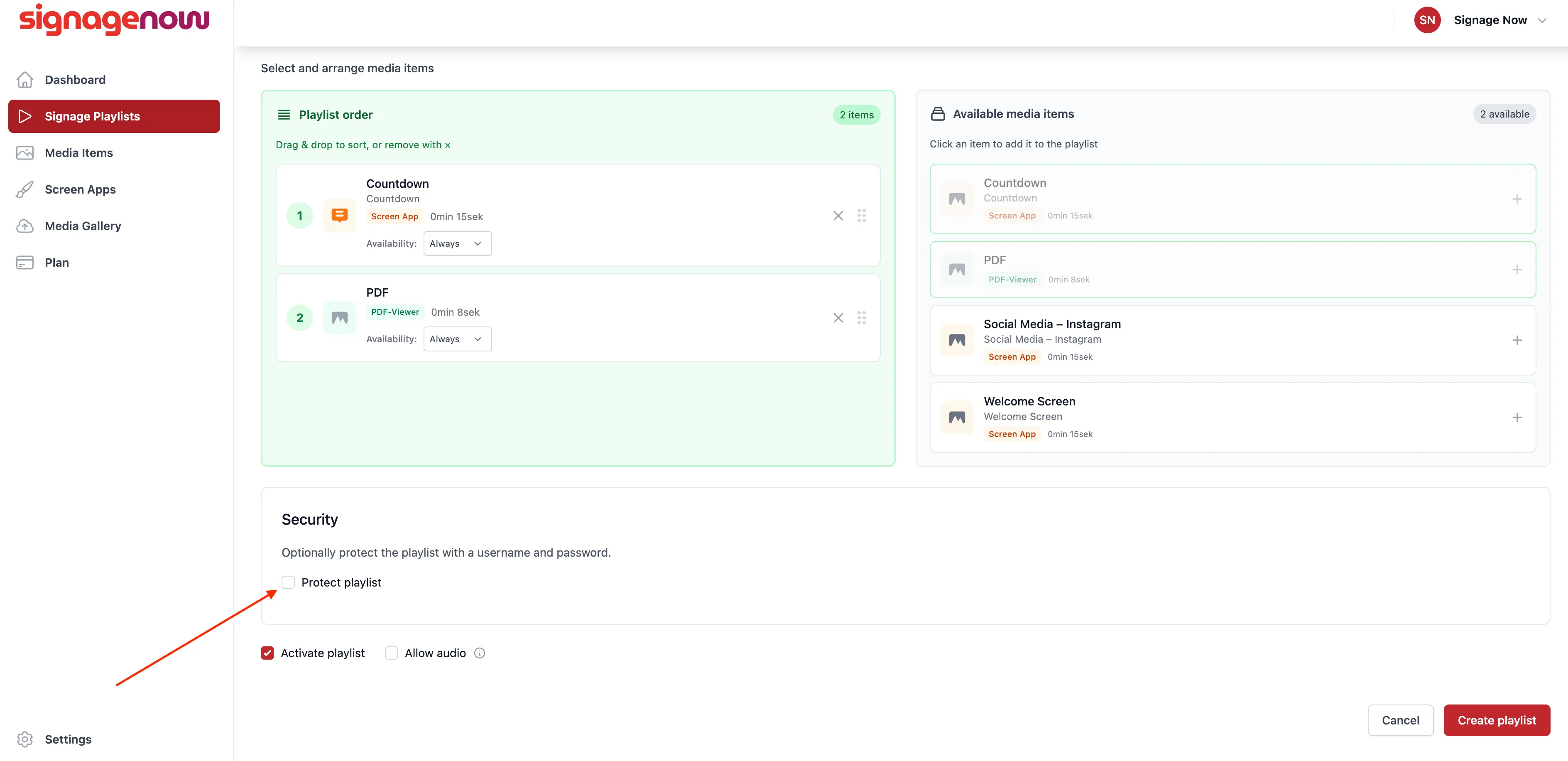
Protect the SignageNow Playlist with a Password
Click "Signage Playlists" in the menu on the left (/playlists), select the playlist you want to password-protect. Now click “Edit” and check the box next to “Protect playlist” in the Security section. Then click the “Save Playlist” button at the bottom of the page.
The page will then reload and you can choose a username and password and save the changes.
If you want to protect a new playlist right away, you can do so in the same way.
Want to learn more about SignageNow? No problem.
Learn more about our digital signage software and prices here.
