How do I activate and edit a Screen App?
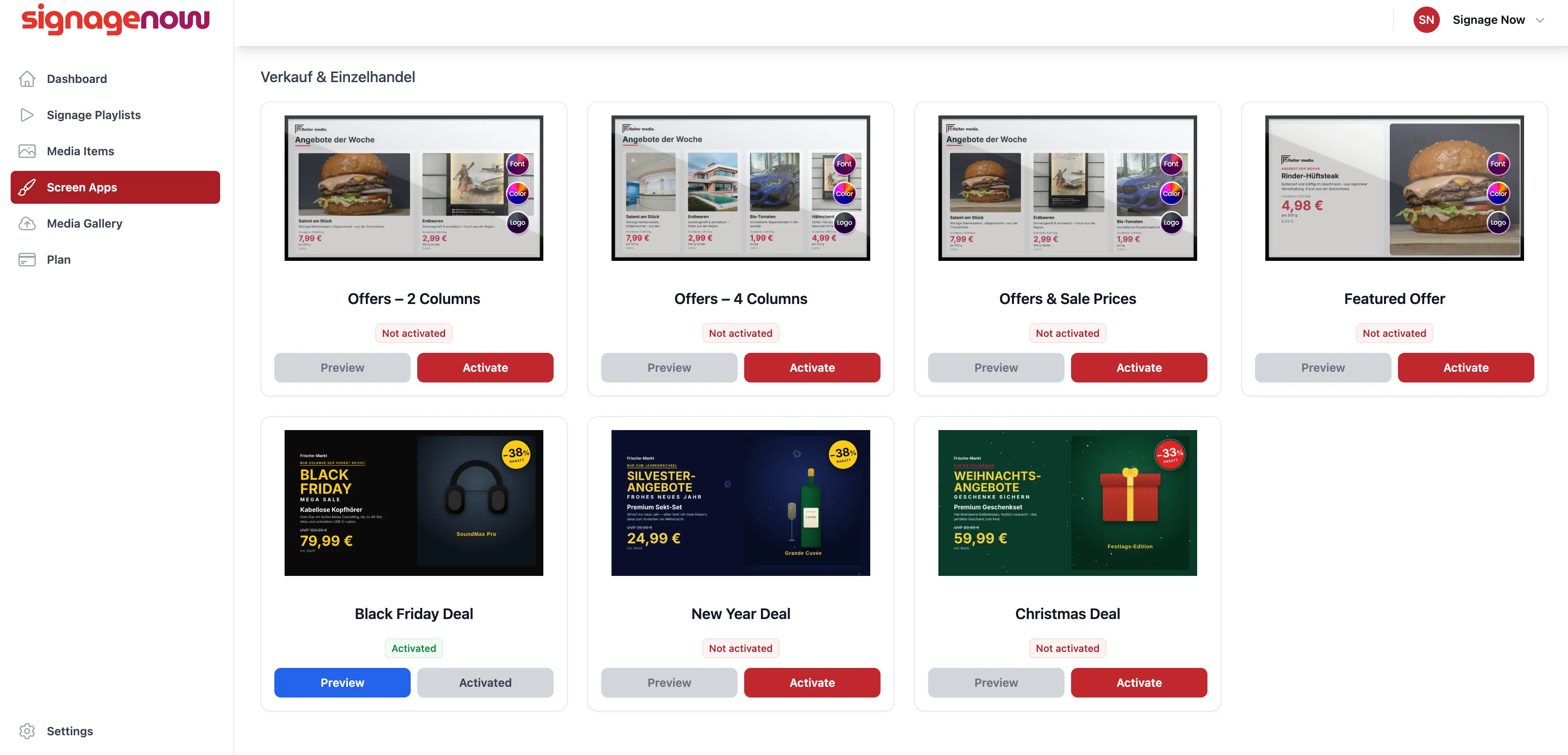
Editing Our Screen Apps
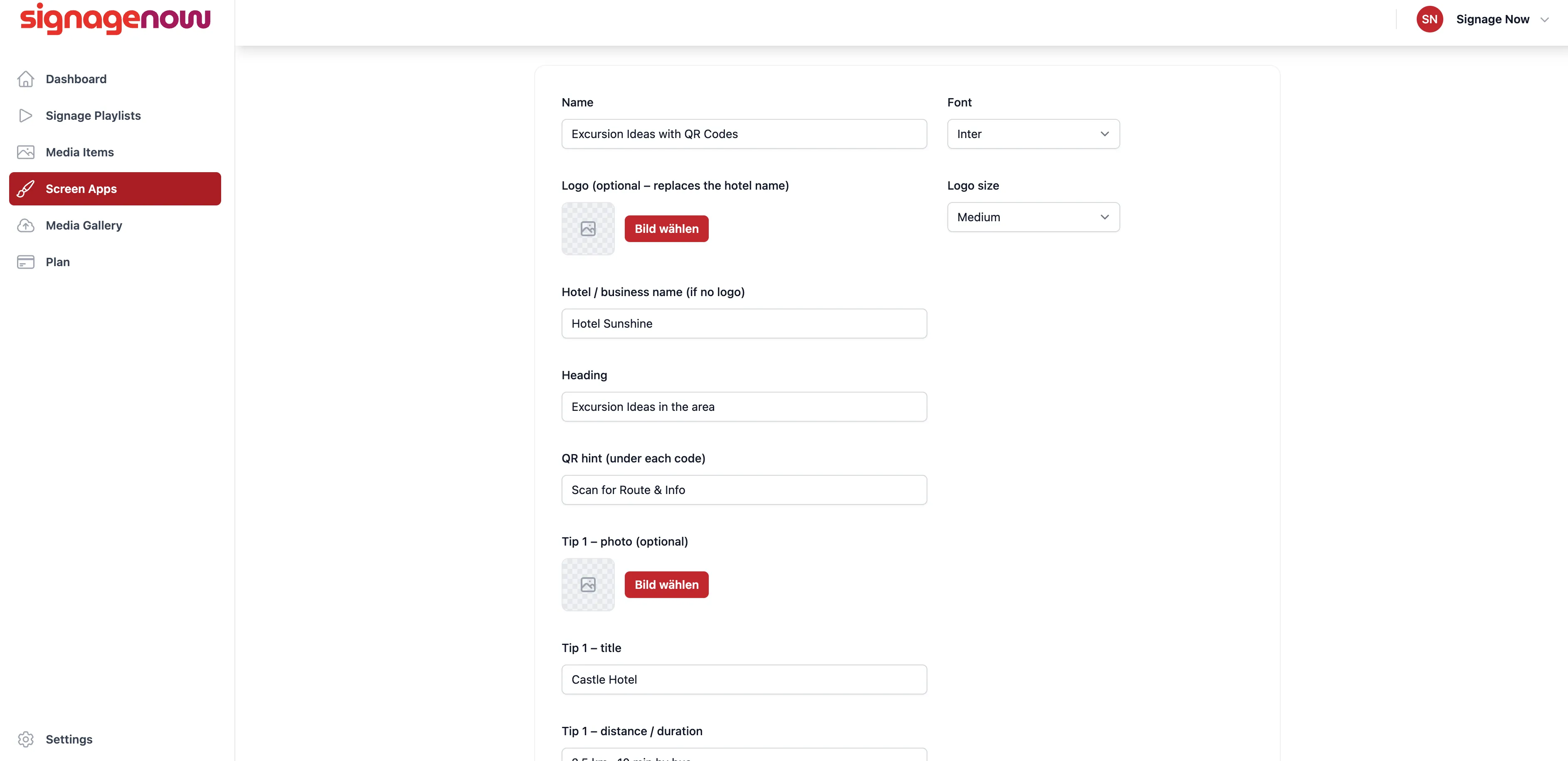
Under “My Screen Apps,” you can now edit, deactivate, delete, or copy the activated templates, or view a preview of them.
Using the “Copy” button, you can reuse a template multiple times and personalize it differently each time.
Why Screen Apps Are Better Than Simple Images
Static images are easily overlooked. Our Screen Apps can include animations and dynamic content, such as countdown timers and clock displays, that capture your customers’ attention. Since they are loaded as HTML media items, they take up very little storage space and load extremely quickly.
Enable SignageNow Templates
On the left side of the menu, you'll find the “Screen Apps” option (/media-hub).
There are two pages there: “My Screen Apps” and “All Screen Apps.” To use Screen Apps, activate one of the templates. You can then edit it to personalize it.
Want to learn more about SignageNow? No problem.
Learn more about our digital signage software and prices here.
