Where can I view my invoices?
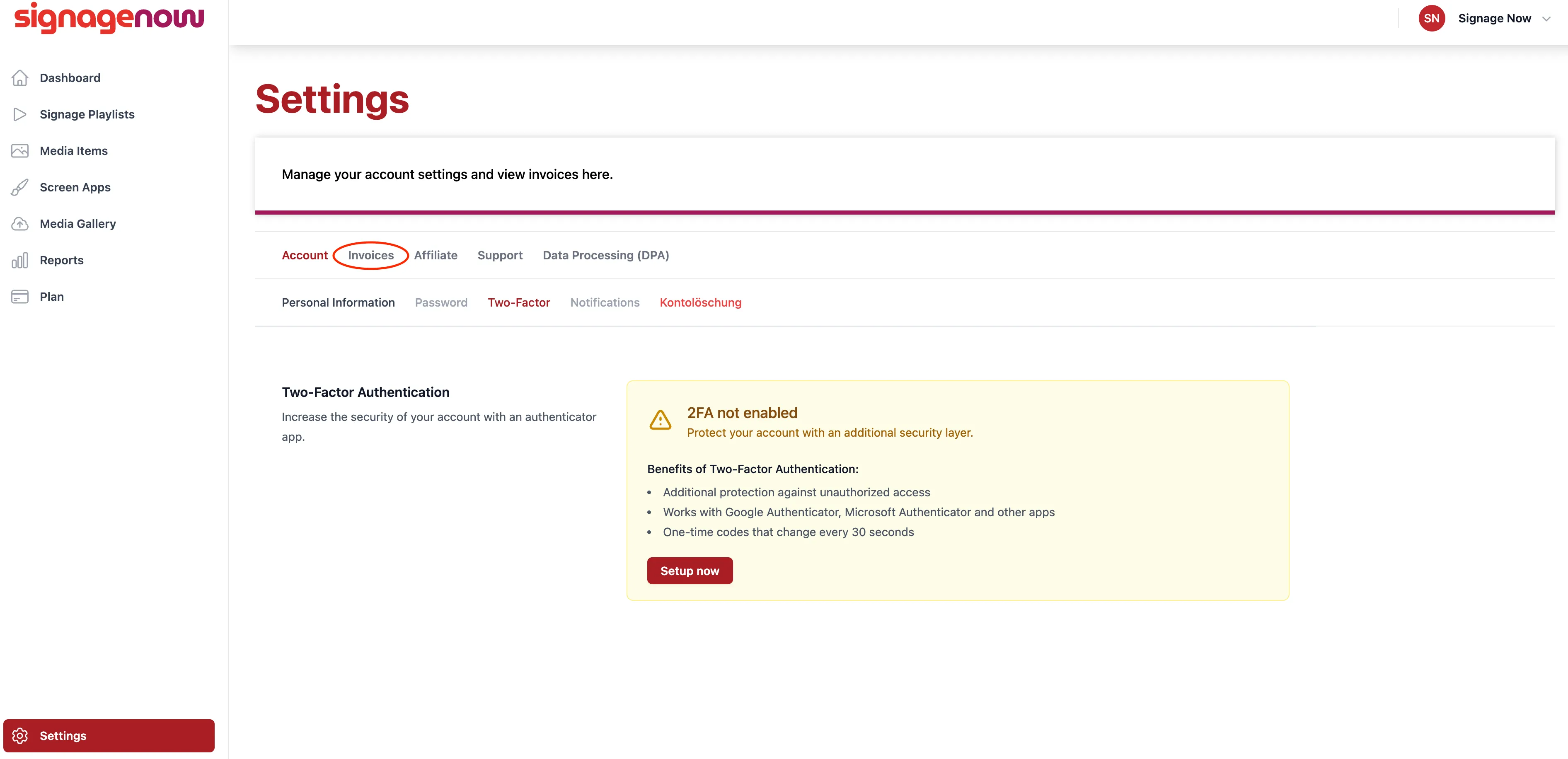
View Invoices on SignageNow
Go to Settings (/settings) and click on the “Invoices” tab. You'll then be redirected to our payment processor, Stripe. There, you'll find your current invoice at the top of the page and your invoice history at the bottom.
Want to learn more about SignageNow? No problem.
Learn more about our digital signage software and prices here.
