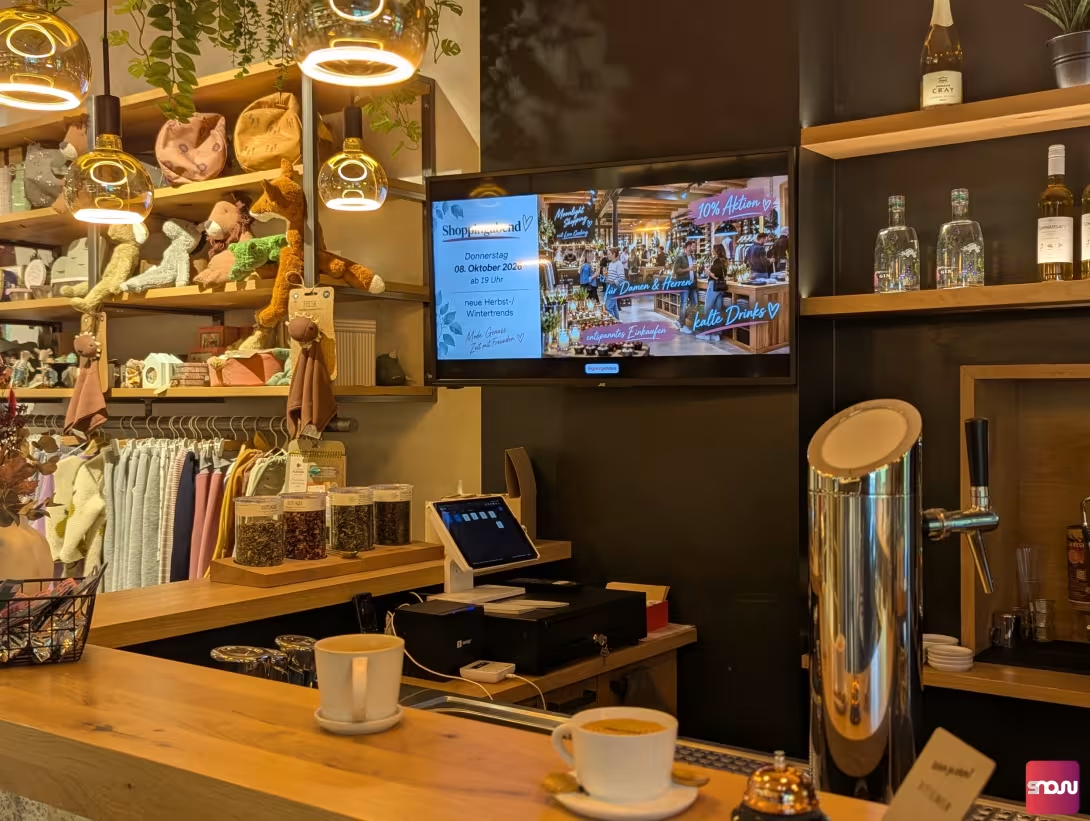
Do you want to draw your customers’ attention to current promotions, new products, or changed hours of operation in your storefront, sales area, or checkout area? Many retailers and service providers shy away from modern digital signage because they fear expensive specialized hardware, complicated installations, or monthly software fees.
The good news: These days, you can set up a professional advertising display completely free of charge and in just a few minutes - often even using devices you already have lying around at work or at home.
In this guide, you’ll learn in a clear and practical way what hardware you need, how to load content onto your display at no extra cost, and what to keep in mind when it comes to content.
1. The Hardware: Which Screen Is Right for Your Retail Store?
You don’t have to buy expensive industrial monitors to create an effective advertising display. Basically, you can use any TV or computer monitor you have lying around. There are essentially two simple ways to do this:
Option A: Using a Smart TV Directly
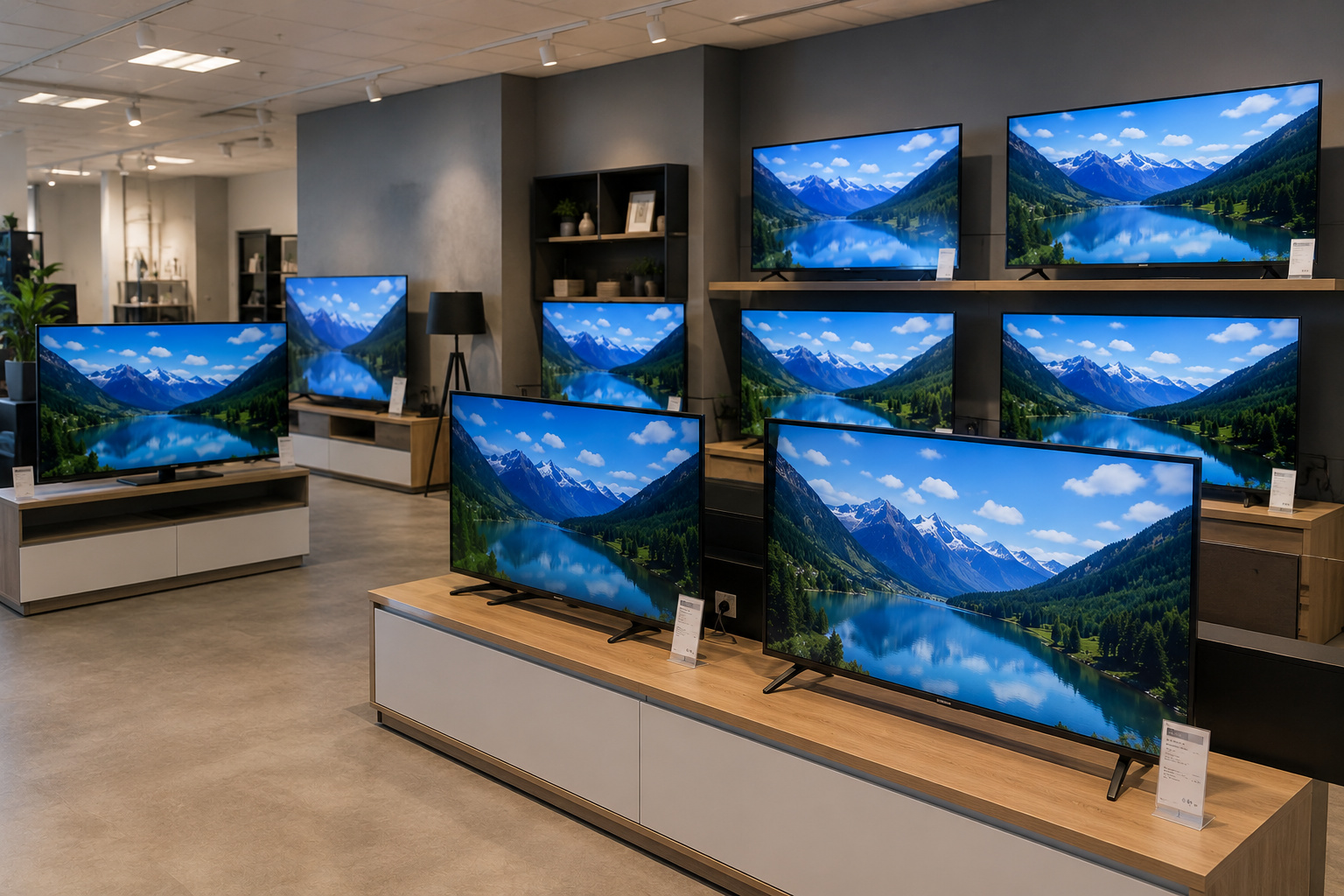
If your TV already has its own internet connection and a built-in web browser or app store (e.g., devices with Android TV, Fire TV, Samsung Tizen, or LG webOS), you won’t need any additional hardware. Simply connect the TV to your Wi-Fi network.
Option B: Standard monitor / TV + affordable streaming stick
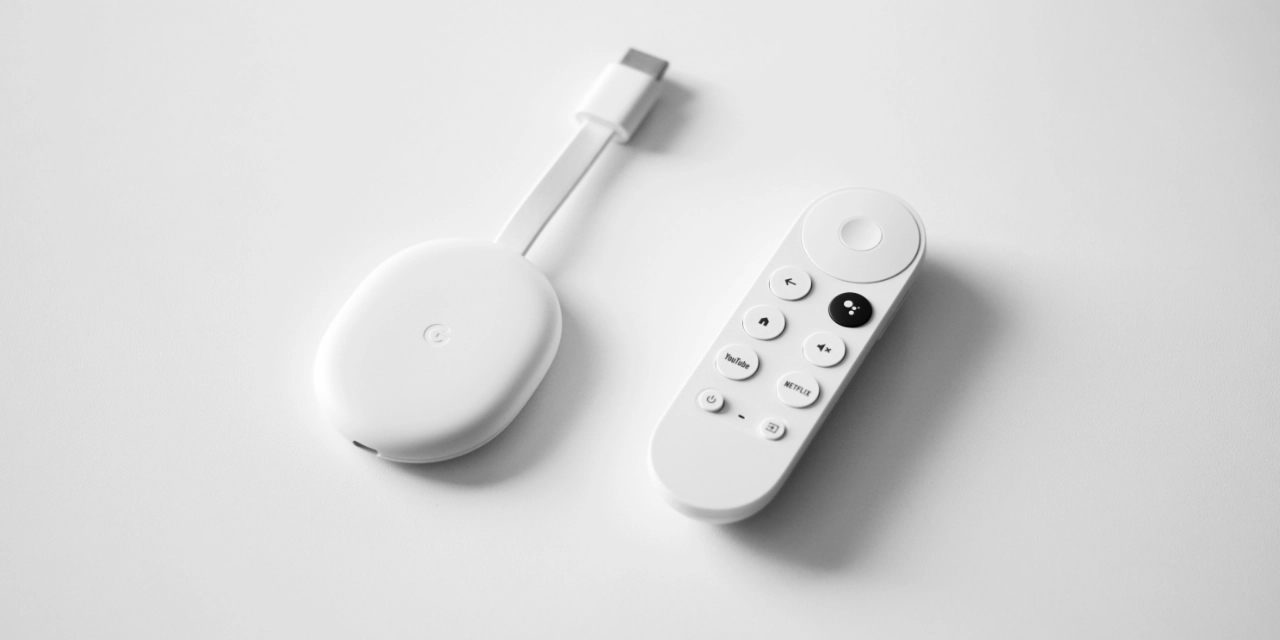
Does your monitor lack its own internet connection, or is the built-in system outdated? No problem: You can make your monitor internet-ready in no time using any available HDMI port. The best options for this are affordable streaming sticks or TV boxes running Android TV, Google TV, or Amazon Fire TV (such as the Google TV Streamer, Fire TV 4K Stick, or a Xiaomi TV Box). These devices cost between 25 and 50 euros as a one-time purchase and turn any old screen into a powerful advertising display.
2. Why USB drives and PowerPoint presentations fail
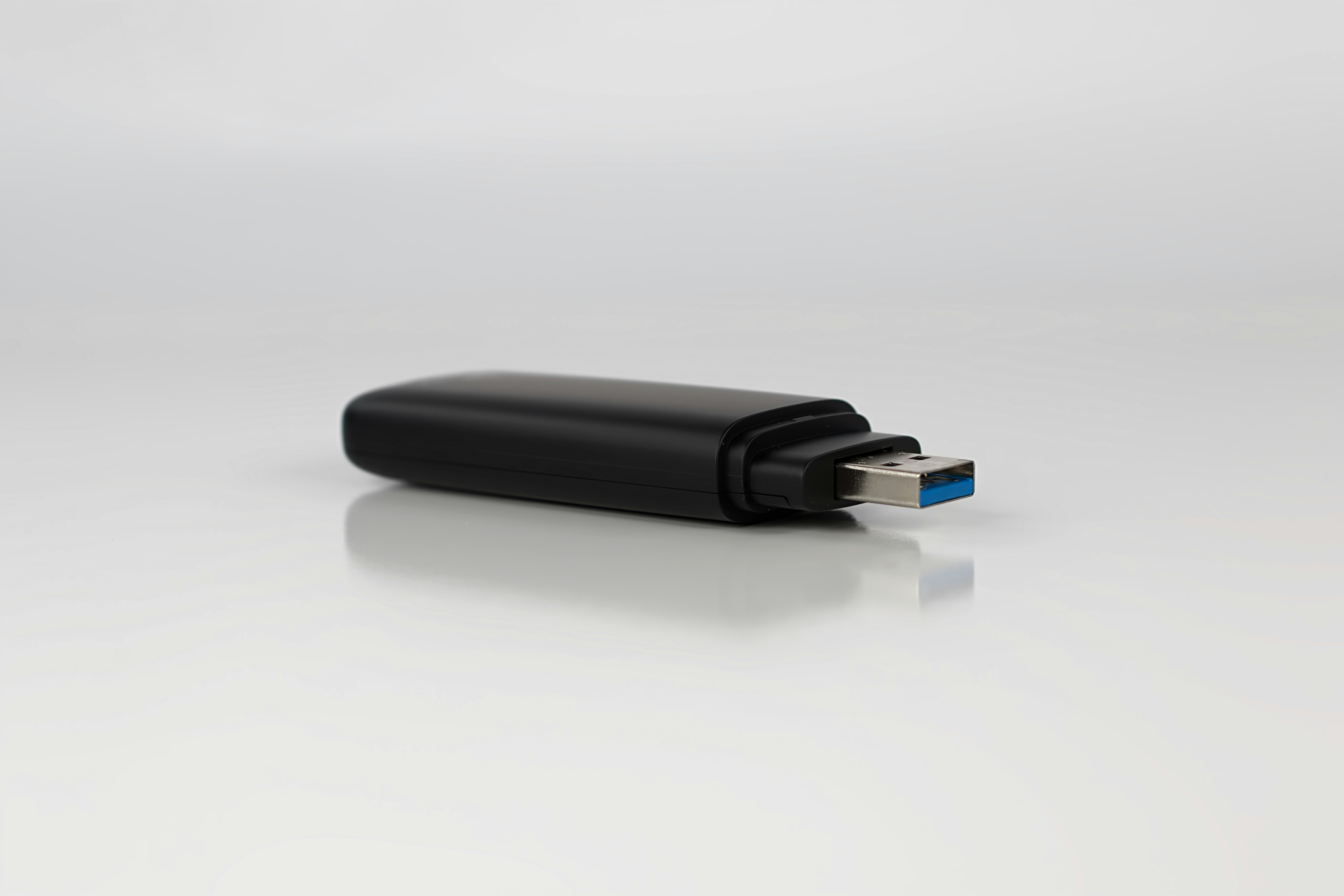
In many stores, you still see screens displaying a loop of graphics from a USB drive or a PowerPoint presentation. However, this approach has significant drawbacks in everyday use:
- Time-consuming: Every time prices change, you have to remove the USB drive, edit the files on a computer, and plug it back into the TV.
- Rigid design: Static images or simple slideshows quickly come across as unprofessional and hardly attract any attention.
- No flexibility: Content cannot be switched on a schedule (e.g., breakfast specials in the morning vs. after-work specials in the afternoon).
The modern alternative is cloud-based digital signage software, which lets you conveniently control your screens from a PC, tablet, or smartphone. Changes are applied in real time.
3. What kind of content attracts more attention in a retail store?
To ensure that your in-store advertising screen really catches the attention of passersby and customers, you should focus on varied and animated content:
- Current sales promotions & bestsellers: Highlight products that are currently trending or need to be sold quickly.
- Job Postings: Take advantage of foot traffic in the store to specifically draw attention to open positions on your team.
- Customer Reviews & Social Proof: Display positive Google reviews or quotes from satisfied customers to build trust.
- Useful Information: Combine your advertising with practical elements such as the current time, the weather forecast, or news.
4. The Right Software: Free & No Media Player Required with SignageNow
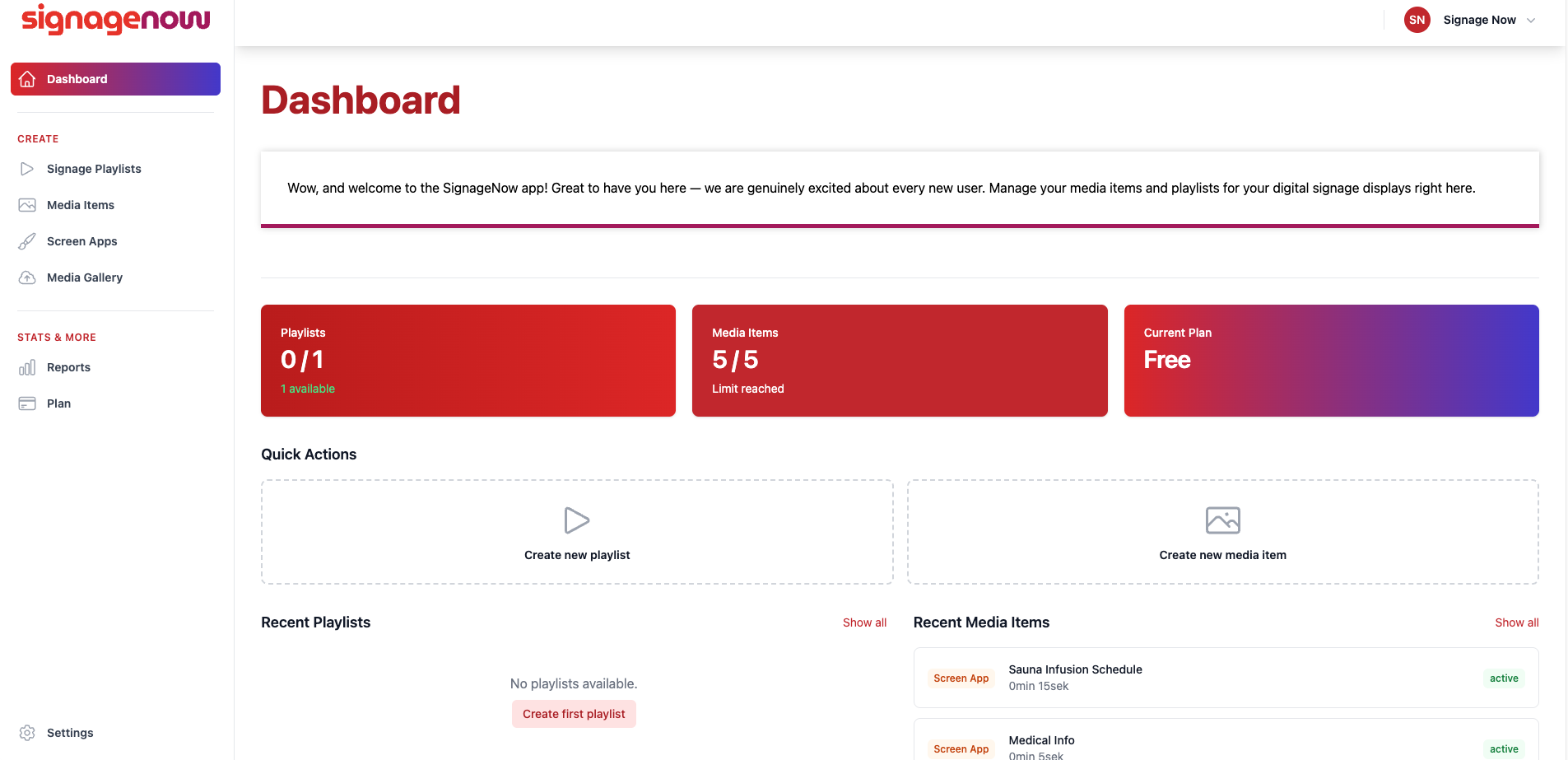
To run your digital signage display without ongoing costs, you need software that’s permanently free and doesn’t require expensive additional hardware.
A perfect example of this is the cloud-based digital signage software SignageNow:
- Permanently free plan: You can use as many screens as you want without having to provide a credit card or sign up for a subscription.
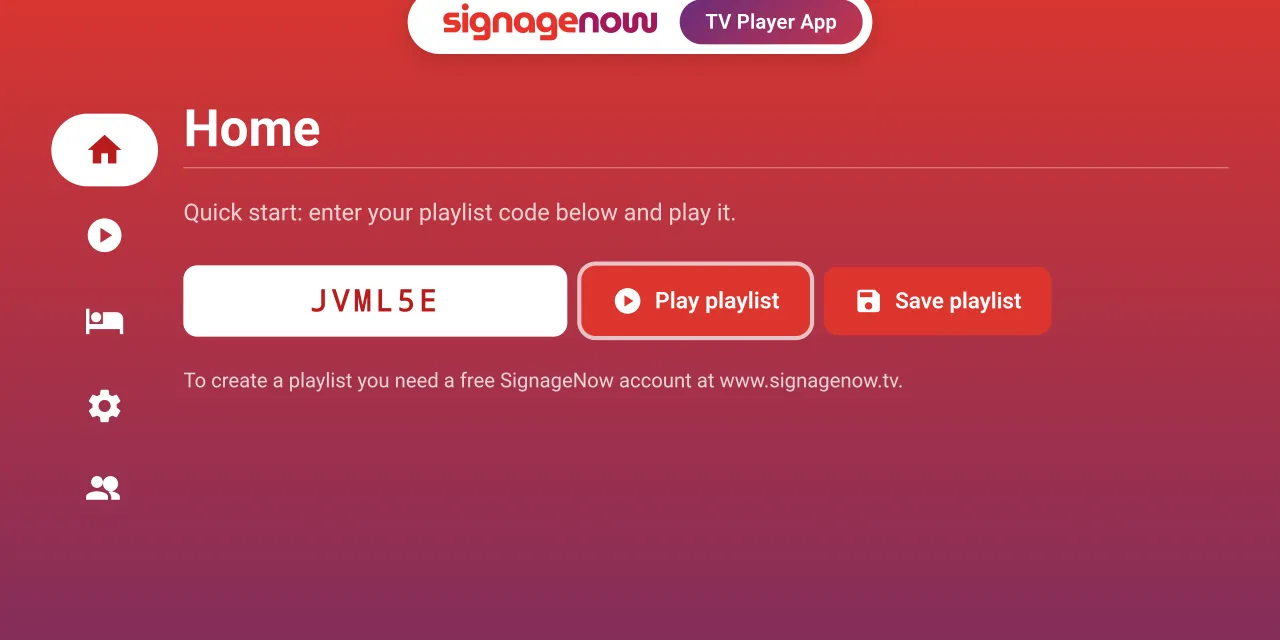
- No separate media player needed: SignageNow runs directly in your smart TV’s web browser or as a free app on your Android and Fire TV devices.
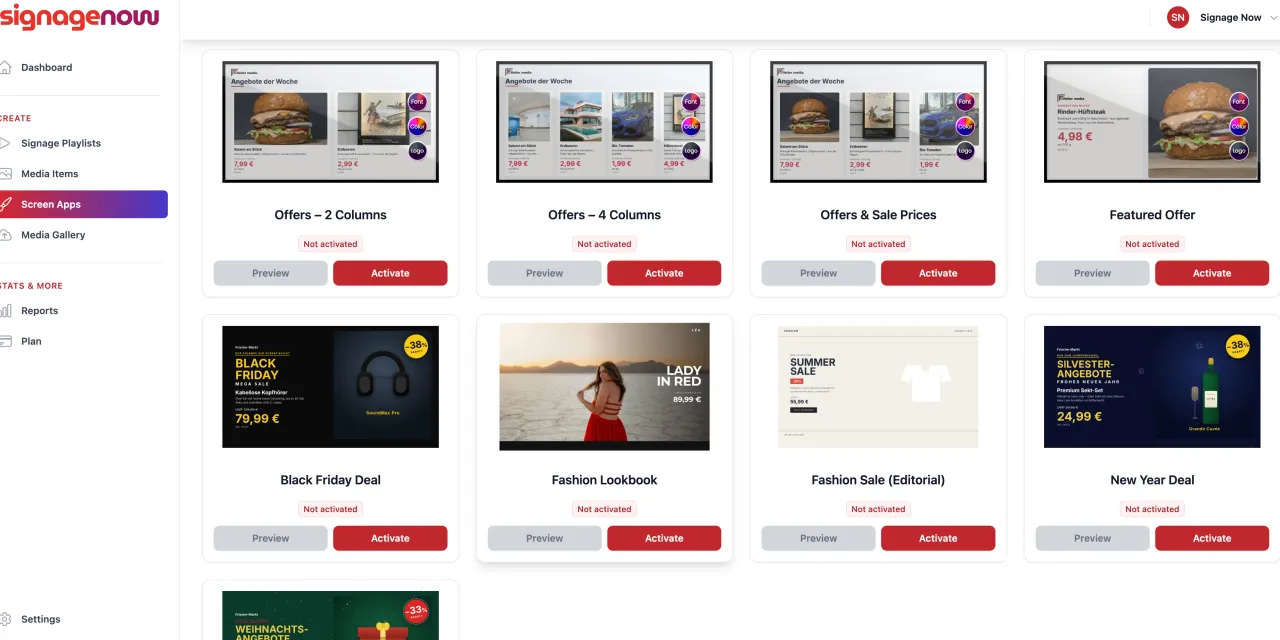
- Ready-made templates included: You don’t need to be a graphic designer. The software provides ready-made, animated templates (e.g., for discount promotions, job postings, or business hours) that you simply need to fill in with your text and logos.
- 100% GDPR-compliant: The system is hosted on servers in the EU and meets all European data protection standards.