Whether in a retail store window, a company’s reception area, a doctor’s office, a gym, or a restaurant: Advertising and information displayed on digital screens catch the eyes of customers and guests. When appealing background music, explanatory videos, or the latest news are added to the images on display, attention spans increase significantly.
But what many operators don’t realize is that as soon as music, videos, or TV signals are played in business premises or publicly accessible areas, copyright law comes into full force. Ignorance of the law is no defense against expensive cease-and-desist letters, back payments, or claims for damages from copyright collection societies.
In this comprehensive guide, you’ll learn in easy-to-understand terms what legal considerations you need to keep in mind when operating your displays, what you’re allowed to show, what nasty licensing pitfalls lie in wait, and how to ensure your display content is legally compliant.
1. Public Performance & GEMA: When Do You Have to Pay?
The most important basic concept in copyright law for businesses is “public performance” (Section 15 of the German Copyright Act (UrhG)).
The use of music or video is considered private only if the group of people is clearly defined and those present are personally connected to one another (as at a birthday party in a private living room). However, as soon as your screen is located in a place accessible to customers, patients, guests, passersby, or a large number of employees, it constitutes a public performance under the law.
Who collects fees in Germany?
- GEMA (Society for Musical-Mechanical Reproduction Rights): It represents the copyrights of composers, lyricists, and music publishers. If you play copyrighted music in a store or in a promotional video, GEMA is the primary entity to contact regarding licensing fees.
- GVL (Society for the Administration of Neighboring Rights): It represents performing artists (singers, musicians) and record producers (labels). In Germany, the GVL fee is usually charged as a surcharge along with the GEMA invoice.
- Corint Media: Represents publishers’ and broadcasters’ rights, for example, when TV signals or news channels are shown in public.
- Commercial Broadcasting Fee: Every business location must pay statutory broadcasting fees. Please note: This fee does not automatically cover GEMA or GVL fees for public performance on advertising screens!
Good to know: In retail or the restaurant industry, the GEMA fee is usually based on the square meterage of the sales or dining area, as well as the type of broadcast (e.g., background music only vs. TV broadcast).
2. What Can You Show on Company Screens? A Rights Check for Media Channels
Content is what brings a display to life. But what kind of material can you use without hesitation?
A. YouTube & Vimeo Videos
Many companies want to display product clips, trailers, or promotional videos directly from YouTube or Vimeo on their storefront TVs or reception screens.
- The legal issue: Although YouTube pays flat-rate licensing fees to copyright collection societies for private views, YouTube’s general terms of service strictly limit such use to private, non-commercial purposes.
- Public performance: Playing a third-party YouTube video on business premises is considered a commercial public performance. Without the explicit written permission of the copyright holder (and clarification of the music rights involved), business owners violate the platform’s terms of service and risk receiving cease-and-desist letters.
- Permitted exception: Embedding your own YouTube videos, for which you hold all rights to the visuals, audio, and music yourself or have obtained a full commercial license.
B. TV Channels & Live News
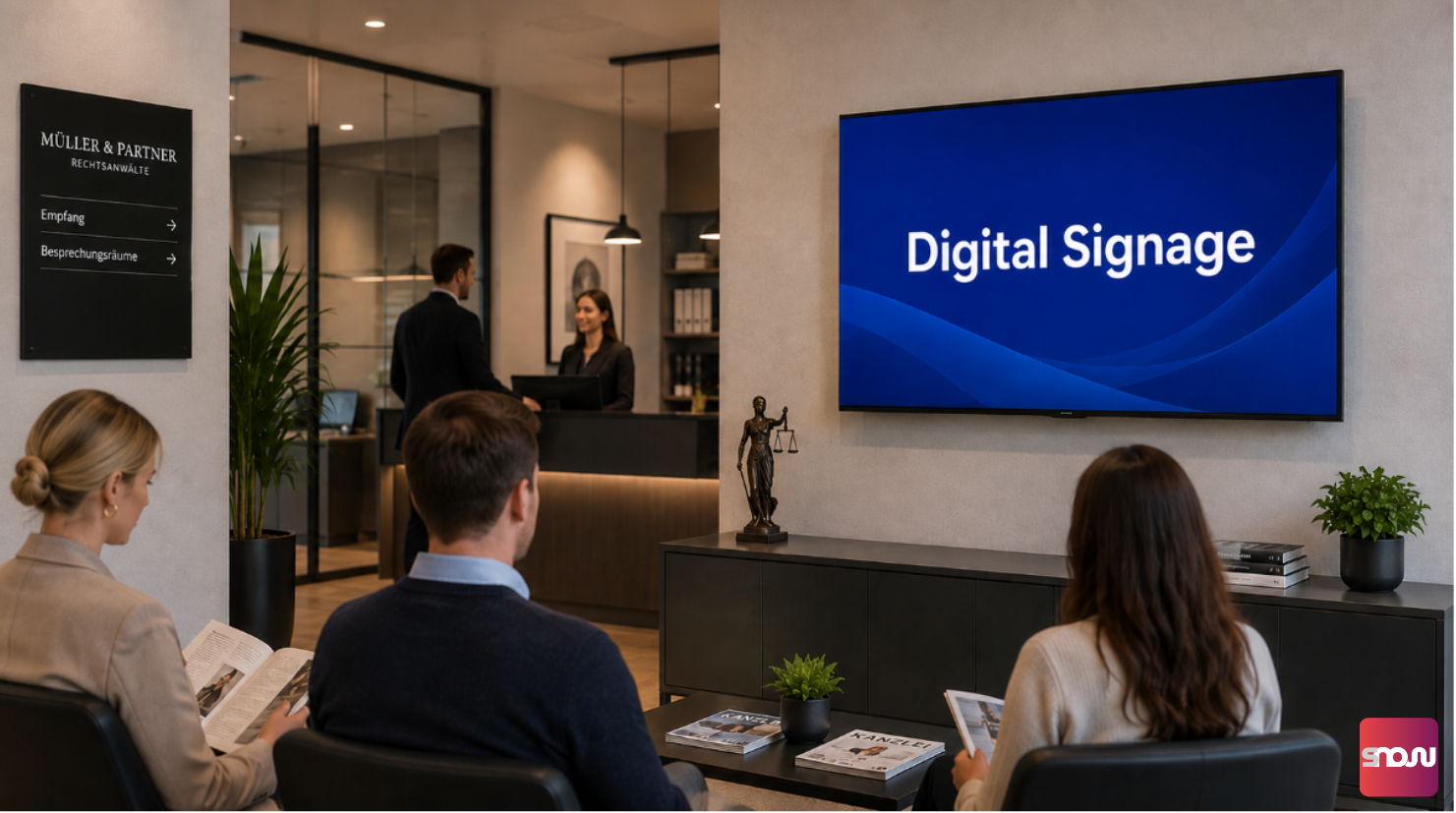
News channels such as Tagesschau, n-tv, or Welt in the waiting room or lobby provide up-to-date information and help pass the time while waiting.
- GEMA Tariff FS: If you publicly broadcast regular television (ARD, ZDF, RTL, etc.) on a company screen, you need the special GEMA television tariff (Tariff FS) in addition to the commercial broadcasting fee. This covers the audio and video rights for the broadcast programs.
- Sports broadcasts: Separate B2B commercial licenses are required for pay-TV or commercial sports events (e.g., Sky/DAZN in sports bars or lobbies).
C. GEMA-Free & Royalty-Free Music
Music sets the mood. But commercials featuring well-known pop music immediately incur licensing fees.
- Be aware of the “GEMA presumption”: In Germany, there is a legal presumption that musical works in GEMA’s repertoire are protected. If you want to avoid GEMA fees, you must be able to provide complete proof that the copyright holder is not a GEMA member.
- GEMA-free ≠ Free: GEMA-free simply means that GEMA does not charge fees. You still need to purchase the usage license directly from the composer or through B2B platforms.
- Be aware of synchronization rights: When you add music to a video, the so-called production or synchronization right (§ 87 UrhG) applies. A license for background music alone is not sufficient—the license must explicitly permit the combination of video and audio for commercial purposes.
D. Stock Media (Photos, Graphics, and Stock Videos)
Stock platforms such as Adobe Stock, Shutterstock, Getty Images, Pixabay, and Pexels offer millions of professional media assets for informational displays.
- Standard vs. Extended License: When using paid providers, check whether the standard license covers playback on advertising and information displays. A commercial advertising license is often required for advertising in storefront windows.
- Risks Associated with Free Portals (Pixabay, Unsplash, etc.): Although downloads are free, using these assets on commercial advertising screens carries risks: If the uploader was not the actual copyright holder or infringed on third-party rights, the business operator is liable in the event of a dispute.
- Model Release & Property Release: If people are recognizable in photos or videos, a written model release (consent for commercial use) must be obtained. If the image shows protected buildings, works of art, or logos, a property release is required.
3. The 5 Most Dangerous Licensing Pitfalls for Advertising Screens
Many operators stumble over seemingly simple shortcuts when programming their info screens. Here’s an overview of the most common pitfalls:
Licensing Pitfall 1: Using Personal Streaming Accounts (Spotify, Apple Music)
The legal situation: The terms of service for all private streaming services permit only private use. For commercial playback, you need special B2B streaming licenses (e.g., Soundtrack Your Brand) and must register your use with GEMA.
Licensing Pitfall 2: Confusing “Royalty-Free” with “GEMA-Free”
The legal situation: In English-speaking countries, “royalty-free” simply means that, after a one-time purchase, you do not have to pay ongoing license fees to the platform. It does not mean that the composer is not a GEMA member! If the copyright holder is a member of GEMA, GEMA will still charge fees in Germany. Therefore, make sure to explicitly look for the designation “GEMA-free,” including a declaration of exemption.
Licensing Pitfall 3: Forgetting the Right of Synchronization
The Legal Situation: Adding music to videos falls under the right of synchronization (Section 87 of the German Copyright Act (UrhG)). To do this, you must obtain consent from the music publisher and the record producer. Without this consent, you risk receiving cease-and-desist letters involving high amounts in dispute.
Licensing Pitfall 4: Embedding Third-Party YouTube Videos
The Legal Situation: Playing third-party YouTube videos on commercial screens violates the platform’s terms of service and, without a direct license, infringes on the creators’ copyrights.
Licensing Pitfall 5: Using Free Stock Images Without Proof of Licensing
The Legal Situation: If you are unable to provide written proof of licensing or a proof of purchase in the event of a cease-and-desist letter, you may be liable for damages.
An Overview of Licensing Pitfalls
| Licensing Pitfall | Risk / Legal Violation | The Legally Sound Solution |
|---|---|---|
| Spotify / Apple Music in the Store | Violation of Platform Terms of Service & Copyright Law | Use B2B music streaming services or certified GEMA-free archives |
| YouTube-Videos in the Storefront Window | Violation of YouTube's Terms of Service & Performance Rights | Use your own videos or obtain written permission directly |
| Third-Party Music in Promotional Videos | Violation of the right of synchronization | Use GEMA-free tracks with an explicit commercial video license |
| Using “Royalty-Free” as GEMA-Exempt | Unintentional Liability for GEMA Fees | Request a complete GEMA exemption statement from the provider |
| Unlicensed stock material | Damages & Cease-and-Desist Letter | Always archive purchase receipts, license certificates, and model releases digitally |
4. Checklist: How to Operate Your Displays in Full Compliance with the Law
To protect yourself from cease-and-desist letters, you should follow these steps:
- Document GEMA exemption: If in doubt, use only GEMA-exempt music and keep the license certificate and exemption declaration on hand.
- Secure rights for stock media: Purchase commercial licenses and ensure you have model releases for any people featured.
- Focus on visual messages without sound: In storefront displays or on informational screens in crowded areas, sound is often perceived as disruptive. Instead, use expressive images, easily readable text, and short video loops.
- Prioritize your own material: Photos and videos you’ve created yourself of your own products, employees, or premises are legally the safest option—provided you have the consent of the people depicted.
- Archive license documentation: Create a folder for all fonts, graphics, videos, and audio files you use, containing proof of purchase and license terms.