First impressions matter—and this is especially true for law firms, tax consulting firms, and notary offices. When a client walks through the door, they expect professionalism, transparency, and a pleasant atmosphere.
A digital screen in the reception area or waiting room is an excellent way to make the most of waiting times, convey expertise, and provide guidance.
But what kind of content works best for law firms, and how can you set up a monitor without IT knowledge or a large investment? In this guide, you’ll learn everything about how it works and its practical applications.
Examples of Use: What Can Be Displayed on a Law Firm Screen?
A screen in a law firm is no longer just for decoration. When used strategically, it improves communication with clients and supports internal processes.
1. Discreet Reception & Client Greeting
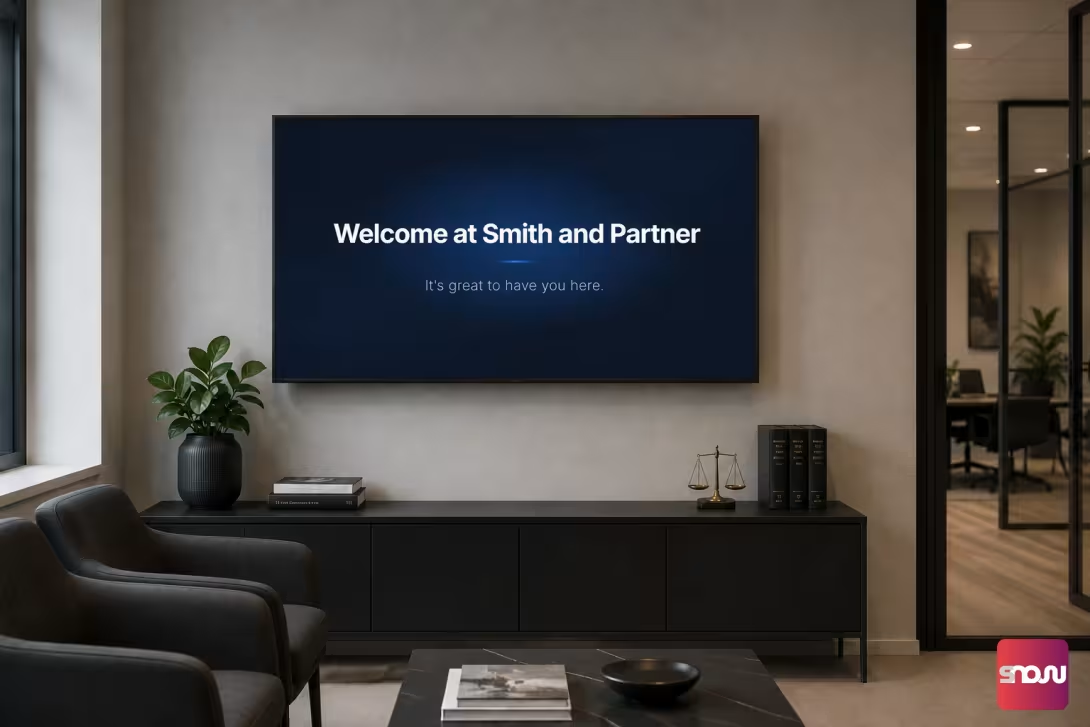
A personalized welcome screen in the entrance area conveys a sense of respect. You can display upcoming appointments or clients by name (e.g., “Welcome to your consultation, the Müller family”) without revealing any sensitive information.
2. Digital Wayfinding & Room Occupancy
In larger law firms or shared office spaces, a monitor in the hallway shows which partner, attorney, or notary can be found in which meeting room.
3. Showcase Your Firm’s Profile & Expertise
Highlight your areas of practice (e.g., employment law, family law, tax consulting), awards, certifications, and your team with professional photos. This builds client trust even before the initial consultation.
4. Current Legal Tips & Firm News
Use short, easy-to-understand text-based visuals to cover current legislative changes, deadlines, or useful tips. This highlights your professional expertise in a modern way.
5. Employee Information Screen (Internal)
In the break room or the firm’s kitchen, a display keeps the team informed about internal announcements, training dates, or vacation cover arrangements.
How does digital signage work in practice?
Gone are the days when you had to buy expensive specialized monitors or complicated media player hardware for digital information screens. Today, control is handled in a modern, centralized way via digital signage cloud software.
The way it works is simple:
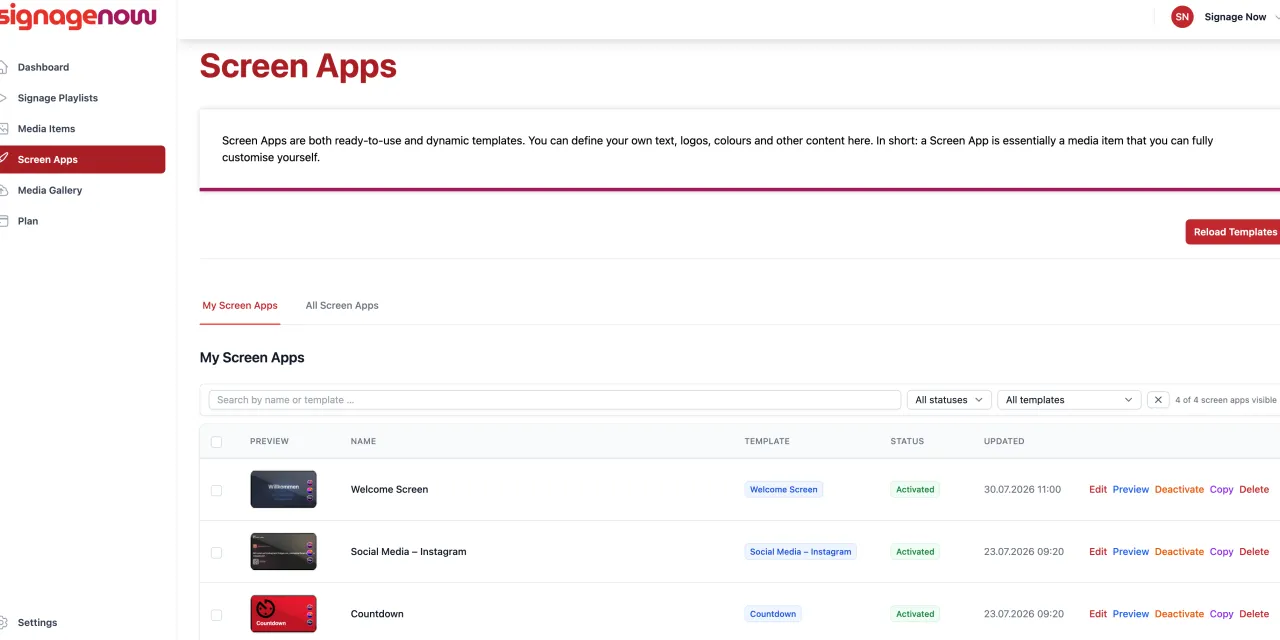
- Dashboard in the browser: You log in to the software’s web dashboard on your computer, design your slides, upload logos, and create your playlists.
- Share content: Creation takes just a few minutes. All content is securely stored in the cloud.
- Play on the TV: The TV retrieves the content via the Internet and plays it on a continuous loop or on a scheduled basis.