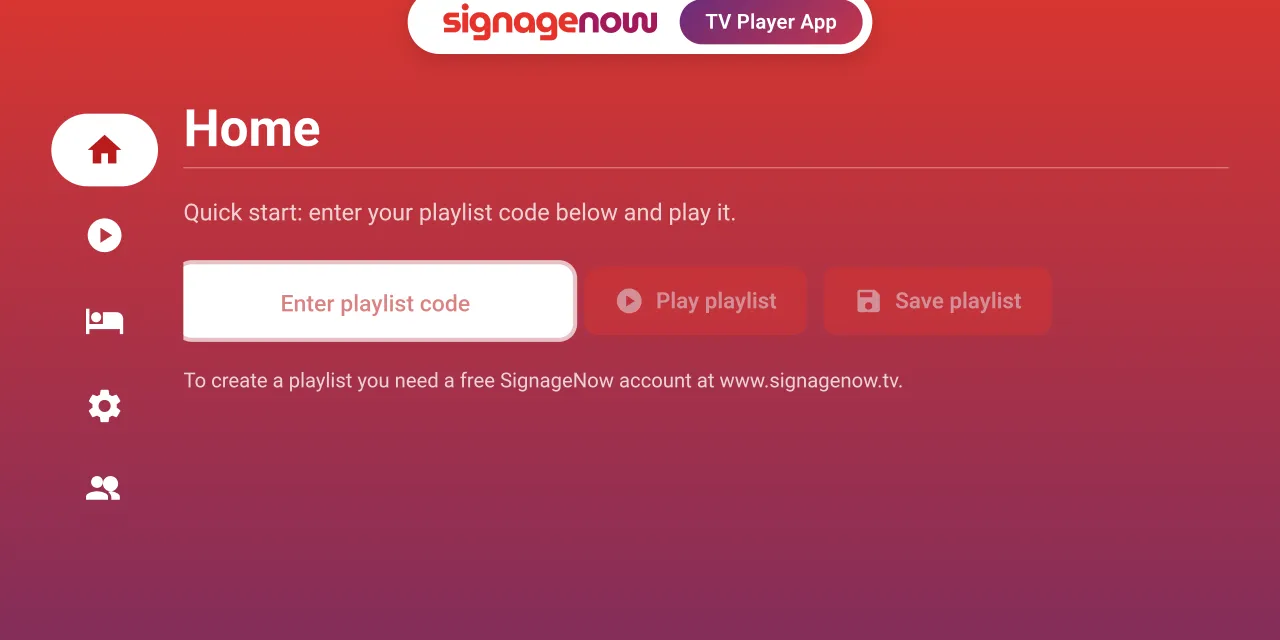
Do you want to use screens in your retail store, storefront, office, or waiting area as digital advertising spaces, but don’t want to spend a fortune on expensive hardware media players? Compact streaming sticks have fundamentally changed the market for screen advertising. One of the most popular and affordable solutions is the Xiaomi Mi TV Stick (or Xiaomi TV Stick 4K).
Since the stick plugs directly into the HDMI port of your monitor or TV and runs on the official Android TV operating system, it offers maximum flexibility. The biggest advantage over other systems: You have full access to the built-in Google Play Store and can easily download digital signage apps directly to the device in just a few seconds.
Why is the Xiaomi Mi TV Stick ideal as a digital signage player?
The Xiaomi Mi TV Stick combines high performance with an extremely low purchase price. This makes it the perfect hardware platform for digital signage:
- No lengthy installations: Thanks to the pre-installed Android operating system, you don’t have to deal with complicated workarounds or manual installations. You download apps directly through the TV—just like on a cell phone.
- Compact and invisible: The stick disappears completely behind the screen. No cable clutter, no visible enclosures in the sales area.
- Low hardware costs: For well under 50 euros, you can turn any standard monitor or TV into a digital signage display.
Set Up in 4 Steps: Connect the Xiaomi TV Stick to the Software
To turn this affordable hardware into a professional advertising display, you’ll need powerful control software. SignageNow offers a specially developed digital signage app on the Google Play Store that’s optimally tailored for the Xiaomi Mi TV Stick.
Below, you’ll find step-by-step instructions on how to set up the Xiaomi Mi TV Stick as a digital signage player.