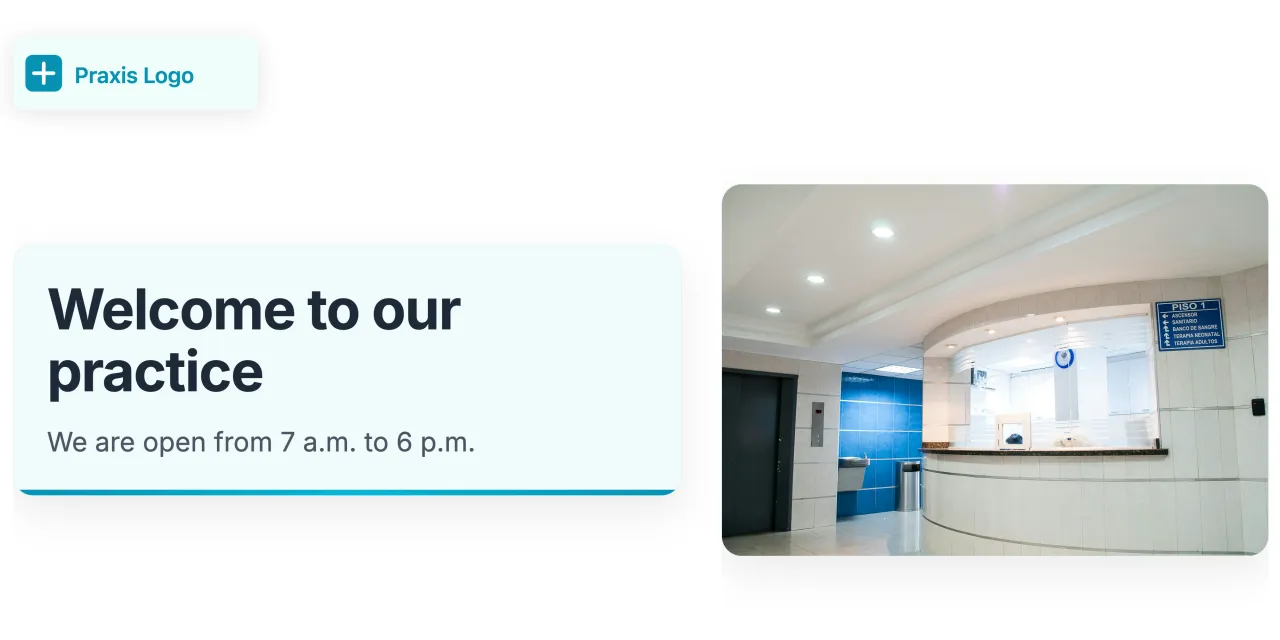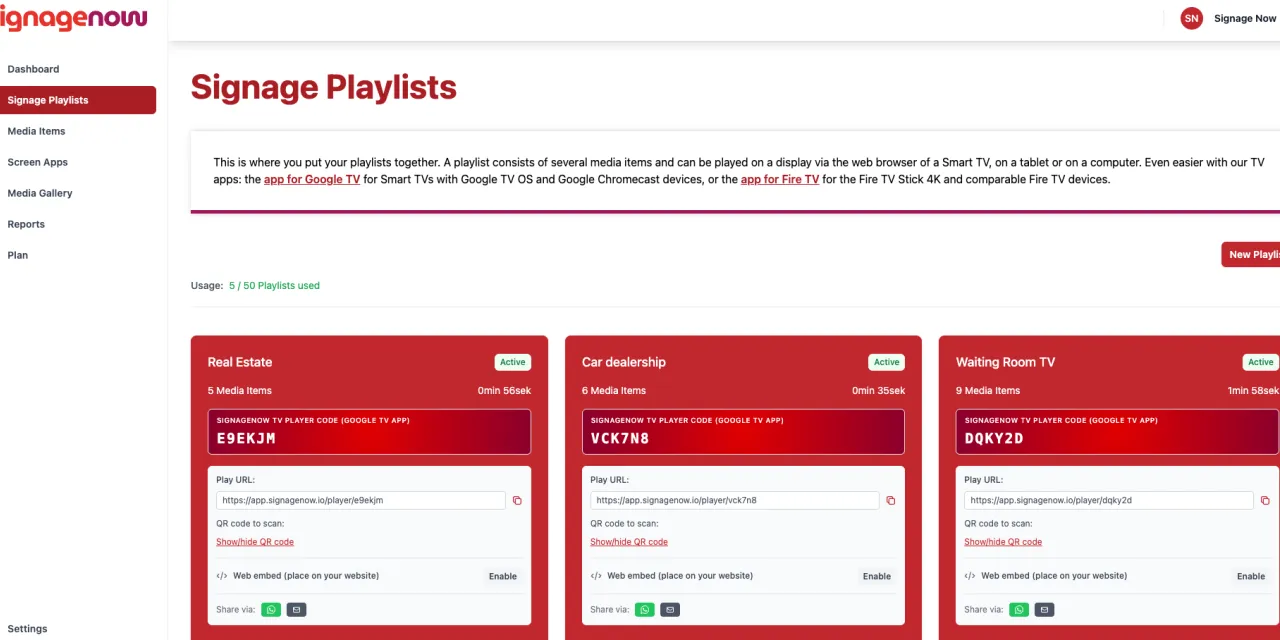
First impressions matter: A digital welcome screen at the reception area extends a highly professional welcome to visitors, customers, patients, and business partners. From the very first moment, it conveys a sense of innovation and appreciation.
To set up a welcome screen like this - for example, in the lobby - you’ll need a reception screen software like SignageNow. With it, you can set up your welcome screen in just a few minutes - completely free, GDPR-compliant, and without expensive specialized hardware.
Find out how it all works in this article.
What You Need for Your Reception Screen
To use modern lobby display software, you don’t need expensive media players:
- Any screen: A standard TV, PC monitor, or smart TV in the lobby will suffice.
- Internet connection: Via Wi-Fi or an Ethernet cable.
- Playback device: A digital signage player app or simply a built-in web browser.
- A free SignageNow account: To manage your content from the cloud.
Why SignageNow Is the Ideal Welcome Screen Software
- Flexible & Quick to Update: Did the name of a walk-in visitor change? Enter the change in the dashboard on your PC or smartphone - the display updates in real time.
- Permanently Free Account: Use the Free plan for your lobby for an unlimited time. No credit card required, and all templates are included.
- 100% GDPR-Compliant: Maximum data protection through hosting on European servers
The biggest difference from other providers? You don’t pay per screen - you can use as many as you want.
Step-by-Step Guide: From Scratch to an Active Welcome Screen
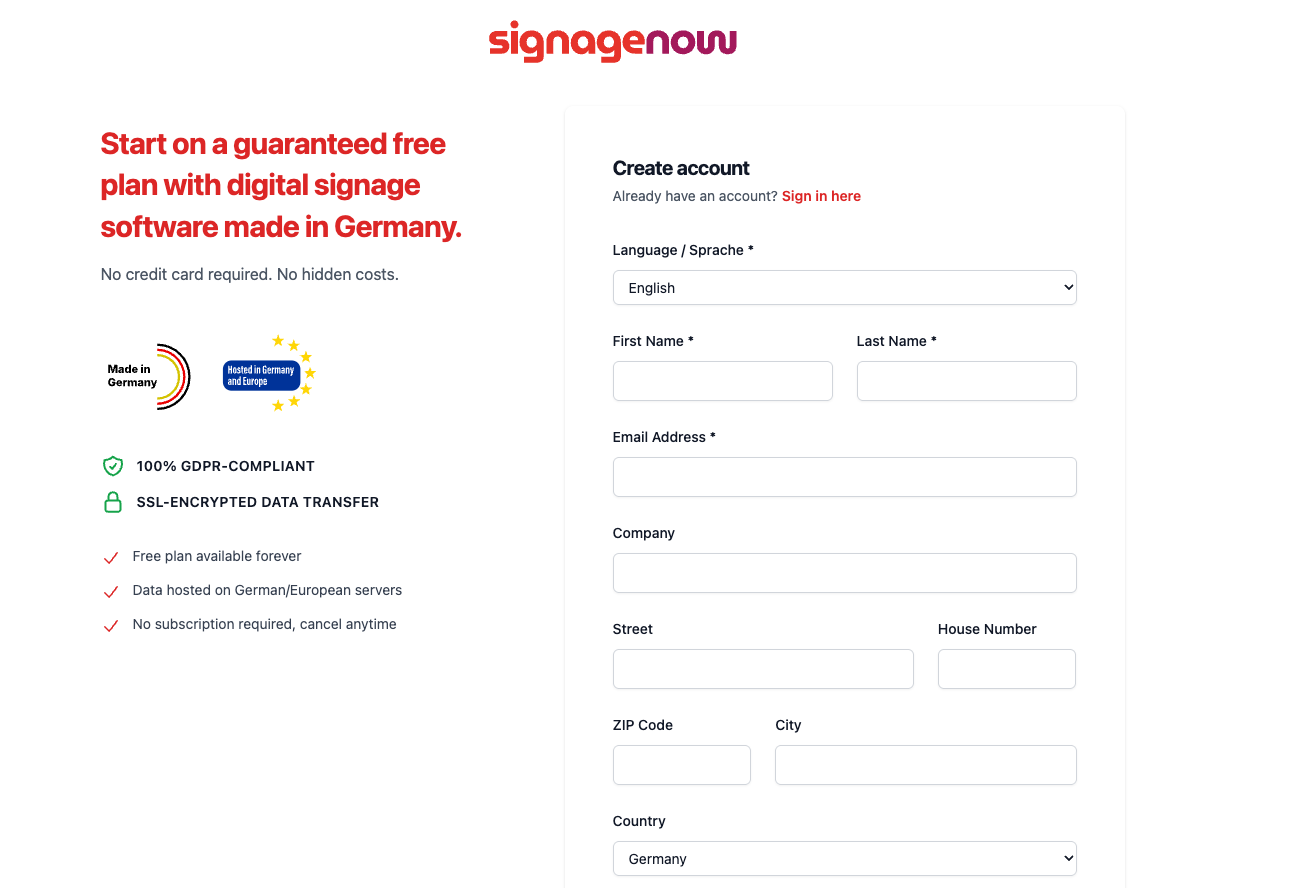
Step 1: Create a Free SignageNow Account
Create a free account at app.signagenow.io in under two minutes. You don't need a credit card, and there are no contractual obligations. After registering, you'll be taken directly to the easy-to-use cloud dashboard.
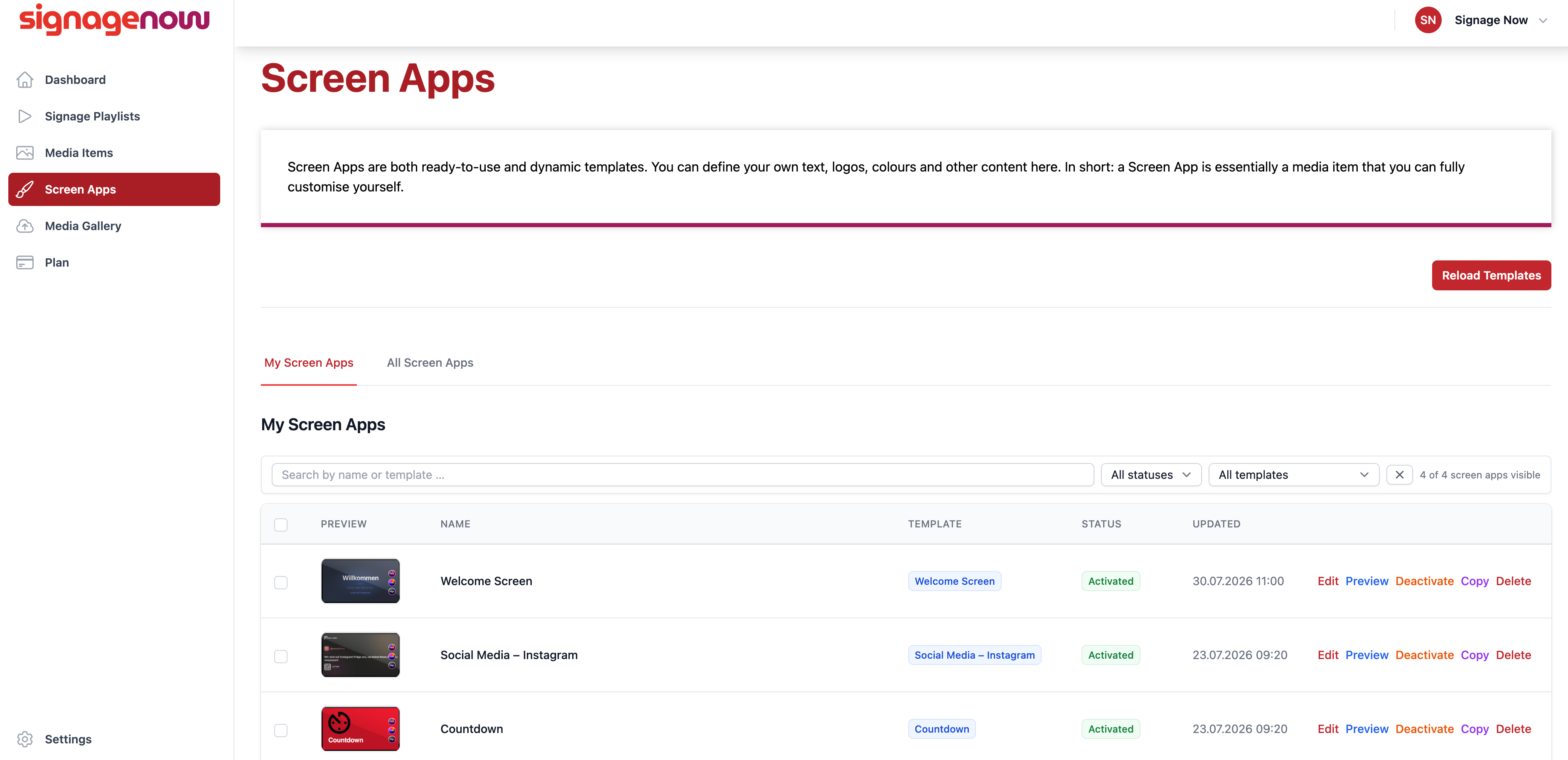
Step 2: Select the Right Welcome Screen Template
In the dashboard, navigate to the Screen Apps section. A specially optimized welcome screen template for your reception area is available in the Business category:
- Specific Welcome Template: Specifically designed for personalized name greetings, company logos, and event descriptions.
- A wide variety of other templates: Flexibly combine your welcome screen with other free templates such as room reservations, current news, weather widgets, or animated information signs.