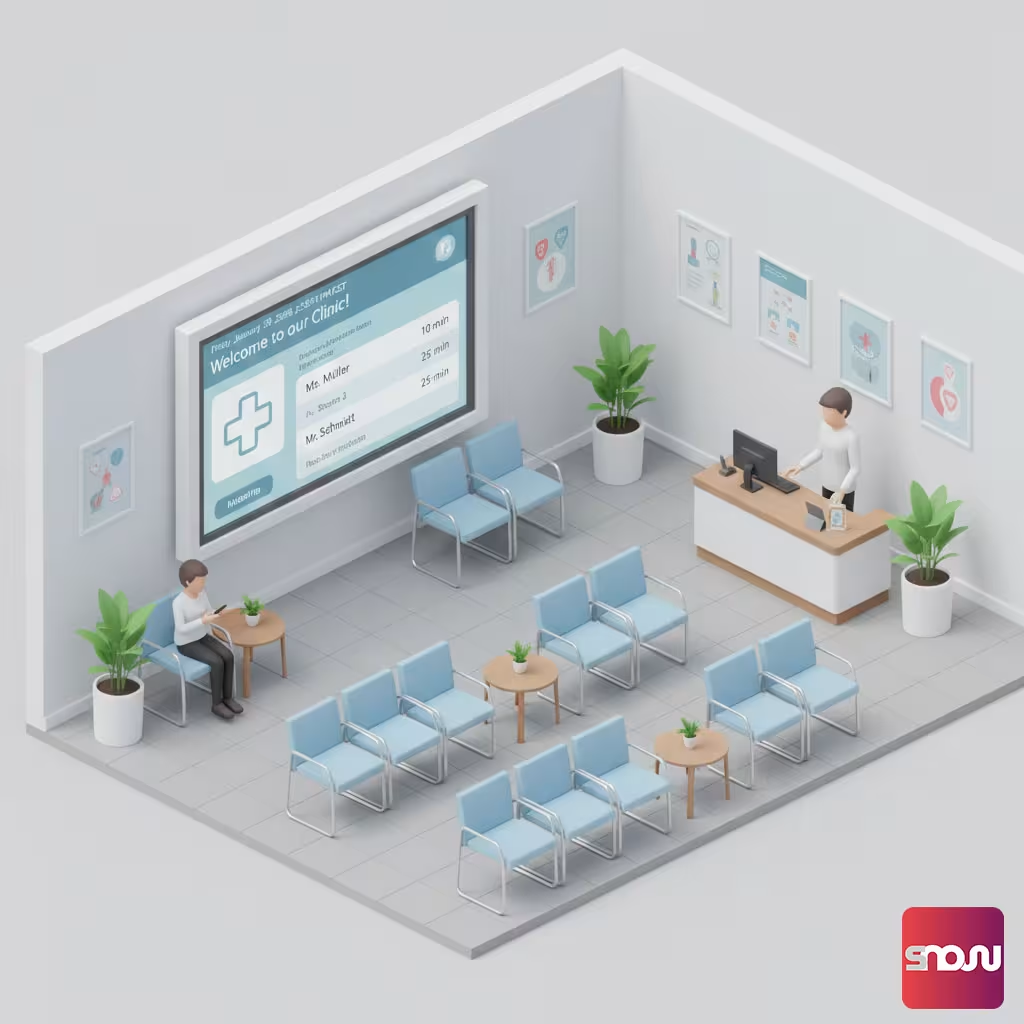
For many patients, the wait is the most stressful part of a doctor’s visit. But it doesn’t have to be that way! With a modern patient TV in the waiting room, you can turn idle time into valuable infotainment time.
In this guide, we’ll show you how we can work with you to set up a professional information monitor for your medical practice in just four simple steps - without any expensive specialized hardware.
Want to see what the result looks like? You’ll also find a ready-made demo playlist below!
Why a practice TV revolutionizes the wait time
A waiting room TV offers far more than just entertainment. It provides information about your services, introduces your team, and offers variety with the latest news. At SignageNow, we’ve developed the software to be GDPR-compliant and easy to use - no prior IT knowledge required.
Step-by-Step: Your Video Tutorial
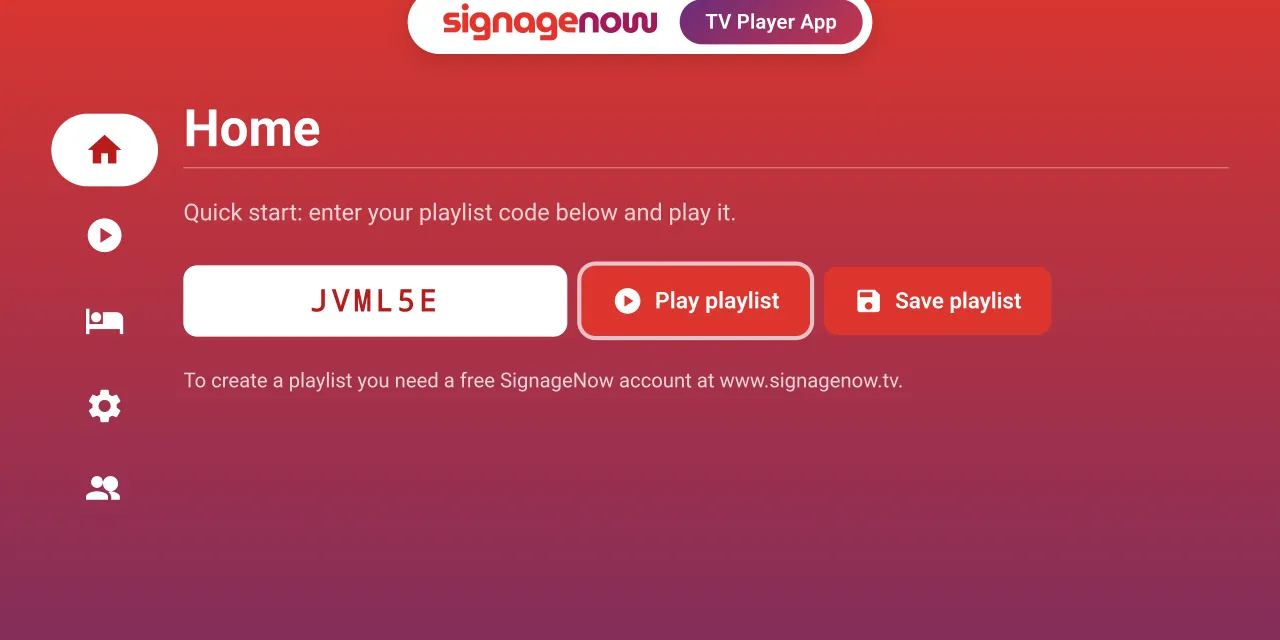
Our video tutorial shows you step by step how to create your own waiting room TV with SignageNow. Watch the video here: Create your own waiting room TV with SignageNow.
Instructions: How to Set Up Your Waiting Room TV
1. Sign up for free on SignageNow
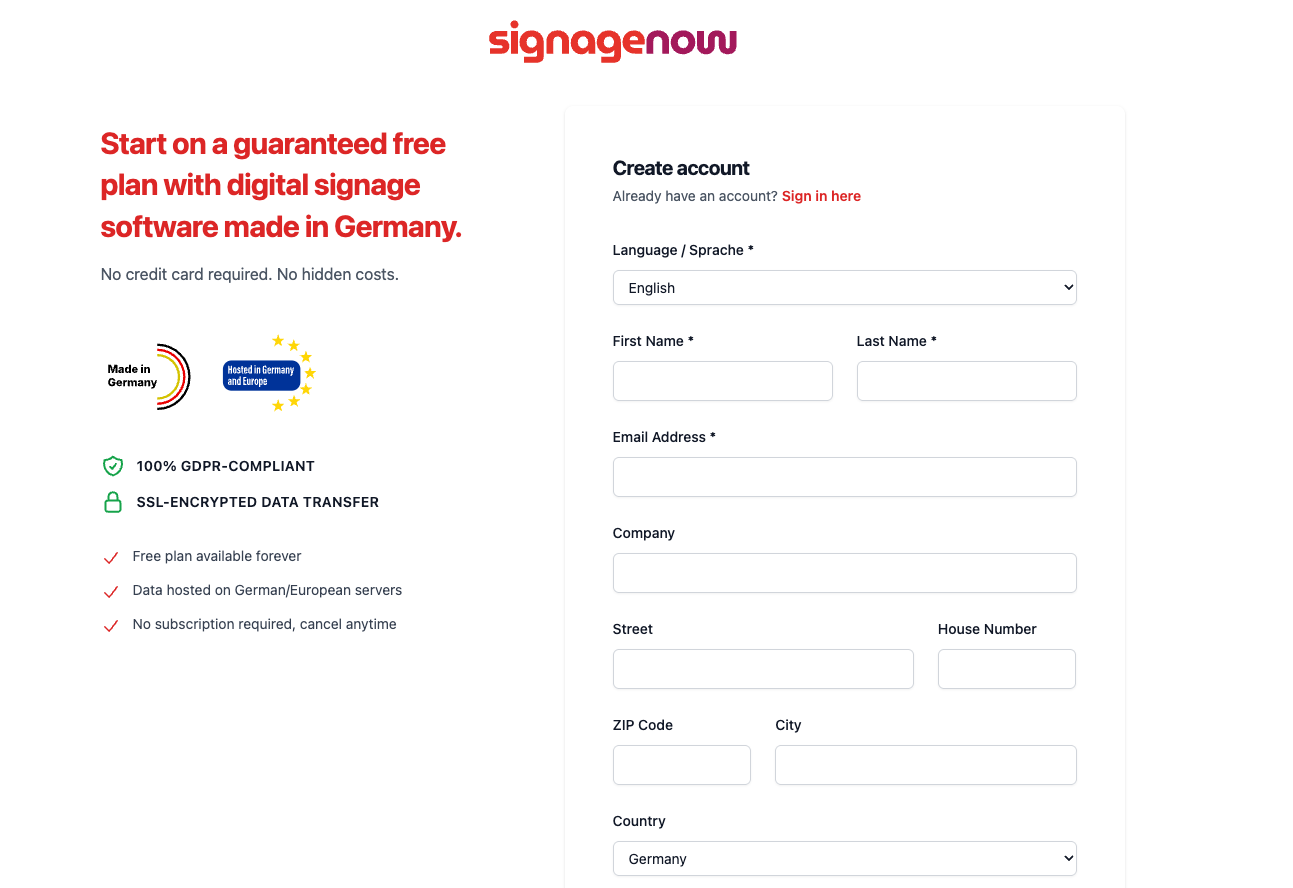
The first step is the easiest: Create a free account on our platform. We want you to be able to get started right away without having to sign up for a subscription. Once you’ve signed up, you’ll have immediate access to our dashboard, where you can centrally manage all your screens.
2. Upload media & select medical templates
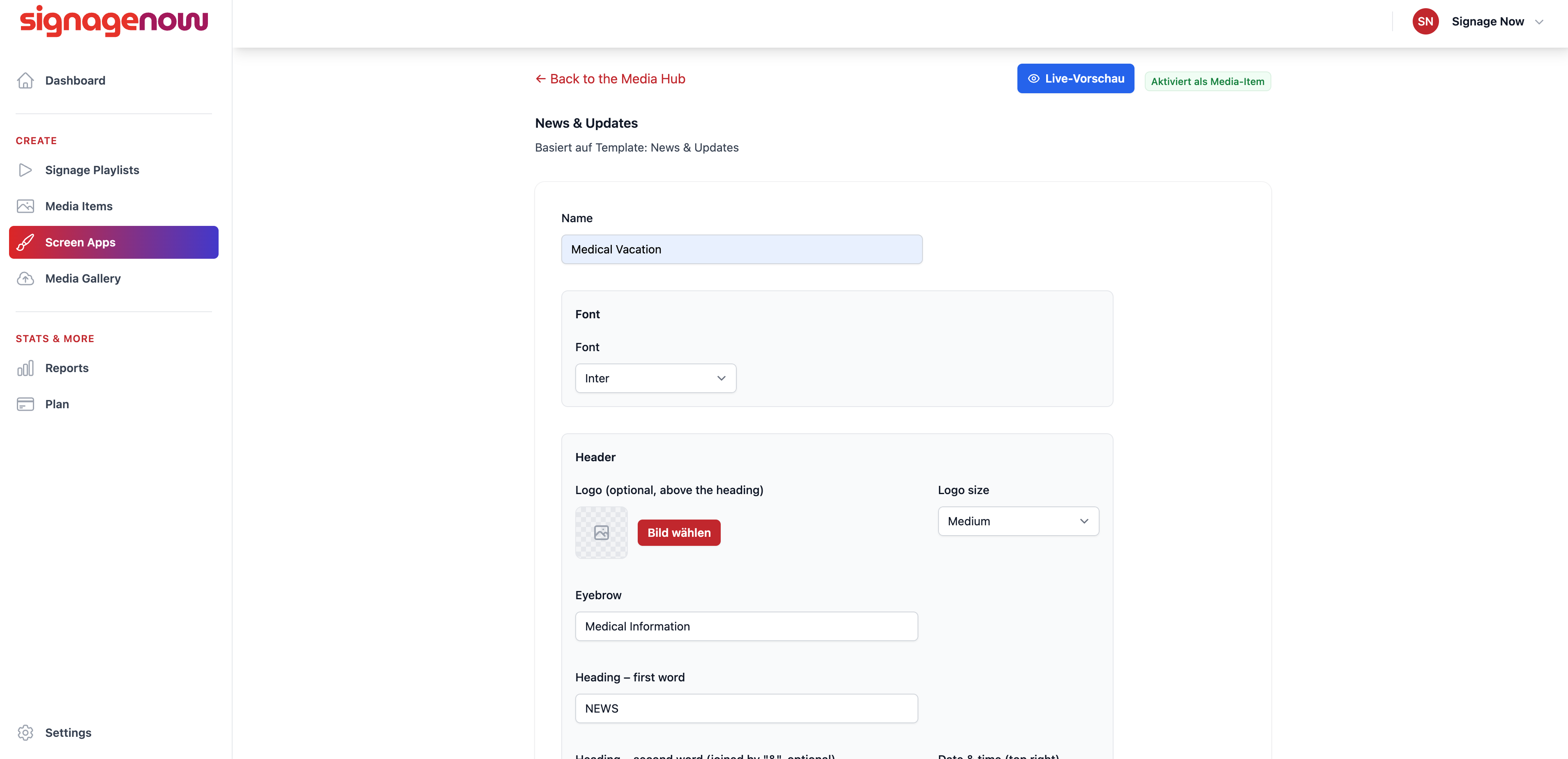
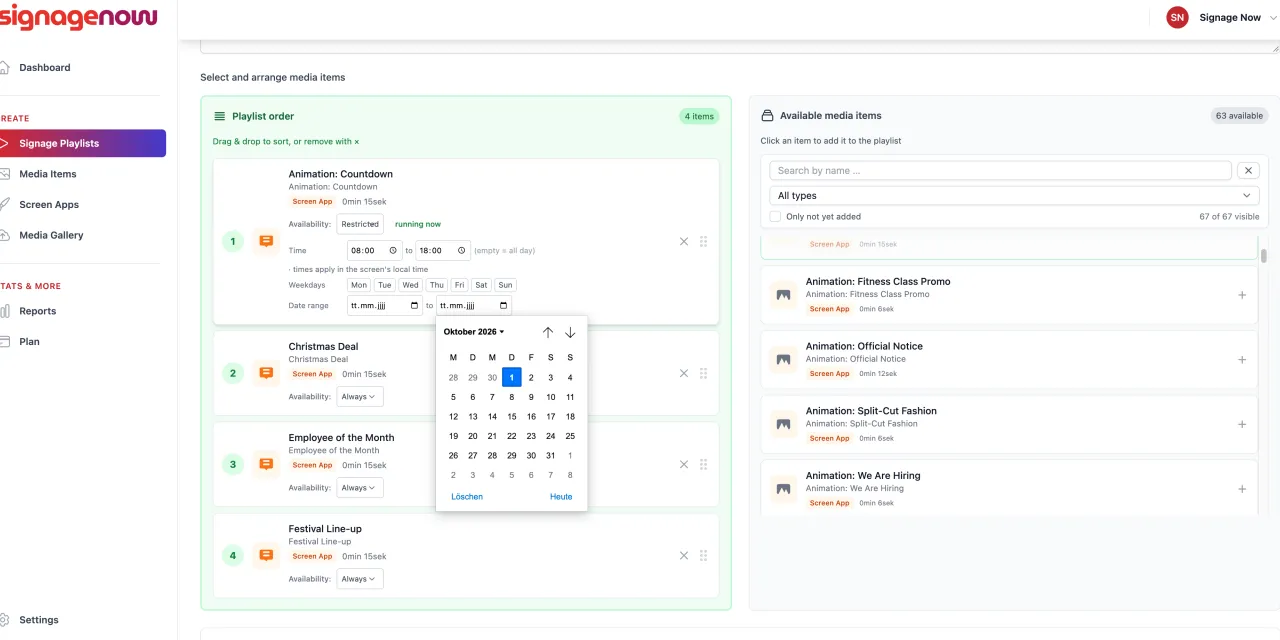
Now it’s time to get creative! In our system, you can upload your own images and videos of your practice. We’re especially proud of our special templates for medical practices and hospitals.
- Customize the design: You can change colors, text, and logos to perfectly match your practice’s design (corporate identity).
- Pure infotainment: Integrate our news broadcast templates or weather display with just one click. This keeps your patients up to date while they wait for their treatment.