Do you want to keep your customers informed about the latest offers in your store window, lobby, or office, but only have a regular TV or an older monitor without smart TV functionality on hand?
That doesn’t mean you have to buy expensive media players or high-end industrial monitors right away.
With a compact Android TV box and the free digital signage cloud software SignageNow, you can turn any screen with an HDMI port into a full-fledged, professional digital signage player in no time.
In this guide, you’ll learn which Android TV boxes are particularly well-suited for this purpose, why this combination is so affordable, and how to set up your new digital signage player step by step.
Why an Android TV Box Is the Perfect Digital Signage Hardware
A digital signage media player from a specialty retailer often costs several hundred euros. A modern Android TV box or streaming stick offers you exactly the same functionality - but at a fraction of the cost.
The key benefits at a glance:
- Unbeatable price: Good Android TV boxes are available starting at around €30 to €70.
- Easy setup: Just connect the HDMI and power - and you’re done. Thanks to its compact design, the box disappears out of sight behind your TV or wall-mounted monitor.
- Powerful hardware: Modern processors play 4K content, animations, and videos smoothly and without lag.
- Google Play Store access: You can install the SignageNow TV Player app directly on the device with just one click.
- Durability & flexibility: If you switch screens, you can simply take your preconfigured box with you.
A Comparison of the Most Popular Android TV Boxes
The market for Android devices is huge. Here are the most popular models that are ideal for use as digital signage players:
1. Xiaomi TV Box S (2nd Gen) & Mi TV Stick
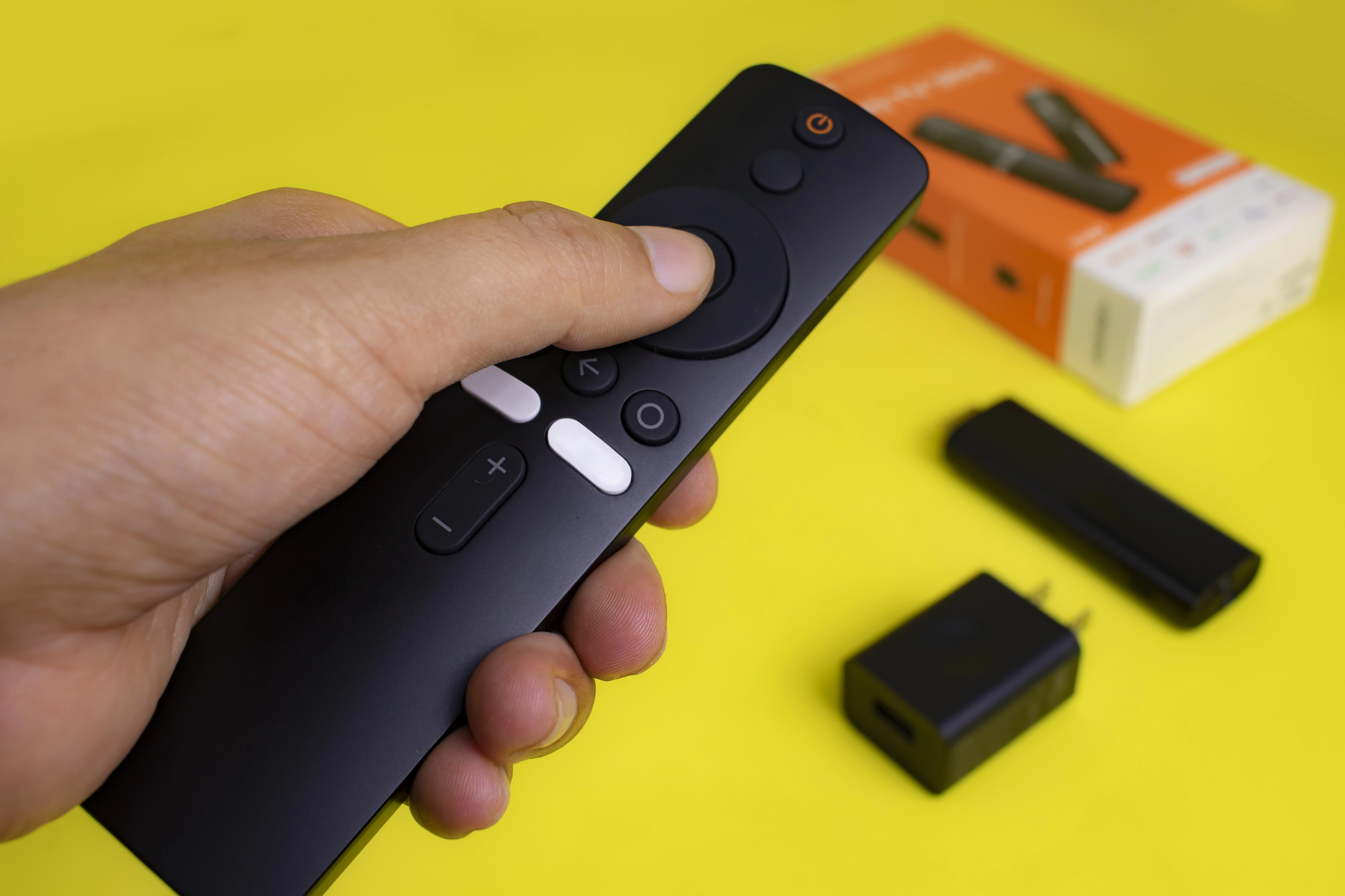
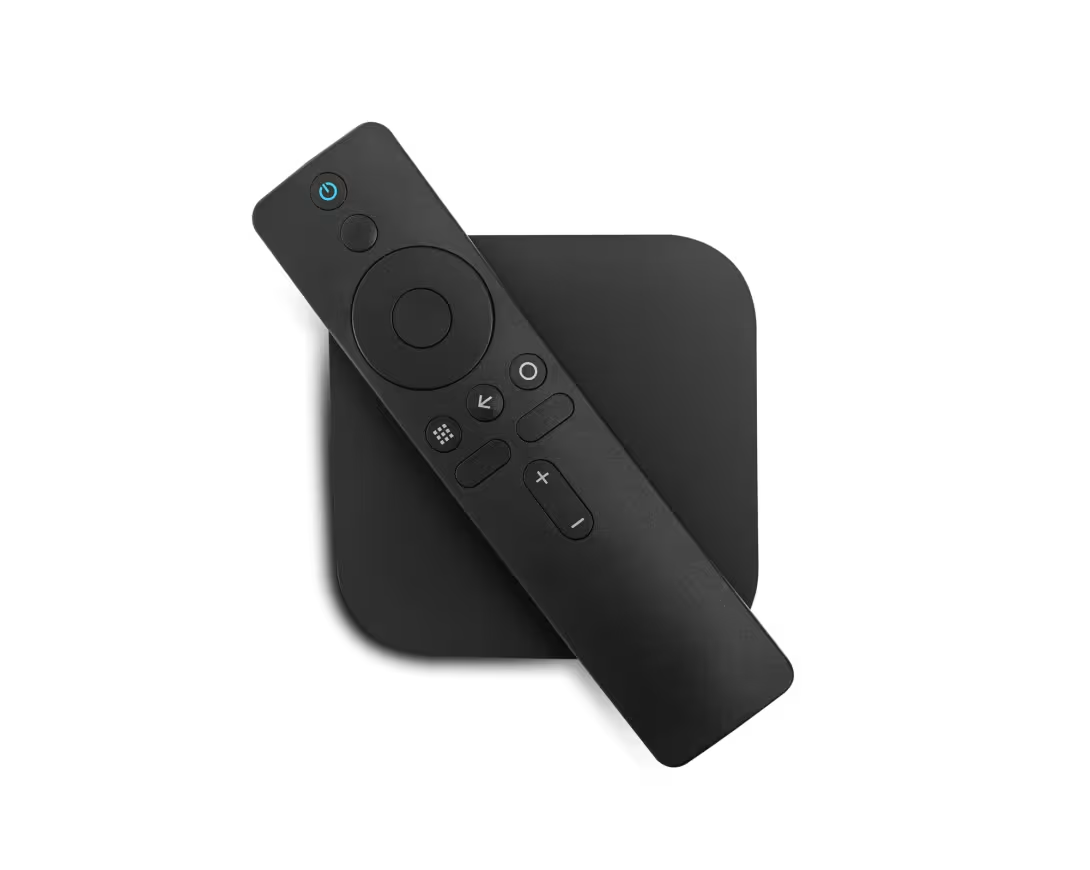
One of the most popular models worldwide. The Xiaomi TV Box S offers fast Wi-Fi, 4K support, Google TV OS as its operating system, and runs extremely smoothly during continuous use.
2. Nokia Streaming Box (e.g., 8000 / 8010)
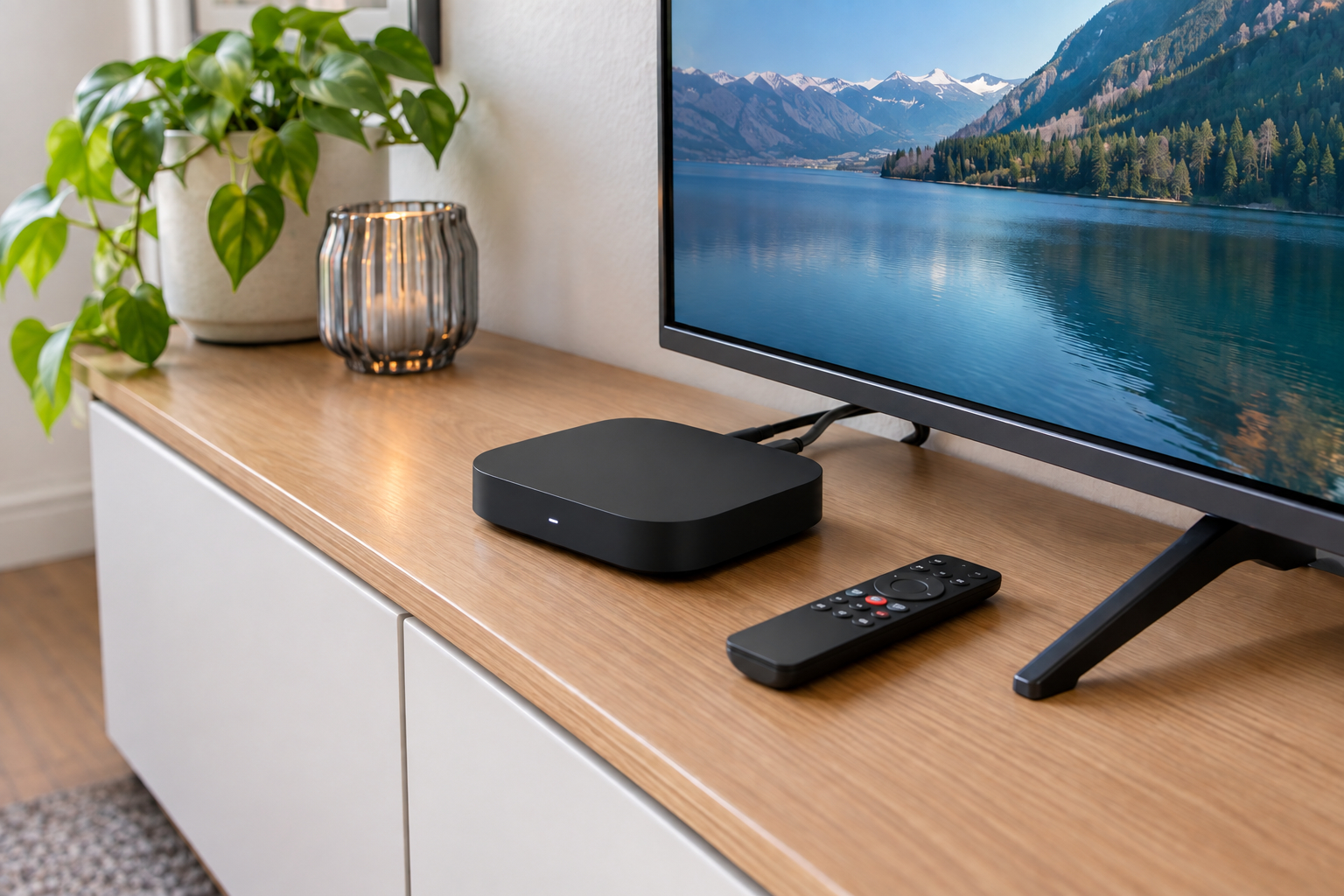
Known for its very solid build quality, numerous connection options (USB, Ethernet cable), and fast performance. Ideal if you prefer to connect your display to the Internet via an Ethernet cable rather than Wi-Fi.
3. Google TV Streamer / Chromecast Dongle with Google TV
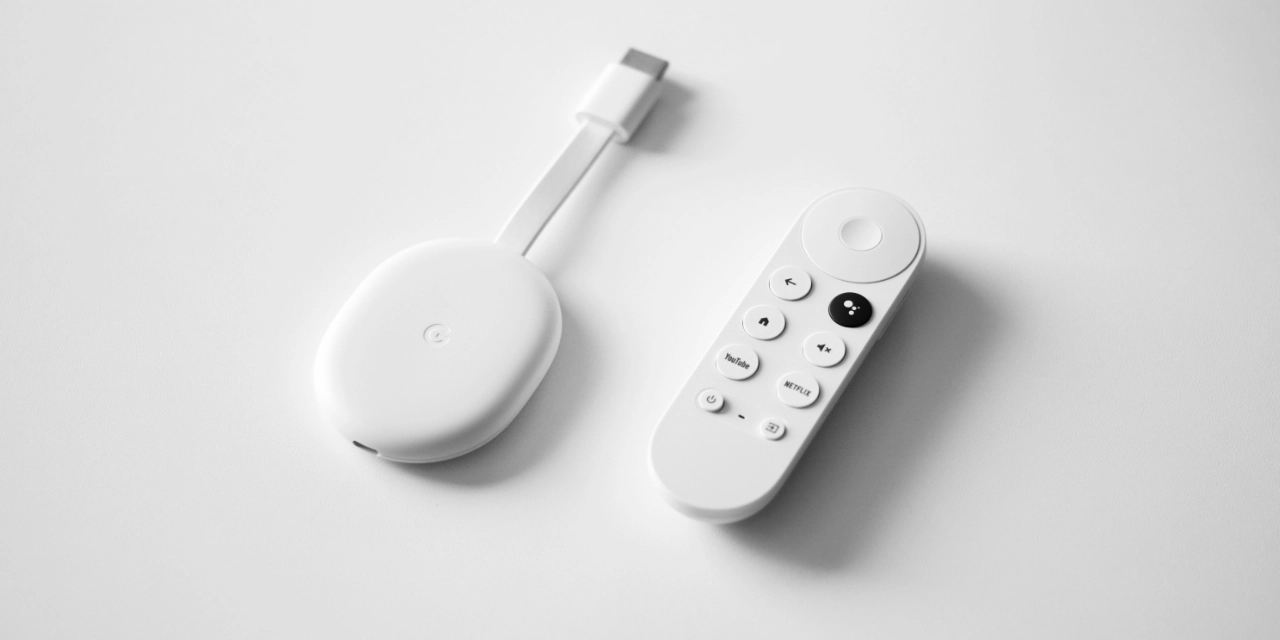
Google's official streaming devices. They feature a very clean operating system, direct security updates, and excellent stability.
4. NVIDIA Shield TV
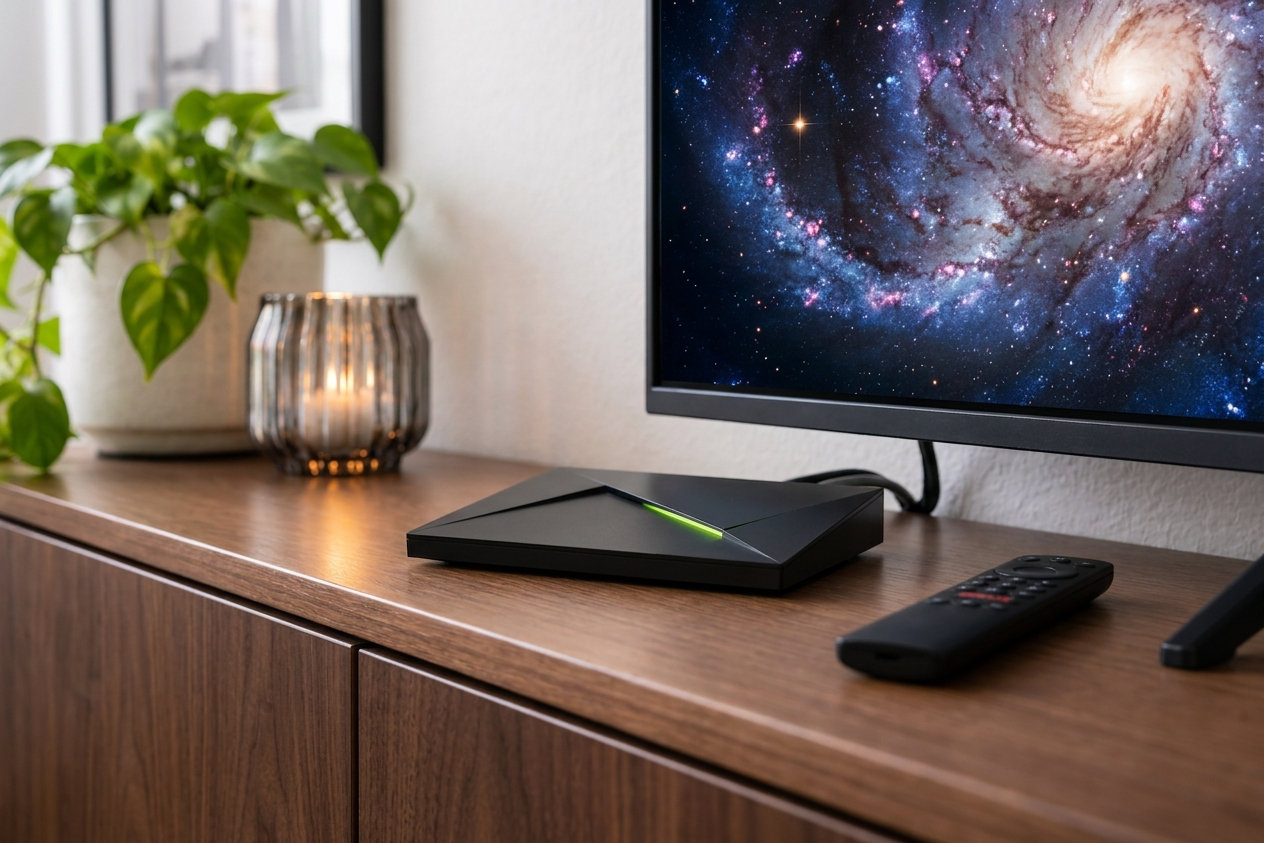
The high-end option among Android boxes. Thanks to its extremely powerful processor, the Shield TV is particularly well-suited for demanding multi-zone setups, high-resolution 4K videos, or continuous use in high-traffic areas.
5. Affordable entry-level boxes (e.g., Strong, Mecool, Thomson)
Entry-level devices running the Android TV operating system are perfectly adequate for traditional information displays, menus, or image sliders - and are extremely budget-friendly.
Why SignageNow + Android TV Box Is the Ideal Combination
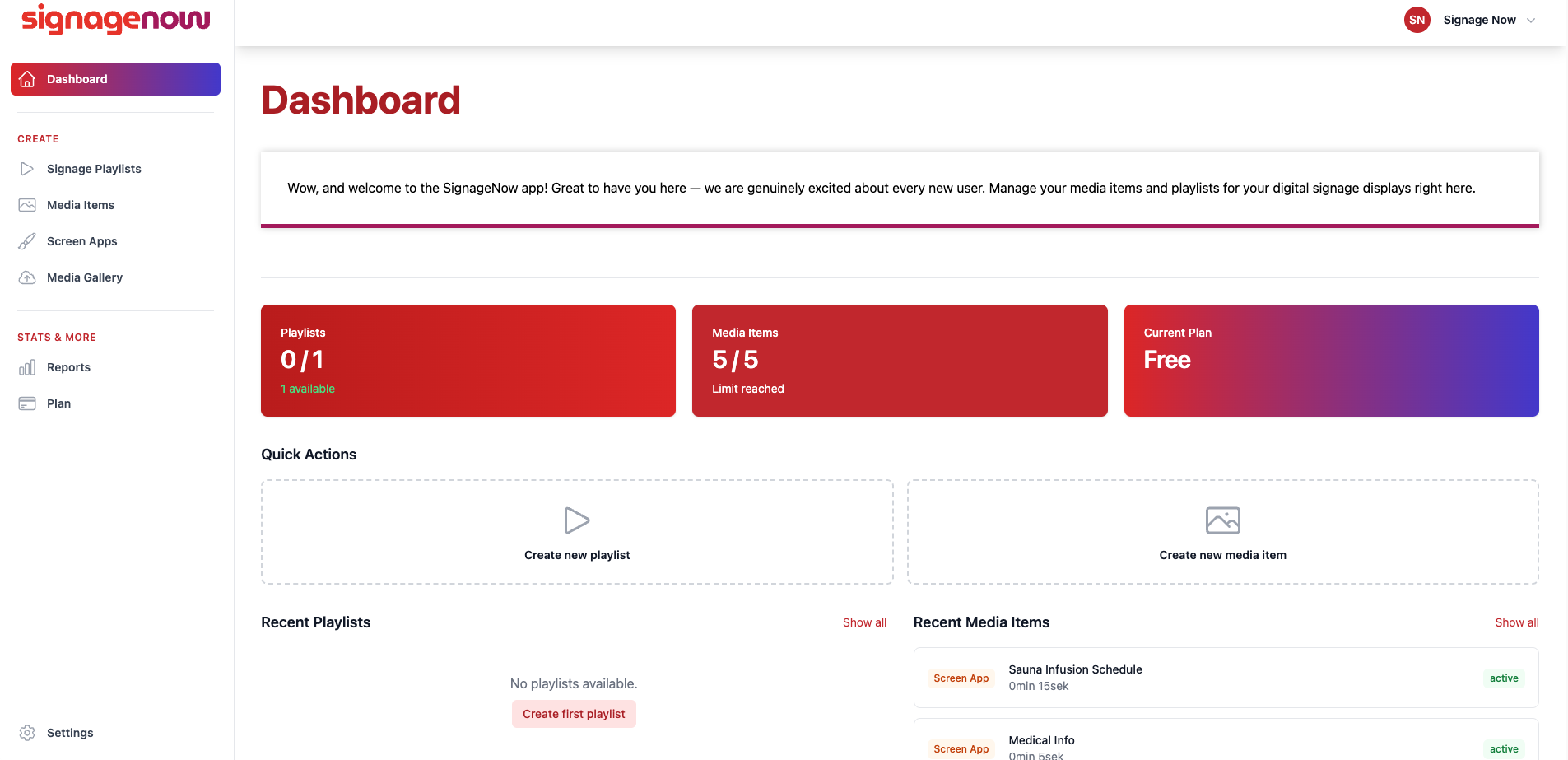
Many digital signage software solutions charge monthly license fees per screen or require you to use proprietary hardware. SignageNow breaks with this model:
- Hardware-independent: Simply use the Android TV Box that best suits your needs.
- 100% free: Get started right away with no time limit and no credit card required.
- GDPR-compliant & based in Germany: All data and media are stored on highly secure European servers.
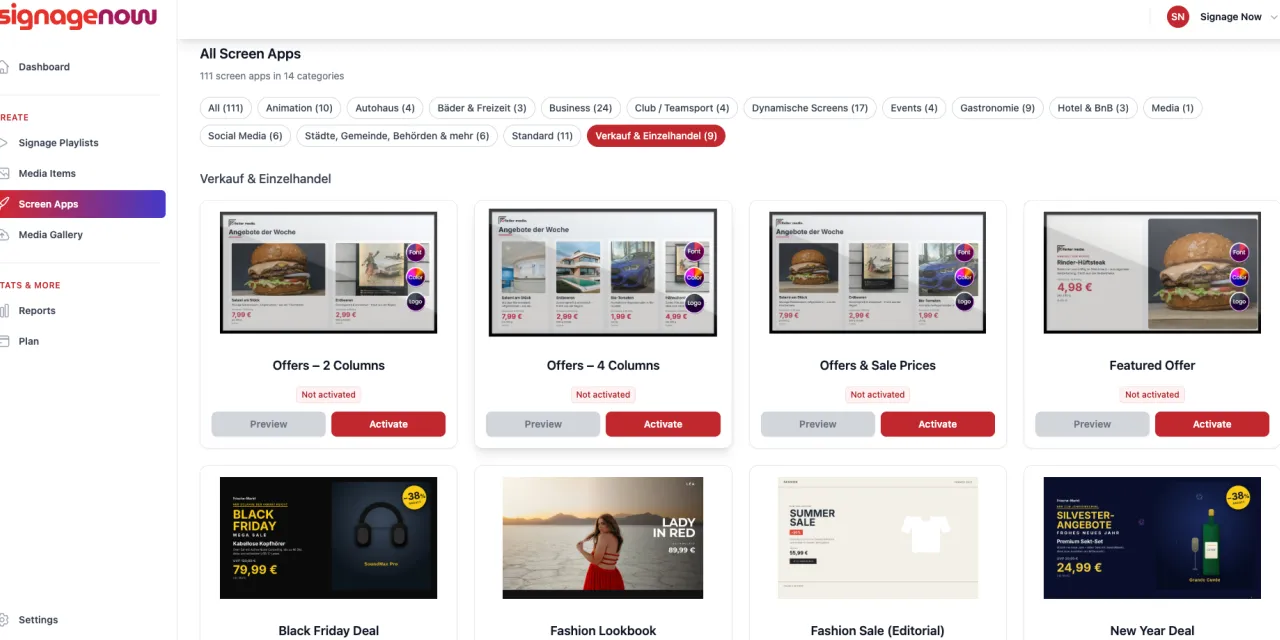
- Free templates included: From digital menus and job postings to specialized templates for doctor’s office waiting rooms or swimming pools - all templates are included in the free plan.
- Unlimited screens: Manage one or hundreds of displays centrally from your free SignageNow account.