Whether you want to display digital menus in a restaurant, special offers in a store window, or informational screens in an office, you’ll quickly find yourself asking: Do I need expensive specialized hardware, or is a regular TV enough?
The short answer is: Yes, a standard TV is perfectly sufficient in the vast majority of cases! You don’t have to spend thousands of euros on professional commercial displays to present digital content professionally.
In this guide, you’ll learn exactly how it works, what requirements your TV must meet, and how to get content up on the screen in no time.
How does digital signage work on a regular TV?
In the past, digital advertising displays often required complicated media players, wired servers, and specialized monitors. Today, control is handled in a modern and flexible way via digital signage cloud software. The process is broken down into three simple steps:
- Create content: You can easily create your graphics, offers, or videos on your computer using the software’s browser-based dashboard.
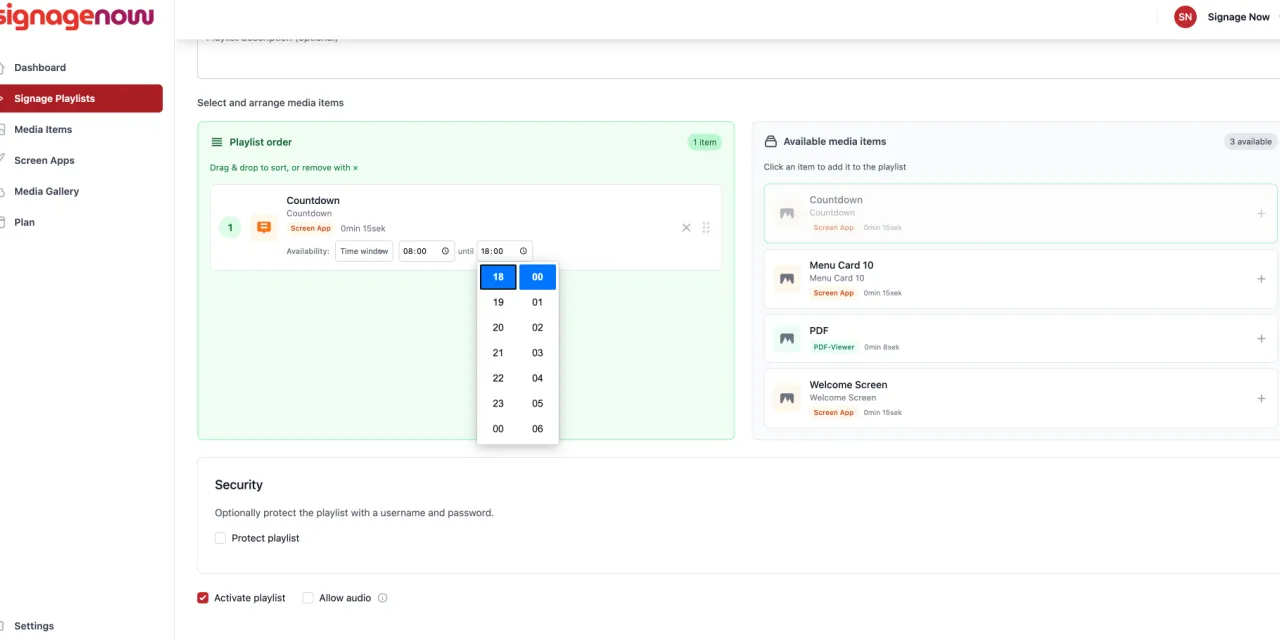
- Schedule the playlist: You organize your media into a playlist and specify when each piece of content should be displayed.
- Play on the TV: The TV retrieves the finished playlist via the Internet—either directly through its built-in web browser or via a small app.
What hardware do you really need?
Turning your TV into a digital billboard requires only minimal technical setup. Depending on your TV model, there are two options:
1. Smart TV with Internet access
If your TV already has smart TV features and is connected to Wi-Fi or via an Ethernet cable, you have everything you need. You can access the digital signage player directly through the TV’s built-in web browser or app store.
2. Regular TV without smart features (with a streaming stick)
Does your TV only have an HDMI port but no smart TV features? No problem. You can upgrade your device with an affordable streaming stick—for example, an Amazon Fire TV Stick or a Chromecast dongle. Simply plug the stick into the HDMI port, connect it to Wi-Fi, and it will handle content playback.