How do I integrate an RSS feed into SignageNow?
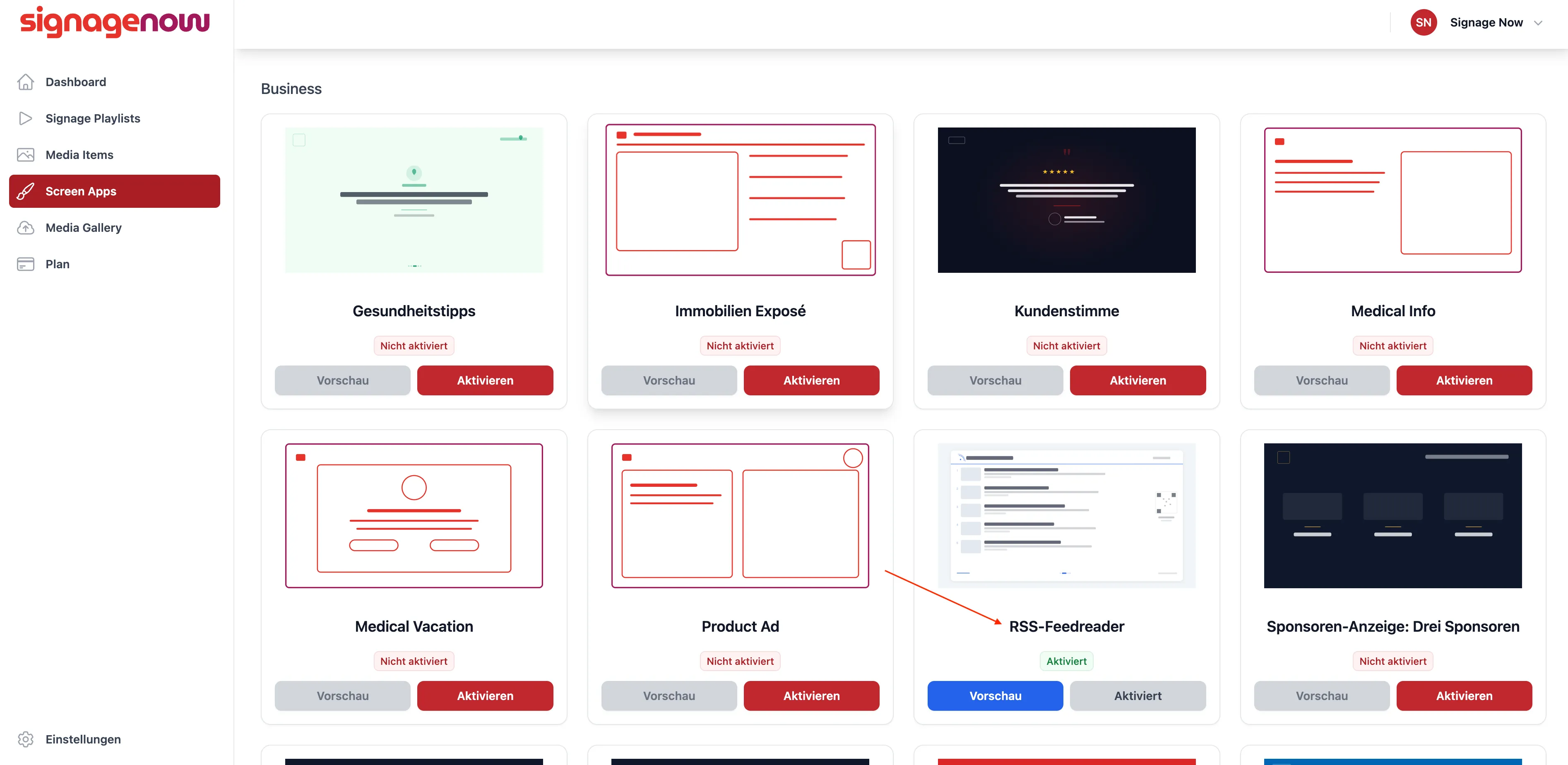
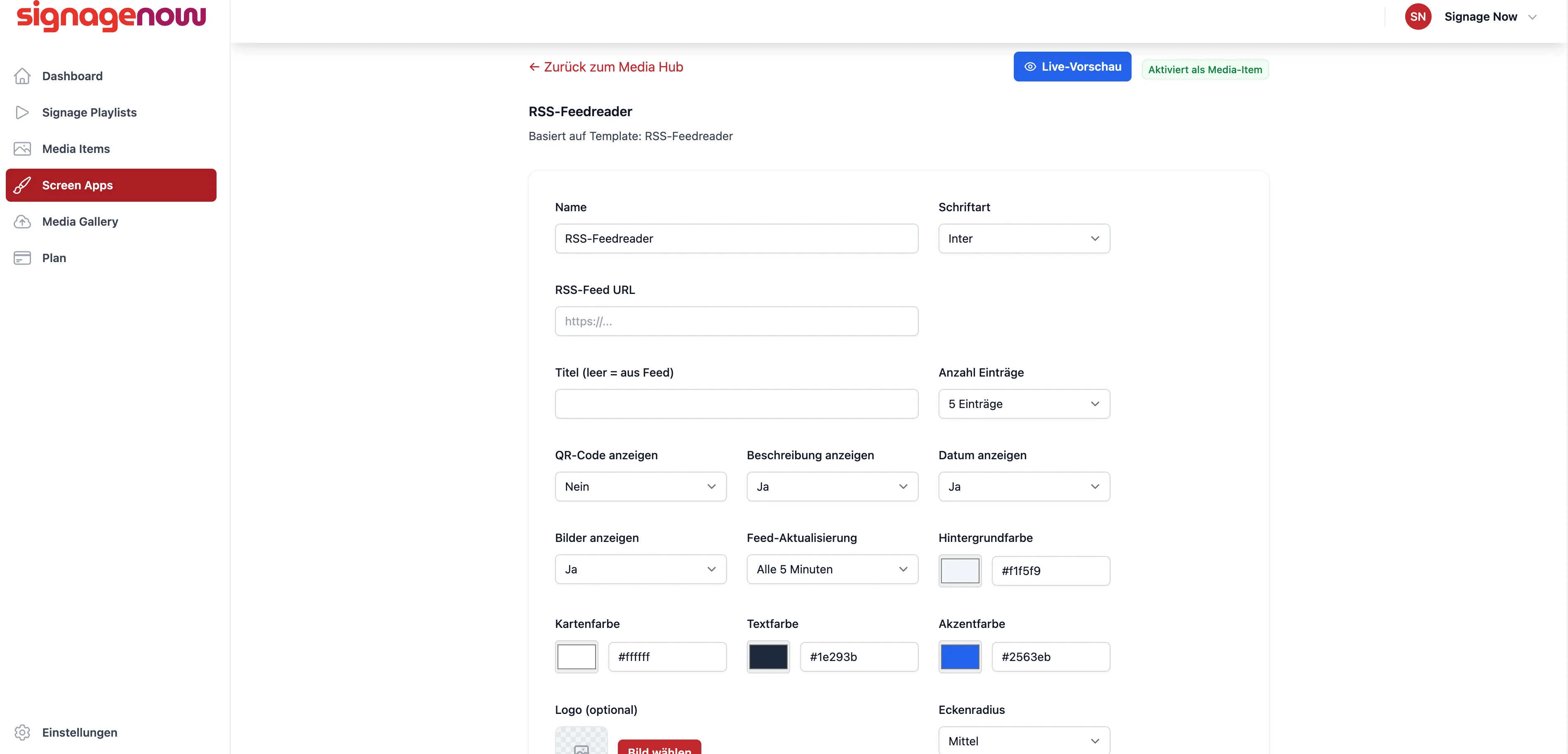
Once it's activated, you can enter your URL, set the feed refresh rate, choose how many entries to display, and much more! Finally, add the Screen app to your playlist, and you're all set!
Integrating an RSS feed into digital signage
In the menu on the left, go to “Screen Apps” and then to “All Screen Apps.” Then search for the template: “RSS Feed Reader.”
Enable it.
Want to learn more about SignageNow? No problem.
Learn more about our software and prices here.
