Digital Signage Player App for Android/Google TV
We’ve worked hard to make using SignageNow even more convenient. Our goal was to create a solution that lets you stream your playlists directly to your device without any hassle. The result is the SignageNow TV Player app for Android - streamlined, intuitive, and perfectly tailored to the needs of modern digital signage users.
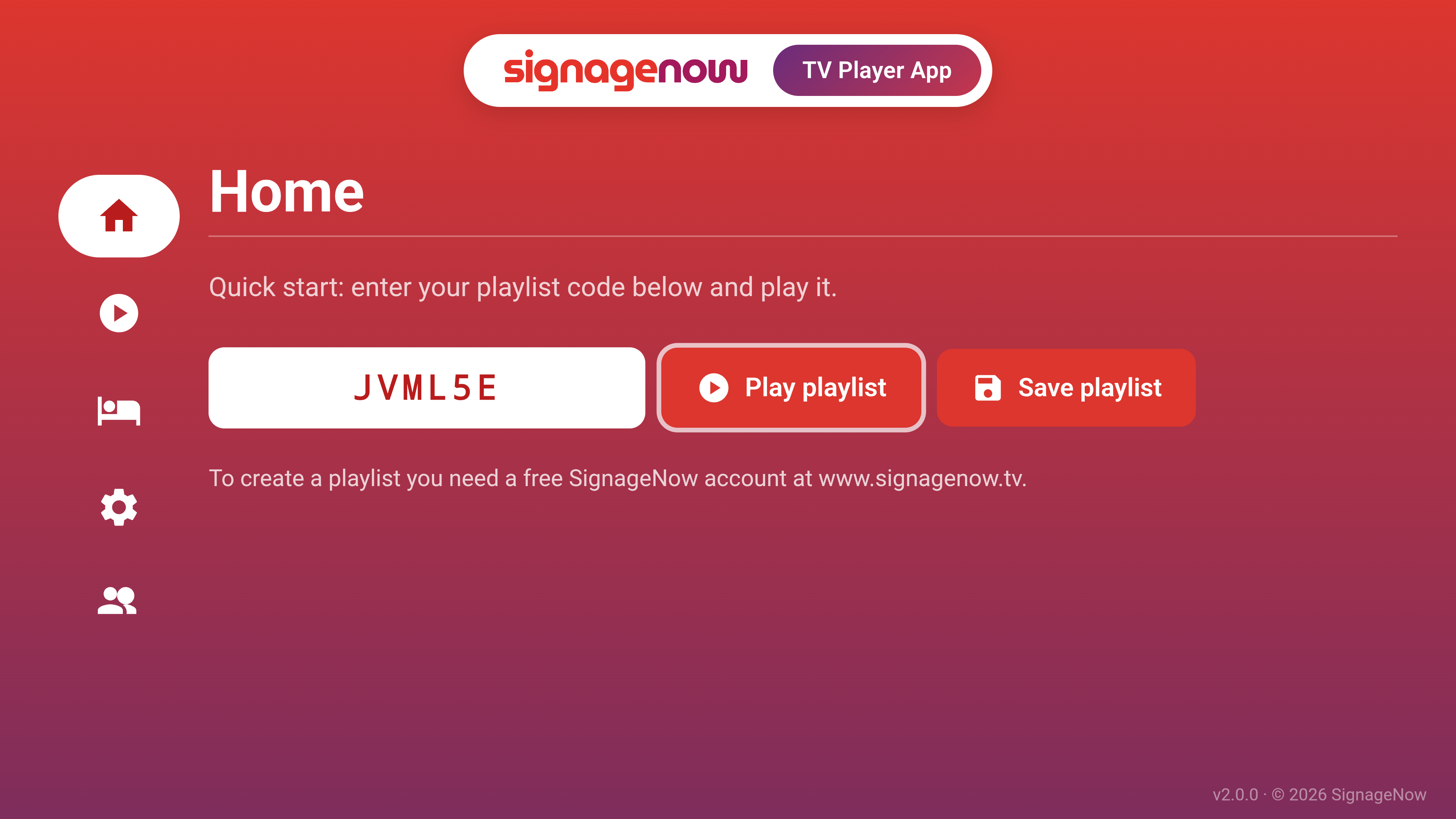
Use your Android TV as a digital signage player
With our app, you can say goodbye to the hassle of navigating through your device’s browser. As soon as you open the Digital Signage Player app, you can enter your custom playlist code.
Just click “Start,” and your content will immediately play in full-screen mode on your screen. Whether it’s advertising, news, or internal information - the app ensures stable and smooth playback of your digital messages.
100% GDPR-compliant
The SignageNow TV Player app is GDPR-compliant. All your content remains private as usual. We do not access or track your data.
Save and Manage Playlists
We know that efficiency matters in everyday life. That’s why we’ve equipped the app with a handy save feature. You don’t have to retype your URL every time:
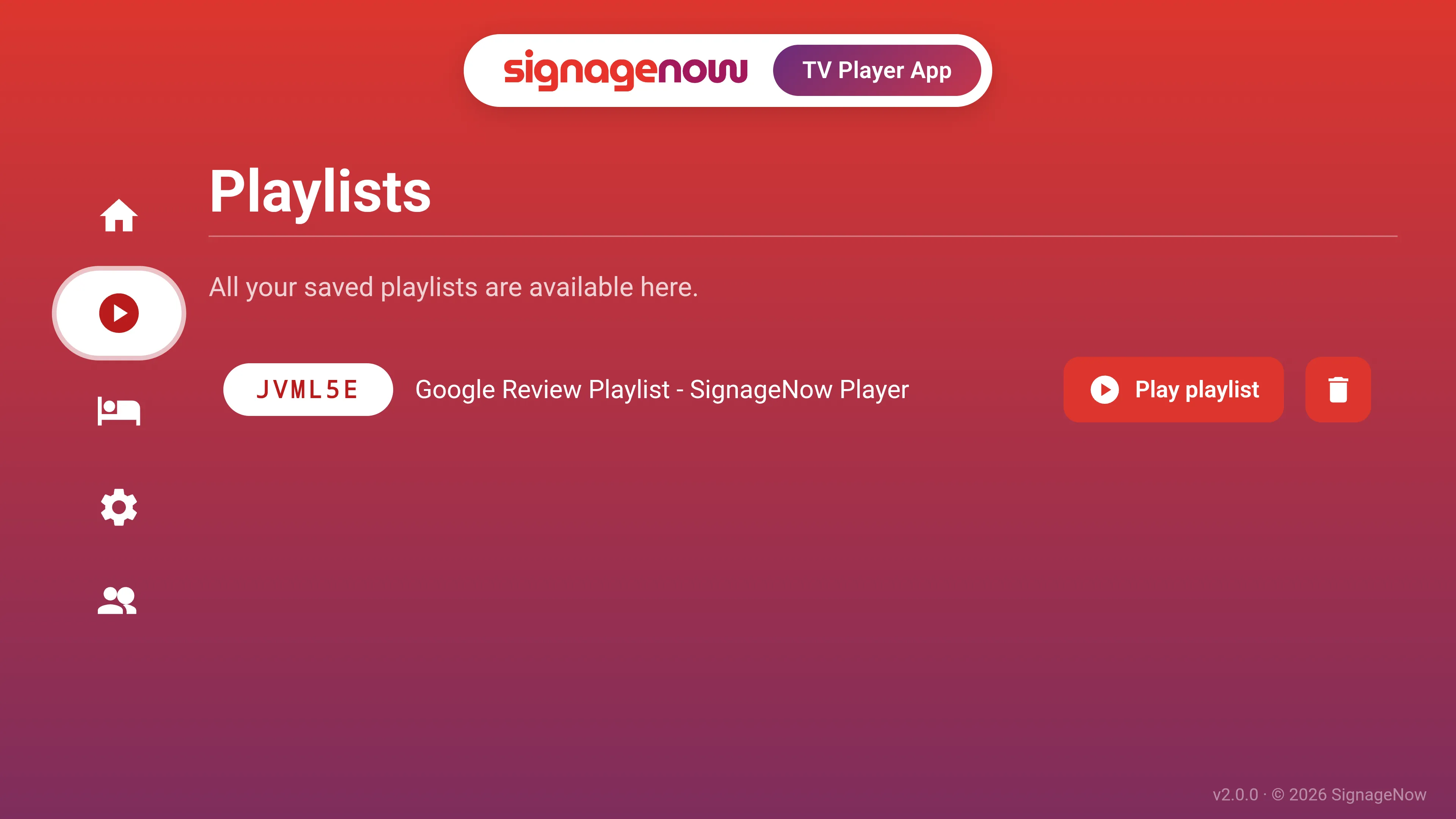
- Multi-Playlist Management: Do you use different playlists for different occasions or screens? No problem. In the app, you can save multiple playlist URLs and easily switch between them.
- Quick Start: The next time you open the app, you can play your saved URL right away.
- Hotel/Kiosk Mode: You can protect your content from unauthorized access. In Hotel Mode, the user must first press the Back button several times and enter a password to access the app.
Availability: Now on the Google Play Store
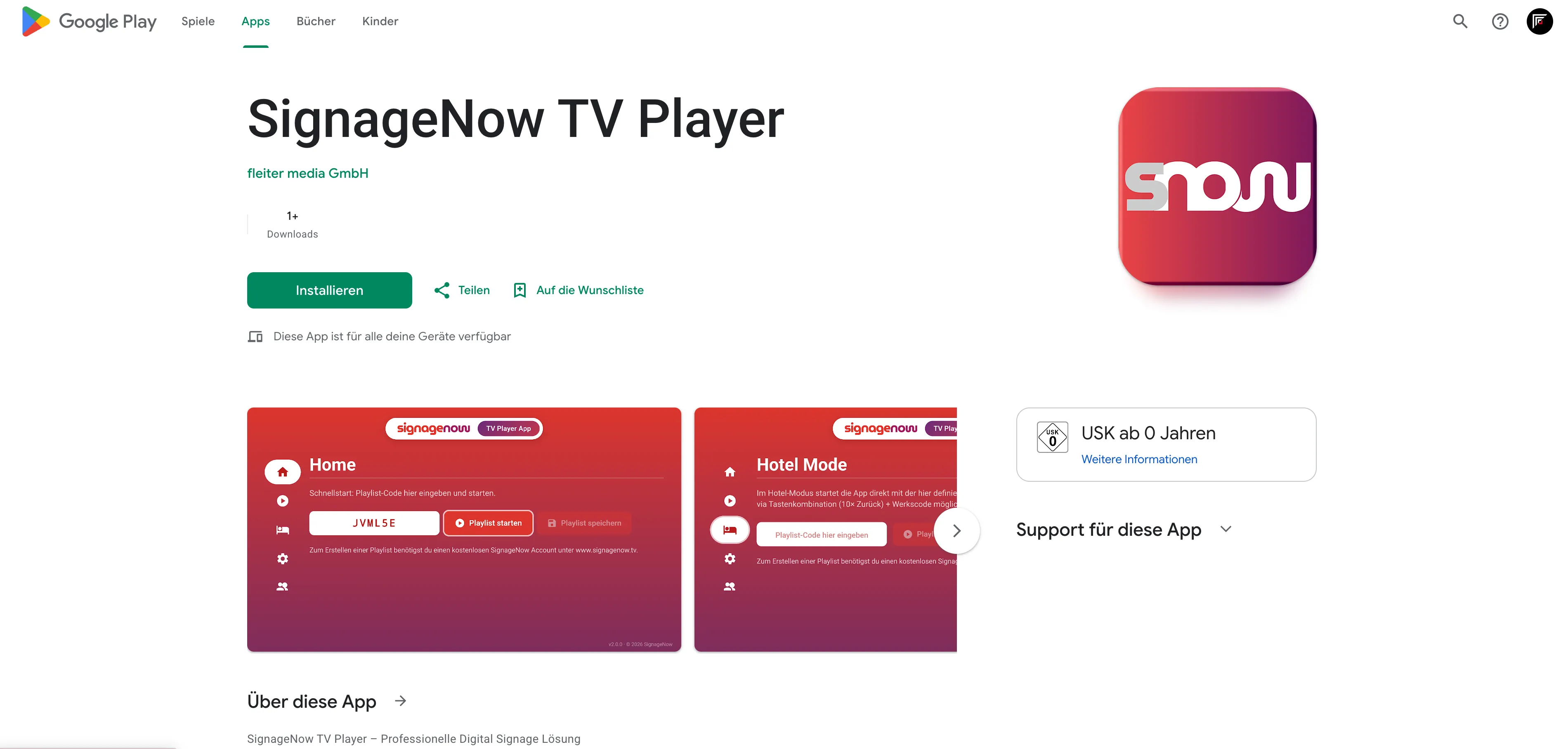
The SignageNow TV Player app is now available on the Google Play Store! You can easily download it and use it for free.
It works on any Android device (e.g., Google TV, smartphone, tablet, Android streaming stick).
Requirements:
The SignageNow TV Player app requires:
- A smart TV with the Android operating system
- Alternatively: An Android streaming stick, such as Google Chromecast, Google TV Streamer, Xiaomi Mi TV Stick or a similar device.
Want to learn more about SignageNow? No problem.
Learn more about our digital signage software and prices here.
