
How can I set the app to launch automatically when I turn on my device?
Tip: Don't have an account yet?
If you haven't created any playlists yet, just click the person icon in the menu on the left. Scan the QR code with your smartphone to quickly create a free account at app.signagenow.io/register.
If you want to know how to set up Hotel Mode, you'll find instructions here.
Enable the TV app to launch automatically when the device is turned on
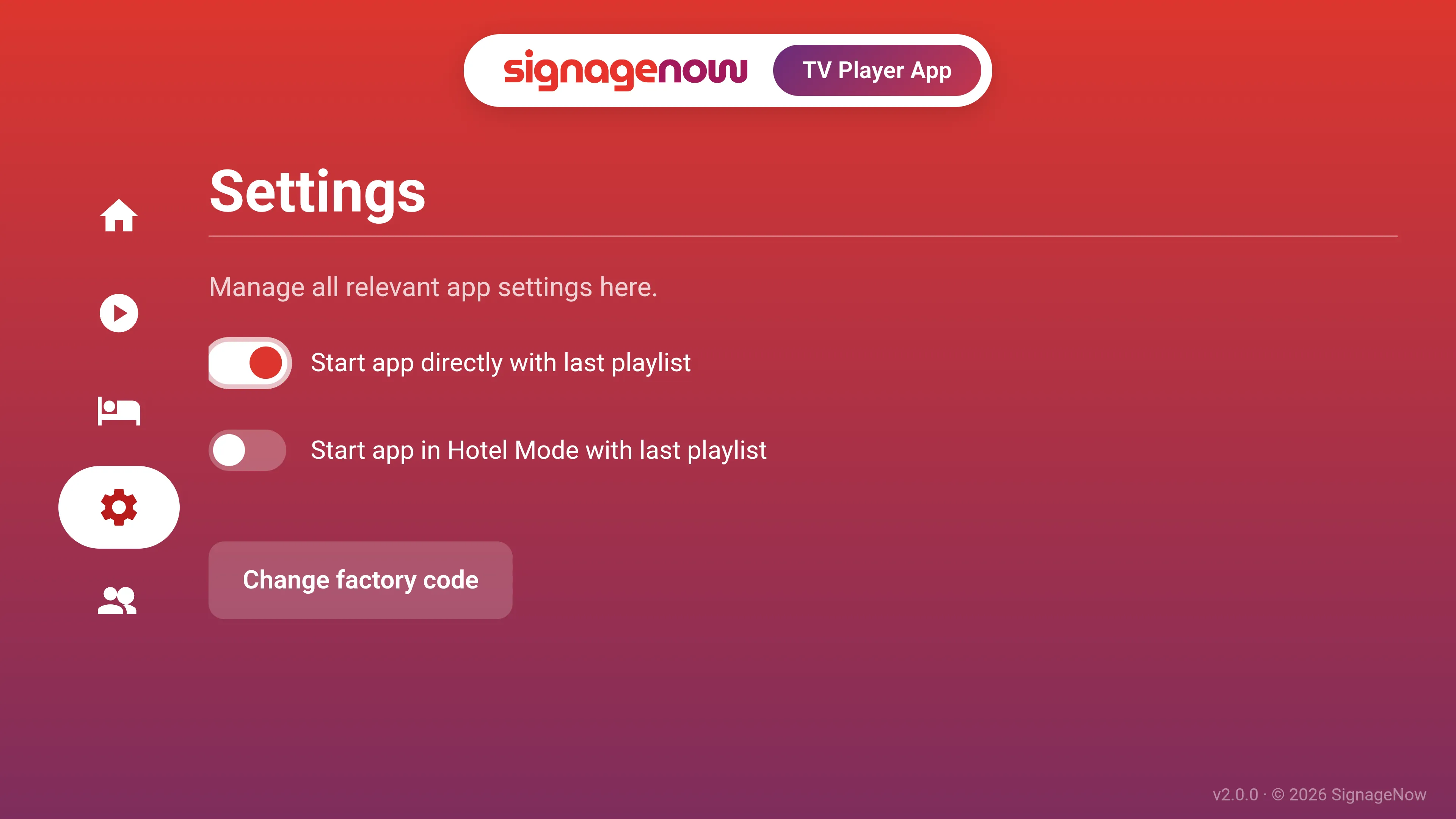
To make sure the TV automatically loads your signage on a fresh reboot (e.g., when the power is turned on in the morning or the room card is inserted):
- Go to Settings (Gear icon).
- Turn on the toggle "Launch app automatically when the device powers on".
- Note: This triggers during a real device reboot, not when waking up from regular standby mode.
Want to learn more about SignageNow? No problem.
Learn more about our digital signage software and prices here.