How do I embed YouTube videos?
Display Duration and Schedule
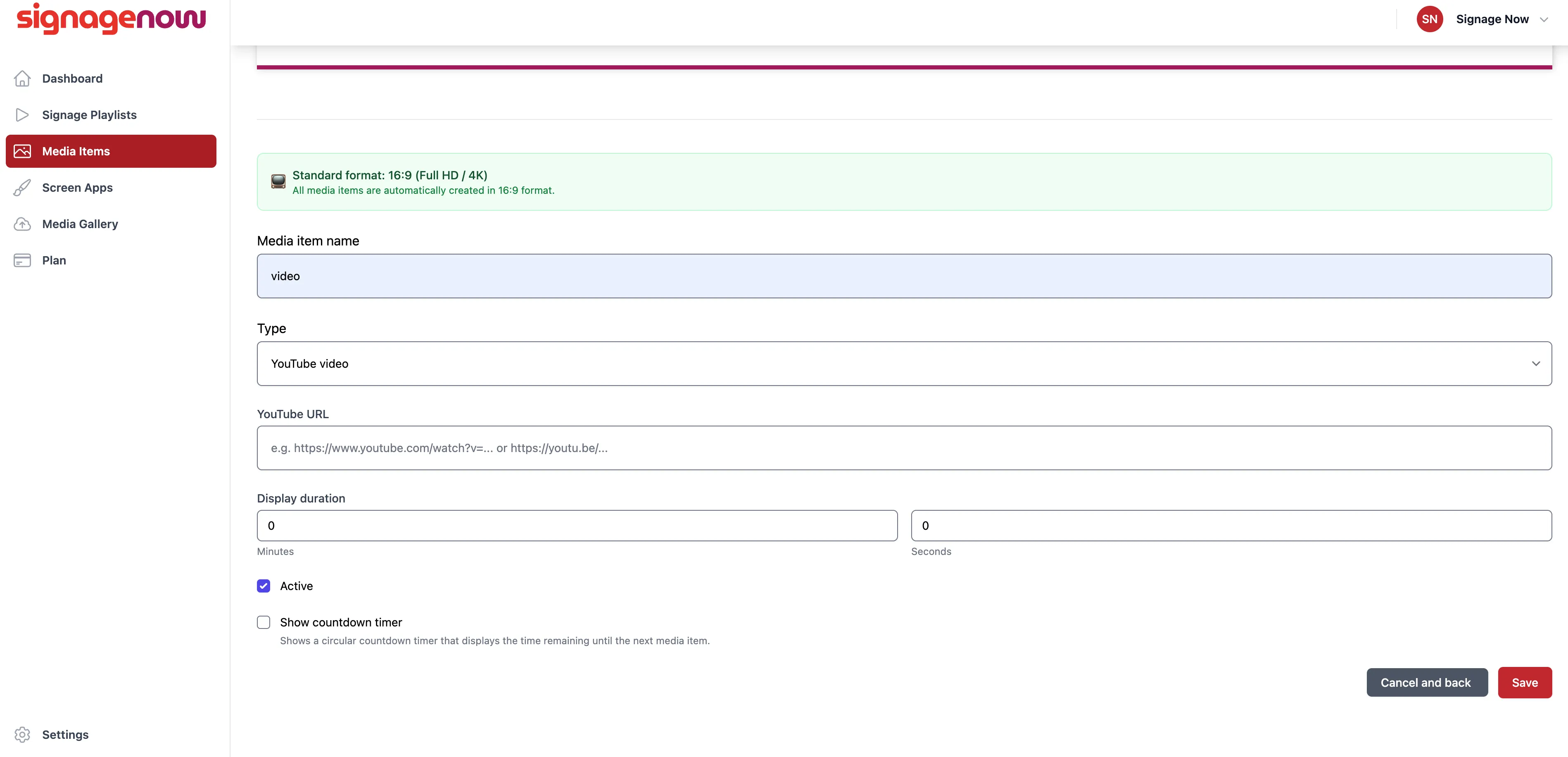
In the final step, you define the display duration. Specify how long the video should be displayed on your digital signage screen before the next item in your playlist plays. If needed, you can also enable a countdown timer.
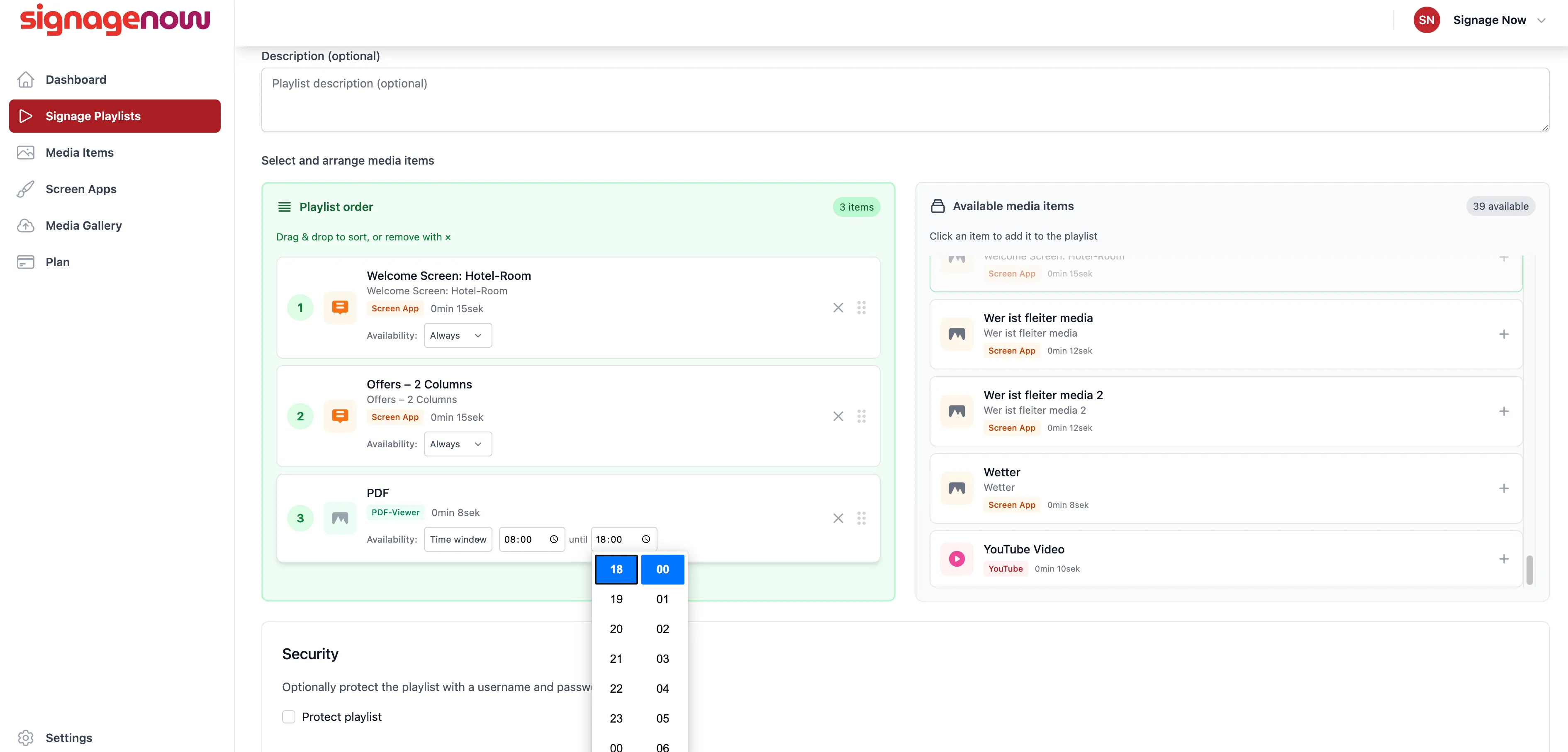
Another advantage of SignageNow: You can not only embed your YouTube videos but also schedule them precisely. That’s because SignageNow lets you create schedules.
Here's how to embed YouTube videos in SignageNow
Go to the “Media Items” section. There, select the “New Media Item” option to start the creation process. From the list of available formats, select “YouTube Video.” Insert the video link: Copy the video’s URL directly from YouTube and paste it into the designated input field. The system will then automatically load the required metadata.
Want to learn more about SignageNow? No problem.
Learn more about our digital signage software and prices here.
