Zum Hauptinhalt springen
News ·

Digital Signage Software for Google TV: Easily Display Ads on Your TV

Use SignageNow as digital signage software for Google TV

Digitizing advertising spaces doesn’t have to be complicated or expensive. With the widespread adoption of modern smart TVs in business settings, one platform has proven particularly effective: Google TV.

In this article, we’ll show you how to turn your Google TV-enabled TVs into powerful advertising displays using our digital signage software.

Maximize efficiency with the right digital signage software

Whether you want to display content on a single storefront or coordinate an entire network of monitors, our cloud-based solution, SignageNow, gives you full control from any location. You can easily create your advertising content, digital menu boards, or informational slides on your PC, tablet, or smartphone. Add them to a playlist to receive a personalized URL. Then simply enter it into your browser or the app, and you’re done.
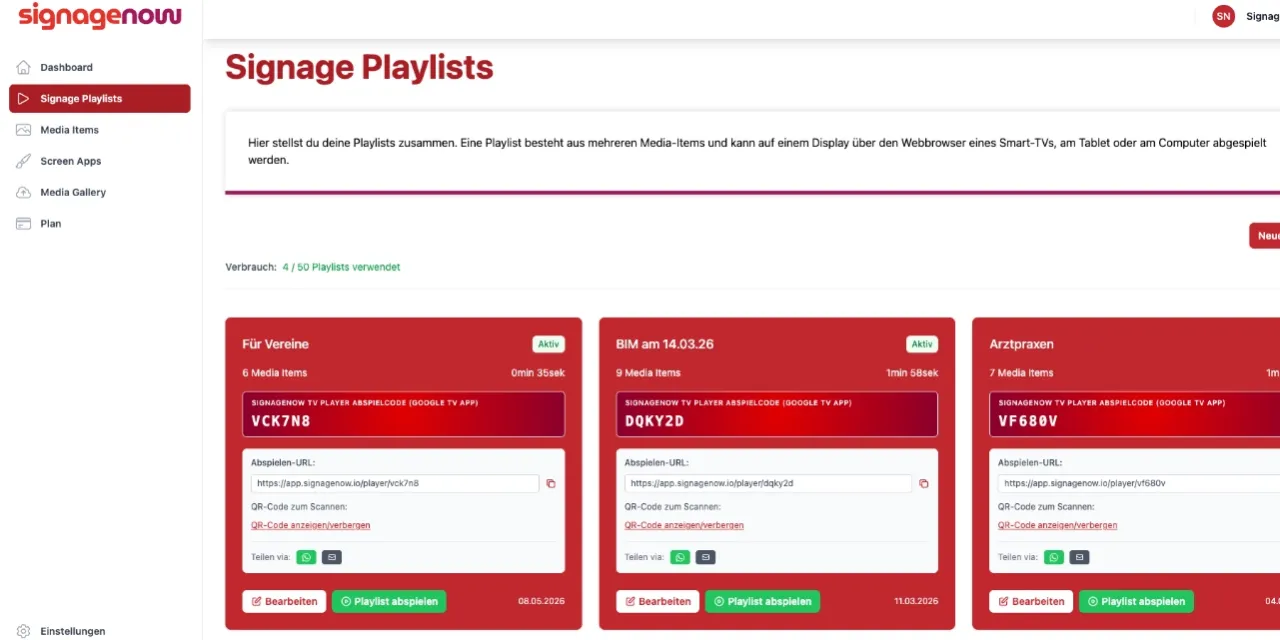
SignageNow digital signage software on Google TV

Smart Advertising with Google TV and Modern Digital Signage Software

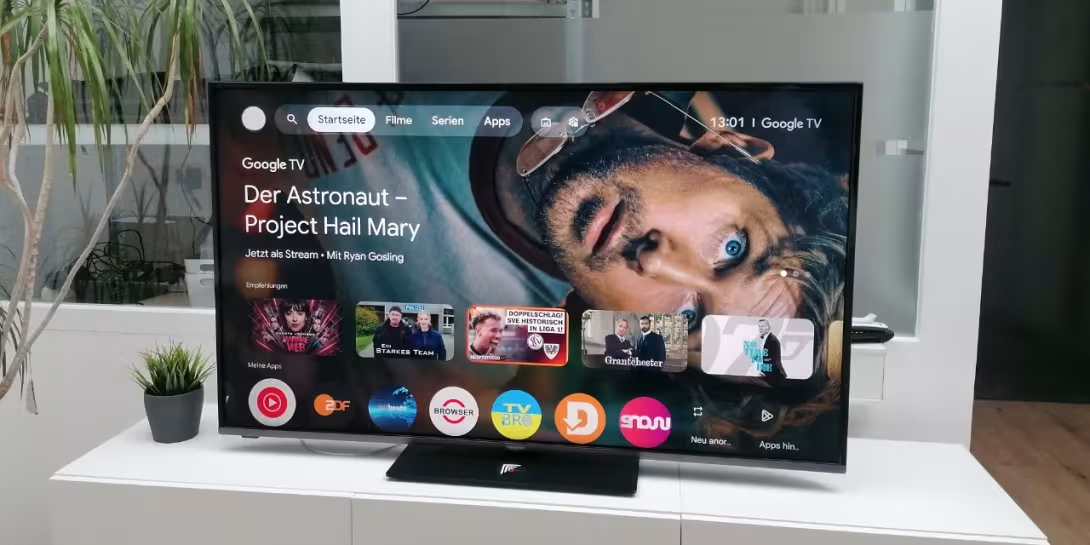
The days of having to purchase expensive, external media players and set up complex wiring for digital signage screens are over. If you use a modern TV with Google TV in your store, office, or clubhouse, you already have the perfect foundation.

Our digital display software harnesses the full potential of this platform. We’ve designed SignageNow to be so flexible that you have two convenient options for playing your content:

  • Playback via the browser: You can access your custom playlist URL directly in the TV’s web browser.
  • Playback via the SignageNow app: The app permanently saves URLs, so your digital signage starts immediately in full-screen mode with just one click after turning on the TV.
With SignageNow, you can use the Chromecast Stick (Chrome TV) for digital signage

Don't have a smart TV? Stay flexible with Chromecast and Chrome TV

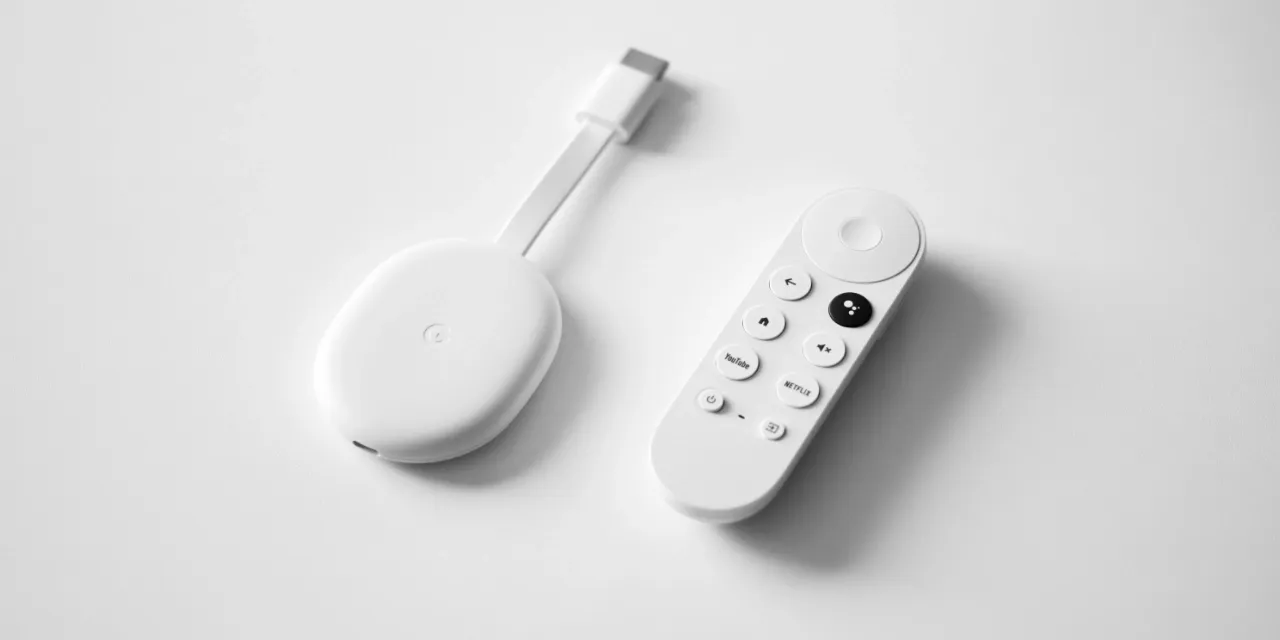
We know that many businesses still use fully functional screens that don't have built-in smart TV features. We have a simple solution for that, too. SignageNow works seamlessly with the Google Chromecast stick (Chrome TV).

A simple, affordable streaming stick instantly transforms any older TV with an HDMI port into a full-fledged advertising display. Just plug the Chromecast into the screen, connect it to Wi-Fi, and enter the URL in the browser or use the app. This way, you can modernize your advertising without having to buy expensive new hardware.

Get started risk-free: Try our Infoscreen software for free

We’re convinced that the benefits of digital advertising are best demonstrated in real-world use. That’s why we’re offering you our Infoscreen software for free!

With our free plan, you can try out how easy it is to set up SignageNow on your Google TV device or via a streaming stick—with no financial risk.

Or check out our demo playlist right away.

Want to learn more about SignageNow? No problem.

Learn more about our digital signage software and prices here.
