The waiting room at your physical therapy practice is where patients spend time and give you their full attention. However, if there are only outdated magazines lying around or a TV playing without sound, you’re wasting valuable potential. With digital signage for physical therapy, you can transform simple screens into modern information displays - for targeted patient information, promoting additional services, and taking some of the load off your practice team.
The best uses in your physical therapy practice
1. Waiting Room TV & Patient Information
Use your patients’ waiting time to provide useful health tips and promote your practice. Show simple exercise or posture tips for everyday life and provide information about your self-pay and IGeL services (e.g., osteopathy, Kinesio taping, medical flossing, or wellness massages).
2. Reception Screen & Lobby
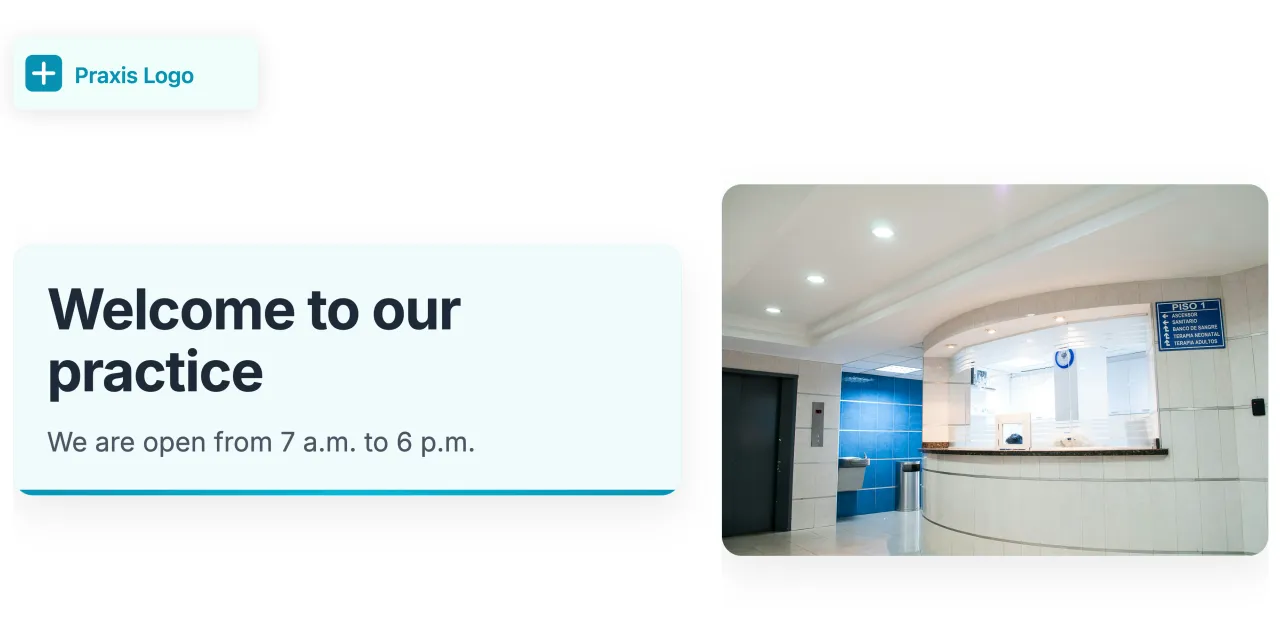
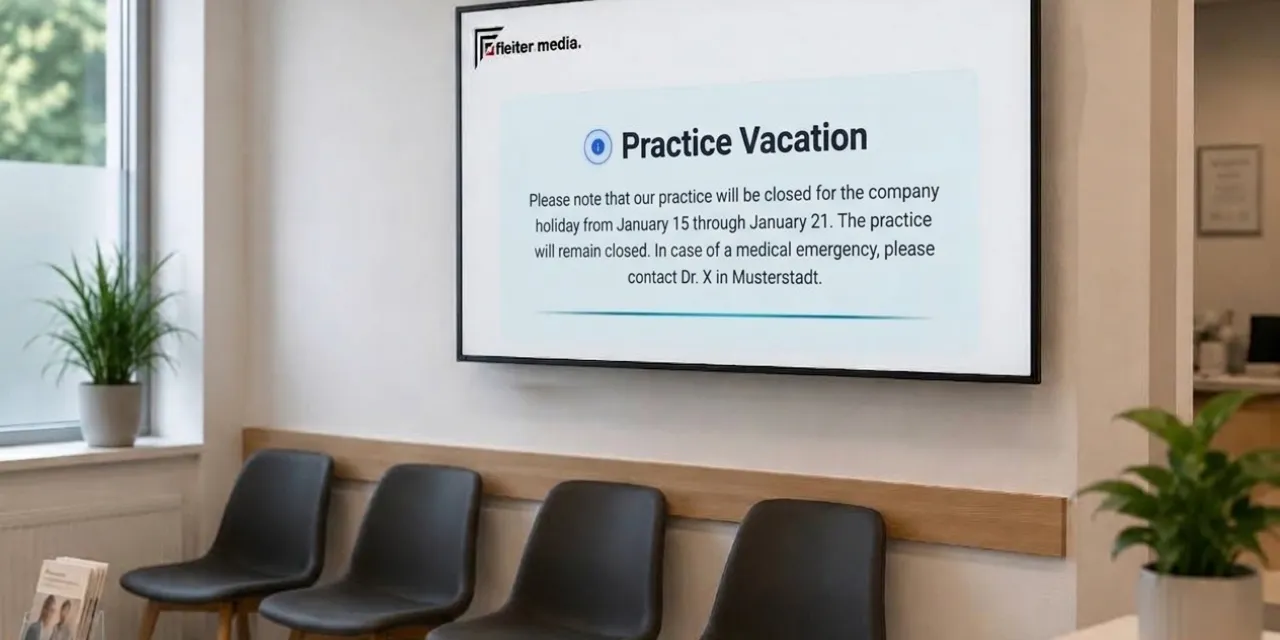
A digital welcome screen at the reception desk creates a highly professional first impression. Immediately inform patients about changes to opening hours, vacation schedules, or room assignments for treatments and preventive courses.
3. Digital Staff Recruitment in the Waiting Room
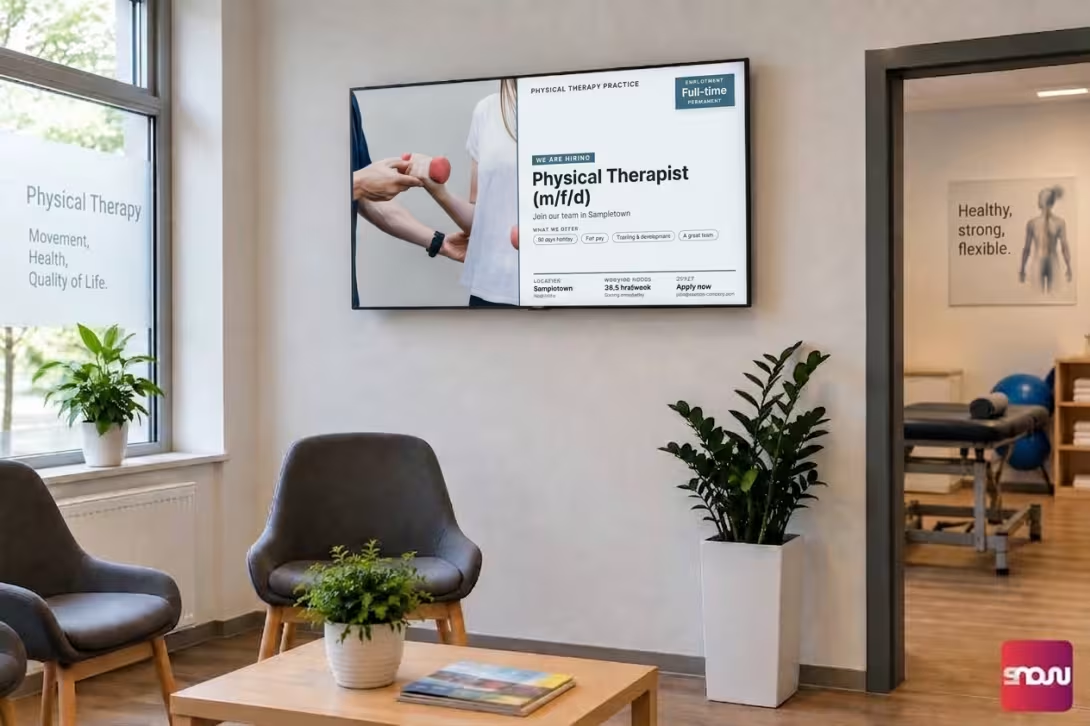
The shortage of skilled workers is also hitting the physical therapy field hard. Often, new recruits for your team are already sitting in the waiting room as patients themselves or have brought family members with them. With animated templates, you can draw attention to open positions for physical therapists or receptionists in a way that’s impossible to miss.
Why PowerPoint Falls Short in Everyday Practice (and Why SignageNow Is the Better Choice)
Many practices start out by using PowerPoint presentations they’ve created themselves and stored on a USB drive. What seems straightforward at first quickly proves to be time-consuming and inflexible in the day-to-day routine of a practice:
| Criterion | PowerPoint on a USB flash drive | SignageNow Cloud-Software |
|---|---|---|
| Changes | Remove the embroidery, edit it on the computer, and re-upload it | Make changes live in your browser in a matter of seconds |
| Content | Static, often old-fashioned-looking slides | Fully animated templates, videos and dynamic widgets |
| Automation | Live content is not available | Automatic Daily News, Weather Reports, and Timers |
| Hardware | Often runs slowly when used with media players | Runs directly via the app or browser on any smart TV or streaming stick |