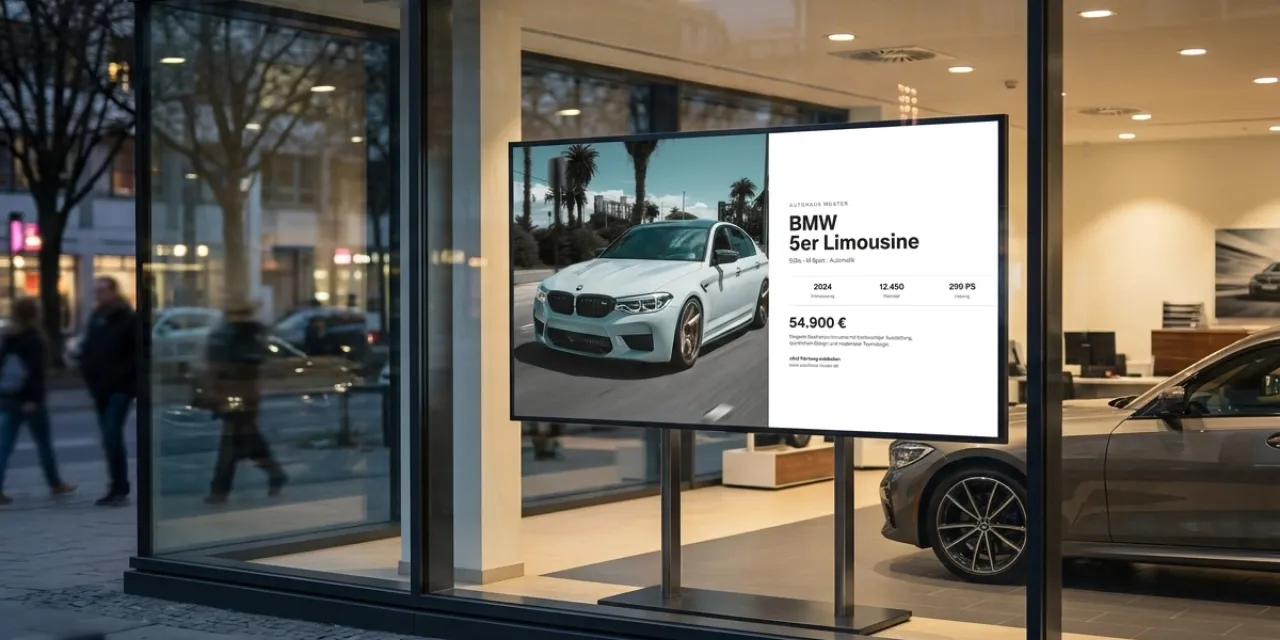
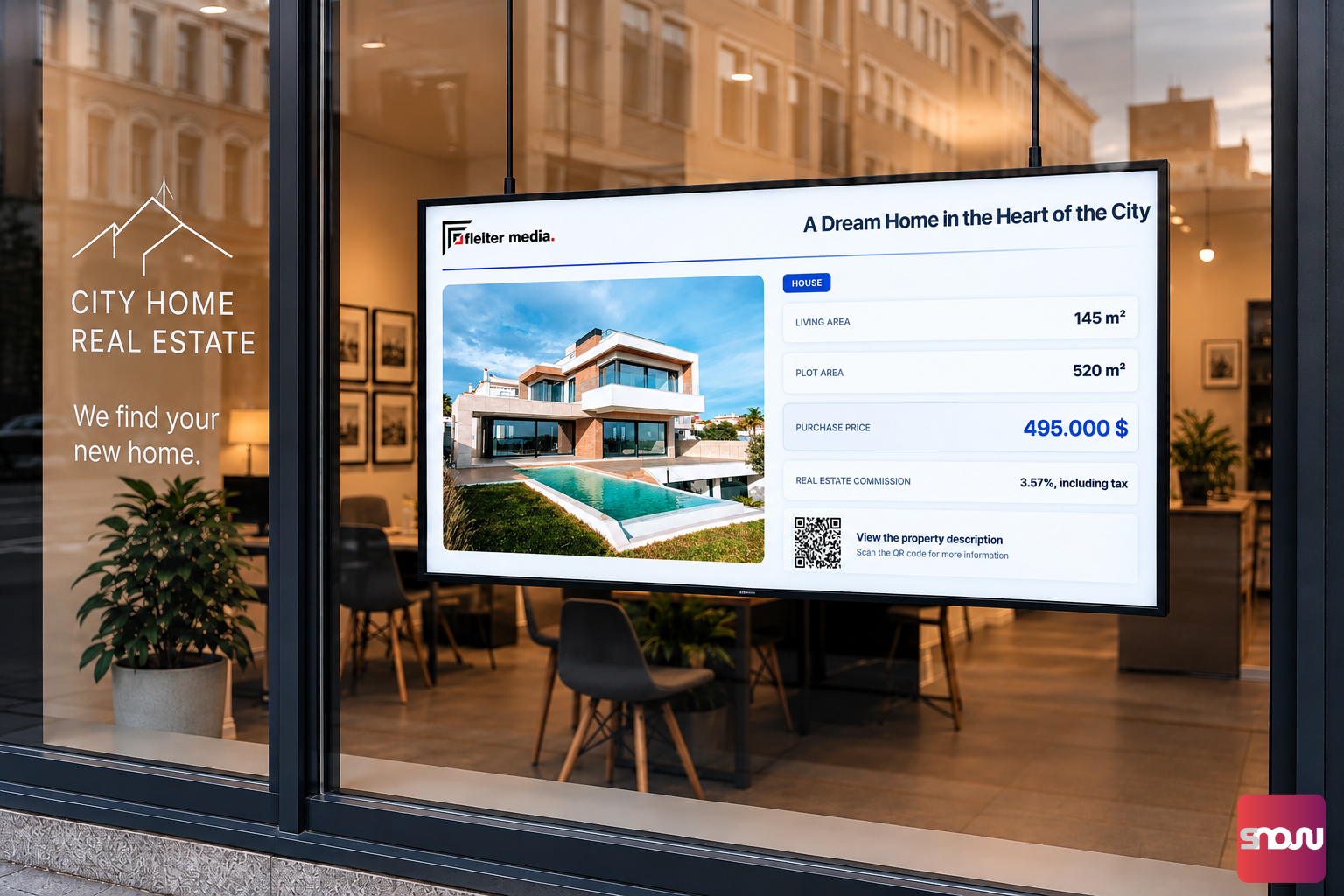
A digital storefront display is the calling card of your store, travel agency, or car dealership. While printed posters fade quickly and are barely noticeable in the dark, a bright screen in the storefront attracts the attention of passersby around the clock.
However, installing digital signage displays in a storefront presents physical challenges that don’t apply to standard indoor screens: direct sunlight, distracting glare, extreme heat buildup, and the right display brightness (nits).
In this guide, you’ll learn step by step what you need to consider during planning, hardware selection, and installation to ensure your storefront TV remains perfectly legible even on bright summer days.
1. The Core Problem in Storefronts: Sunlight & Reflections
If you simply place a standard TV from an electronics store in your storefront window, you’ll usually be in for a nasty surprise when the sun is out: The screen appears dark, black, or turns into a giant mirror in which passersby see only their own reflection.
This is due to two key factors:
- Ambient brightness (lux): On a sunny summer day, daylight outdoors and on the storefront window can reach levels ranging from 5,000 to 100,000 lux. Older TVs often aren’t bright enough to outshine this level of brightness.
- Reflection on the glass front: The storefront glass reflects daylight. If the screen behind it is too dark, the human eye perceives only the reflection on the glass.
2. How Much Brightness Does a Storefront Display Need? (Nits & Candela)
Display brightness is measured in Nits or cd/m² (candela per square meter). 1 Nit corresponds to the luminous intensity of a single candle on one square meter.
To select the right display brightness for your storefront, you need to consider the orientation of your shop:
| Storefront Orientation | Light Conditions | Recommended Brightness (Nits) |
|---|---|---|
| South Facing | Direct, intense sunlight | 3,000 – 4,000+ Nits |
| East / West Facing | Exposure to morning or evening sun | 2,500 – 3,000 Nits |
| North Facing / Covered | No direct sunlight, bright daylight | 1,500 – 2,500 Nits |
| For comparison: Standard TV / Monitor | Indoor areas without sun | 250 – 350 Nits |
2.1 Which Display Offers How Many Nits and How Expensive Is It?
Depending on the orientation of your storefront window, you can choose between different types of displays. Note that OLED and Mini-LED (QLED) TVs are significantly cheaper than specialized high-brightness displays:
OLED TVs (€750 - €1,800): 1,300 to 2,500 Nits (Peak)
Mini-LED / LCD TVs (€600 - €1,200): 1,500 to 3,000 Nits (Peak)
High-Brightness Displays (€1,000 - €3,000): 2,500 to 4,000 Nits (Sustained)
2.2 High-Brightness Displays vs. Standard Smart TV
What is the difference between high-brightness displays and standard smart TVs?
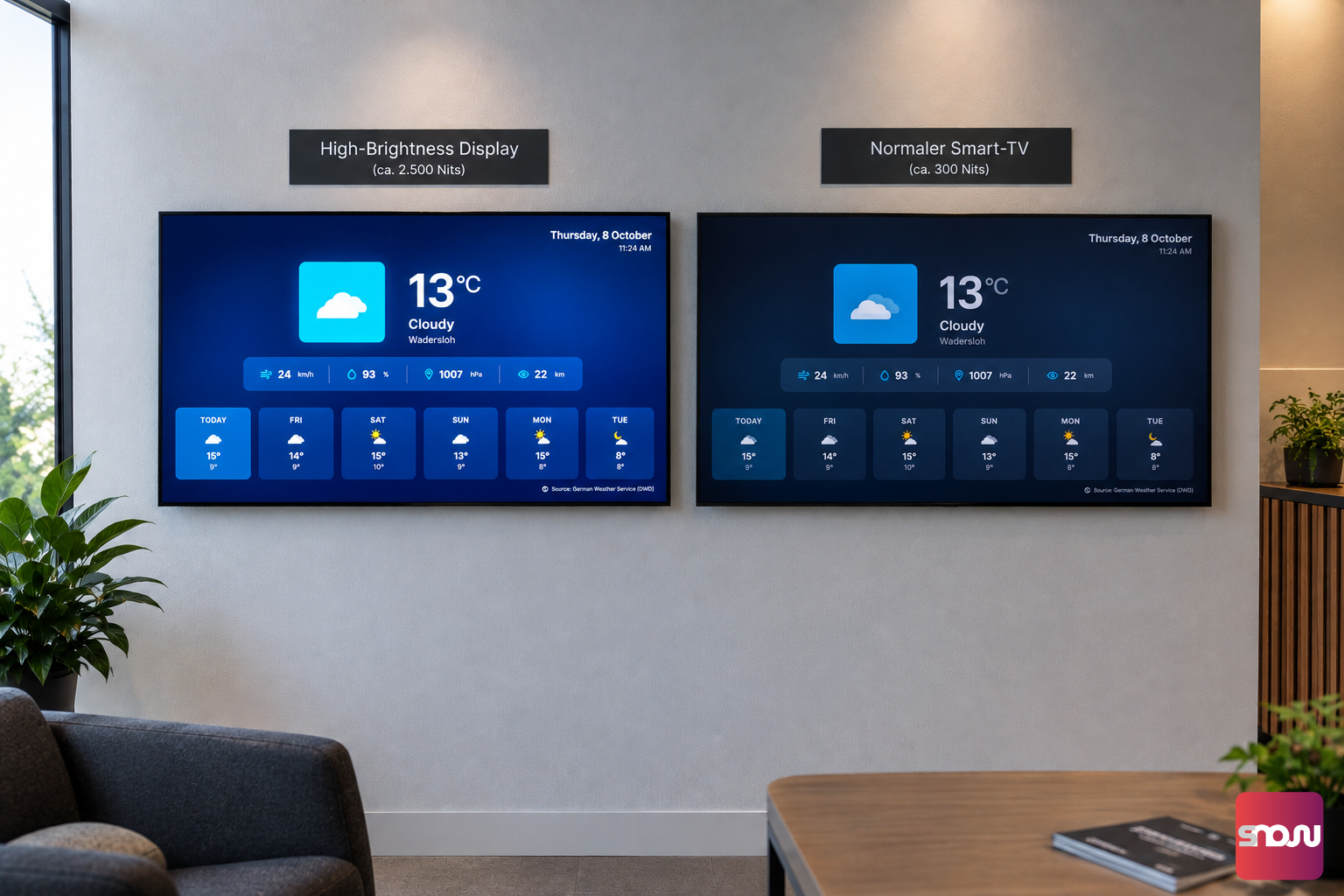
A. Automatic Brightness Control (Ambient Light Sensor)
Specialized storefront monitors feature built-in ambient light sensors. They automatically dim the brightness at dusk or on cloudy days and switch to an energy-saving mode at night. This protects the hardware, saves electricity costs, and prevents the screen from blinding passersby in the dark.
B. Heat Resistance & Blackening Protection (Thermal Management)
When direct sunlight hits a standard LCD panel, the liquid crystal layer heats up rapidly. This results in permanent dark spots on the screen (known as blackening). High-brightness displays use specialized panels (e.g., with high isotropy tolerance up to 110 °C) that do not turn black even under intense heat.
C. Anti-Glare Coating
Professional storefront monitors feature a matte, anti-glare surface coating. This scatters light reflections on the panel and minimizes visual distractions significantly.
3. When Should I Use a Smart TV and When a Specialized Display?
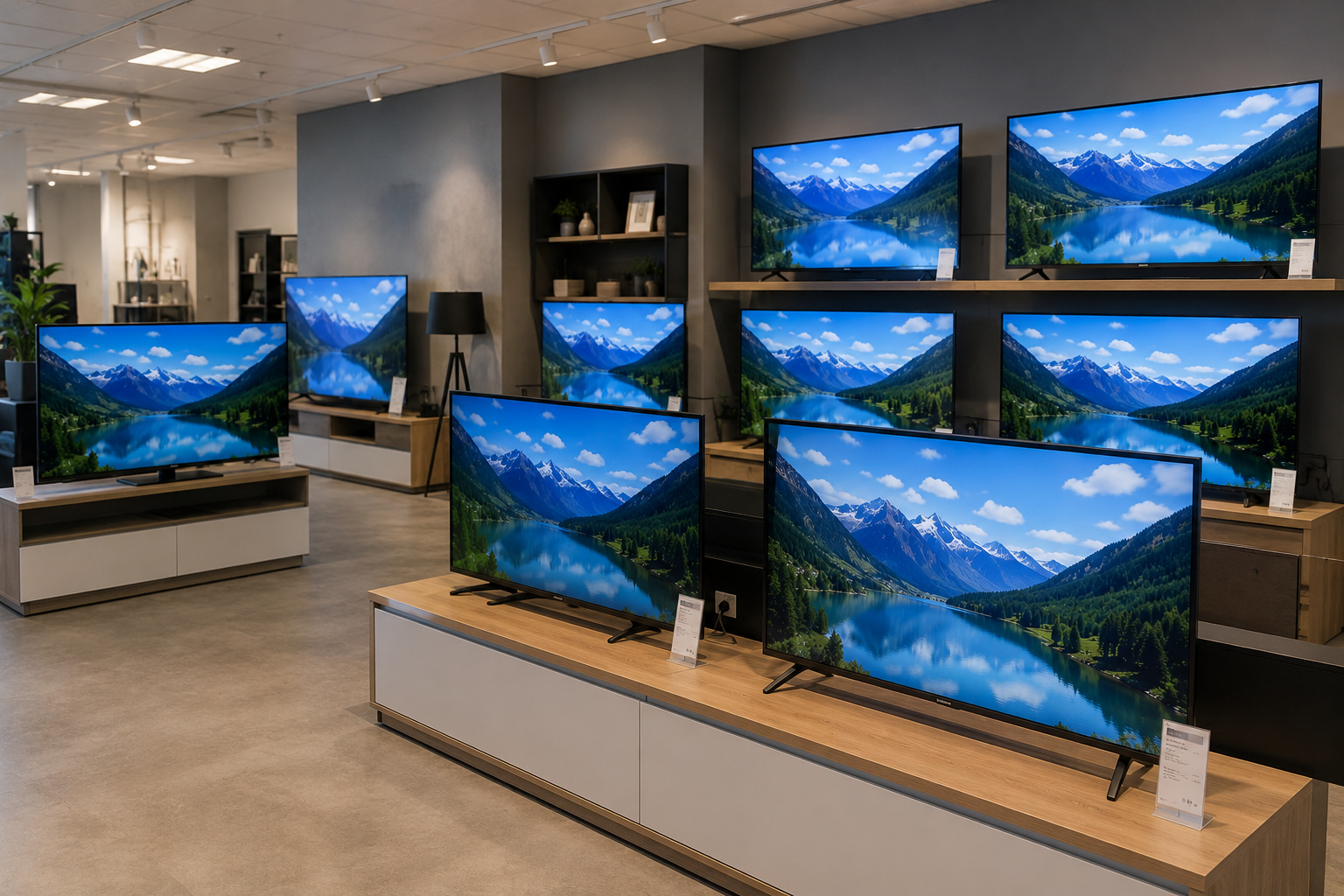
When is investing in a specialized storefront display (high-brightness display) worth it compared to a budget-friendly TV?
Continuous Sunlight: As soon as direct sunlight hits your storefront window for extended periods, a standard TV is often too dim, making your ads hard to read.
Limited Ventilation Behind the Window: If the display is positioned directly against the glass pane, temperatures can rise dramatically.
4. Proper Mounting & Ventilation in the Storefront
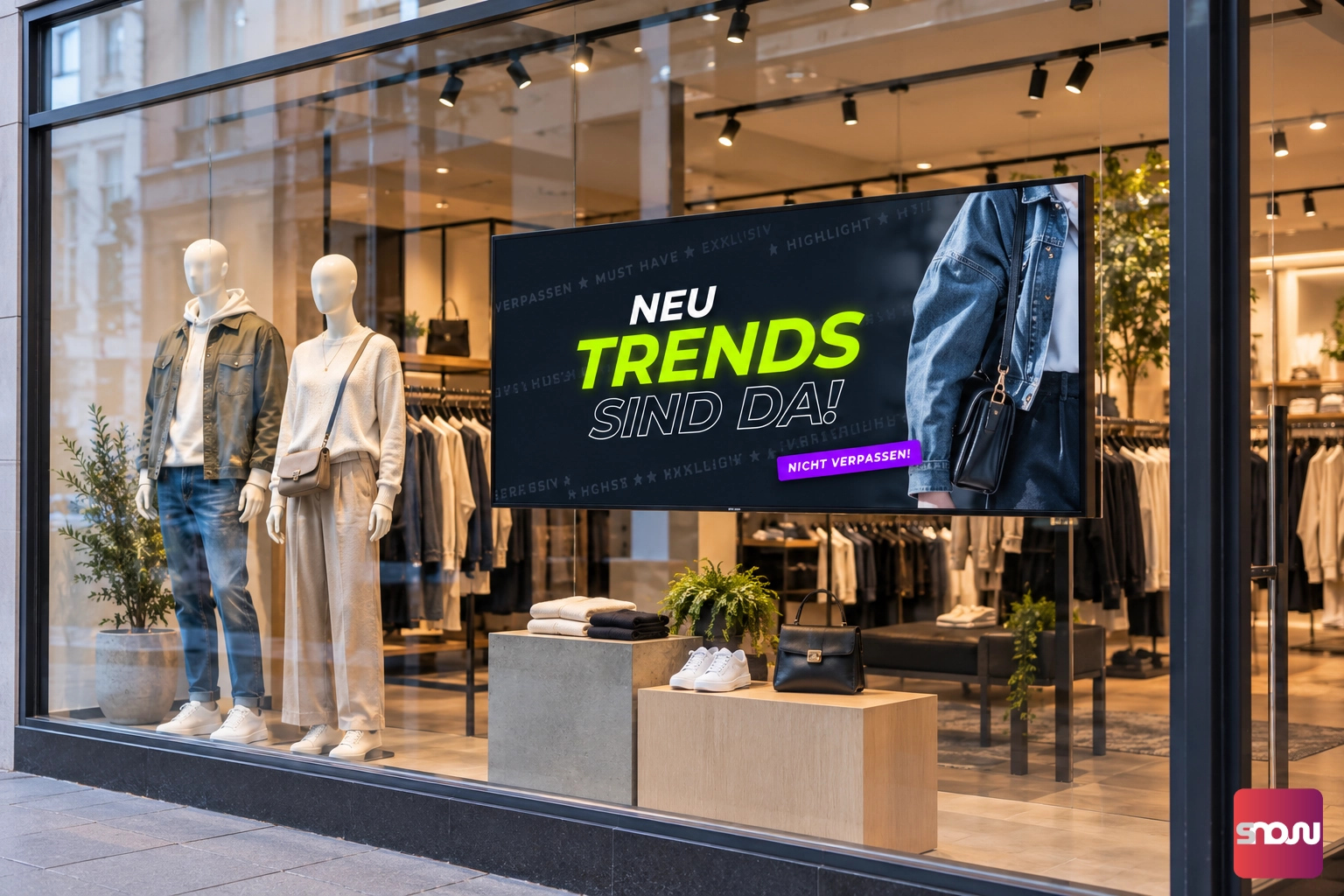
Besides display specifications, physical installation plays a crucial role in the lifespan of your storefront advertising:
Maintain Distance from the Glass: Leave at least 10 to 15 cm of space between the storefront pane and the front of the monitor. Heat builds up extremely fast directly behind the glass.
Ensure Sufficient Air Circulation: Storefront enclosures or enclosed window areas require adequate ventilation. Make sure the cooling vents of the screen are not blocked.
Choose a Sturdy Mount: Depending on your window setup, ceiling-suspended cable systems, floor-to-ceiling poles, or freestanding floor stands are ideal. Note: Under direct sunlight, high-brightness displays weigh more than consumer TVs due to their heavier enclosures and cooling systems.
5. What Content Works Best in a Storefront Window?
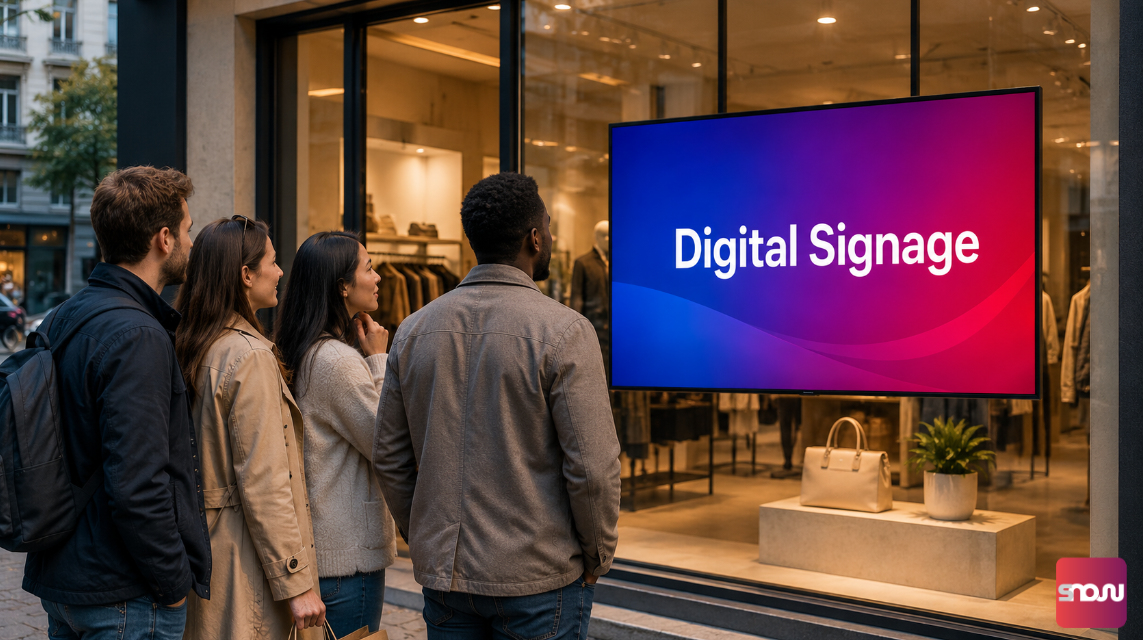
The best hardware is of little use if the content isn't tailored to the viewing habits of people walking by. Passersby usually look at your storefront TV for only 2 to 4 seconds.
High Contrast & Vibrant Colors: Use dark backgrounds with light typography or high-contrast graphics. Subtle pastel shades tend to wash out in daylight.
Large Typography: Text must be effortlessly readable from a few meters away and in motion.
Use Motion Purposefully: Short animations or gentle transitions draw eyes to the screen. Avoid overly fast or chaotic cuts.
Get Straight to the Point: Keep messages short and concise (e.g., daily specials, opening hours, featured properties, event announcements).
For uninterrupted playback and effortless content management, you need straightforward software. Here, you can rely on a free digital signage cloud solution like SignageNow, allowing you to schedule content flexibly in your web browser and broadcast it automatically to your storefront display.