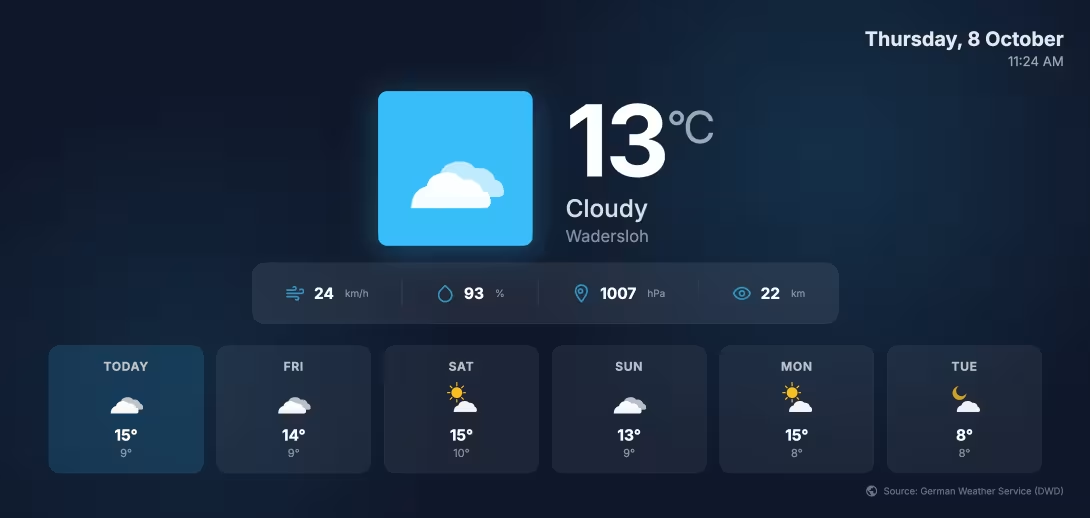
Whether in a doctor’s office, a restaurant, or a reception area: there’s certain information that really catches everyone’s eye. The current weather forecast on the screen is definitely one of them. People want to know if they’ll need an umbrella on their way home, how warm it will get in the afternoon, or if the weekend will be sunny.
You can tap into this universal curiosity to specifically draw your audience’s attention to your digital signage screen - and at the same time showcase your own offers, menus, or announcements.
In this guide, you’ll learn how to display the weather on your screens for free, dynamically, and without any programming knowledge.
Why the Weather Display on Advertising Screens Is a Real Eye-Catcher
Customers quickly tune out continuous loops of purely promotional content. A successful info screen therefore thrives on a balanced mix of self-promotion and useful added value.
Incorporating a weather display offers key benefits for your business:
- High eye-contact rate: Live information such as the time, news, or weather naturally draws people’s attention to the screen.
- Reduces perceived wait time: In waiting rooms or at checkout counters, an informative mix of content provides distraction and makes the wait feel shorter.
- Local relevance: Displaying the exact local weather for your city or region immediately fosters a sense of connection and trust with your visitors.
- Dynamic content with no maintenance required: Once set up, the screen automatically pulls the latest data - you don’t have to worry about a thing.
What are the options for integrating a weather forecast?
If you want to display weather data on an advertising screen, there are several ways to do so:
- Website embeds (iFrames): You embed a third-party weather website. Drawback: Annoying cookie banners, third-party ads, or inappropriate layouts often appear on your TV screen.
- Manual creation: You create your own graphics every day. Drawback: Extremely time-consuming and impractical for everyday use.
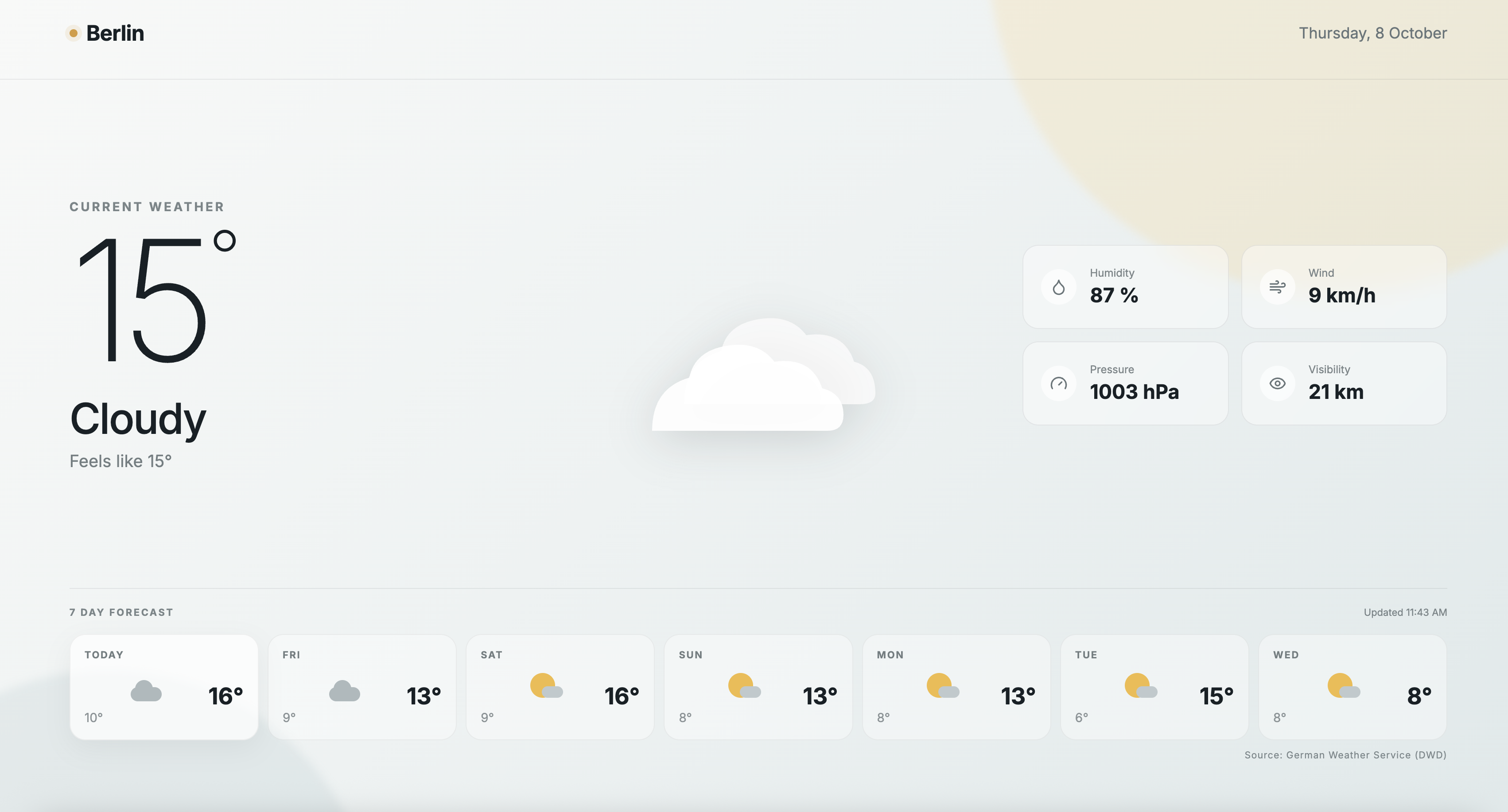
- Digital signage widgets & templates: The professional solution. The weather is integrated as an optimized HTML5 widget or a ready-made template. The data updates automatically in the background, while the design fits the screen perfectly.
The simplest solution: Free weather templates from SignageNow
To avoid annoying cookie banners or complicated API programming, it’s best to use cloud-based digital signage software that comes with ready-made templates.
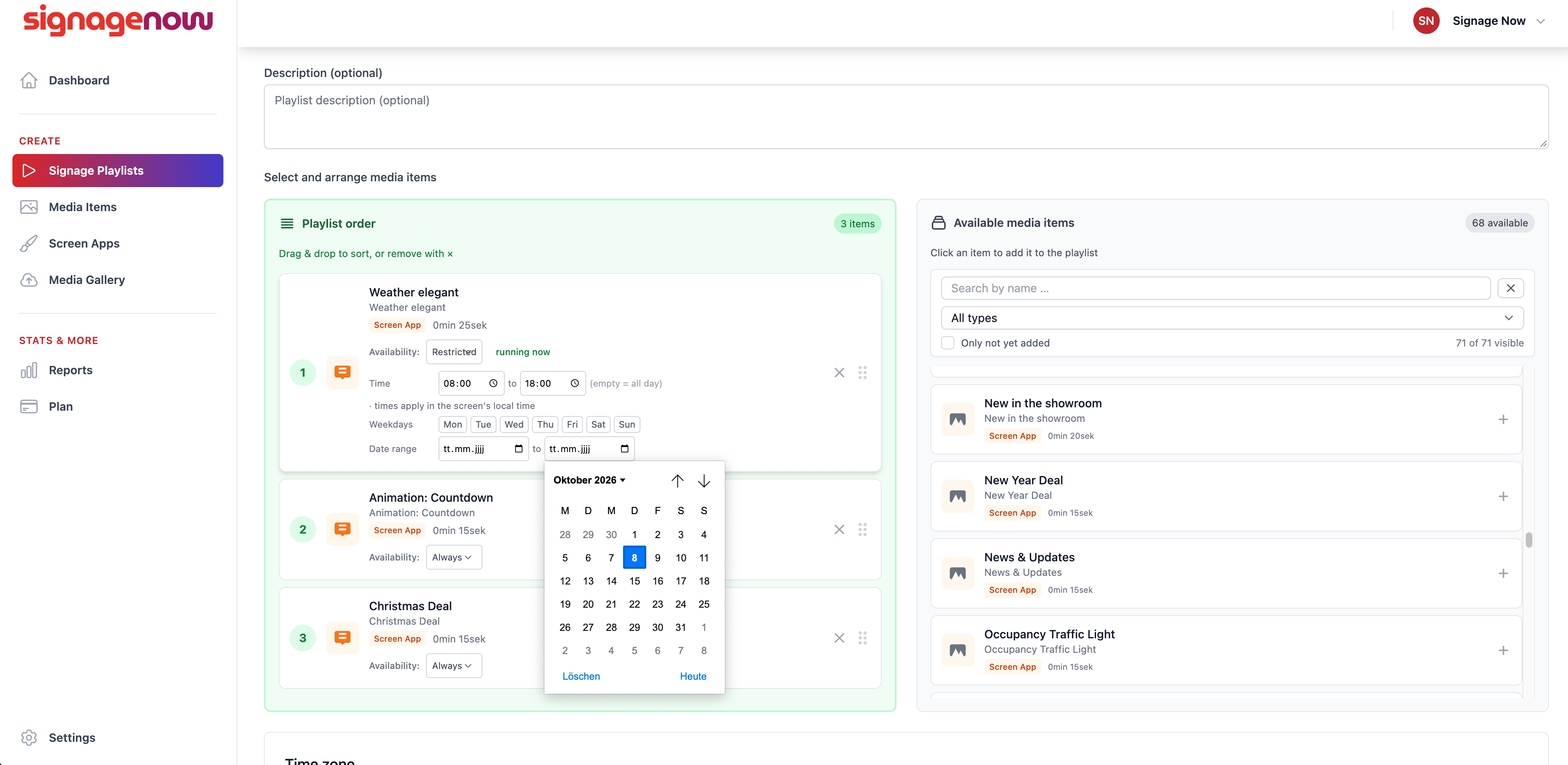
With SignageNow, you can display the weather forecast on your monitors with ease and completely free of charge:
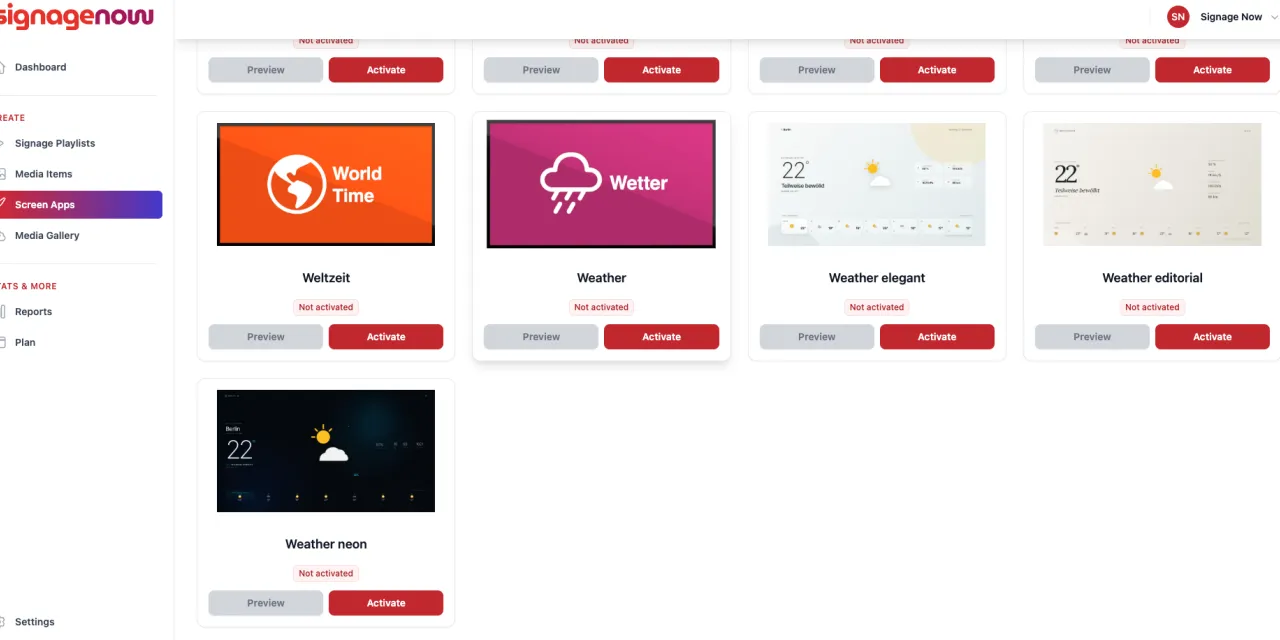
- Free templates included: You don’t have to create your own designs. SignageNow offers ready-made, attractive templates for displaying the weather that you can use right away.
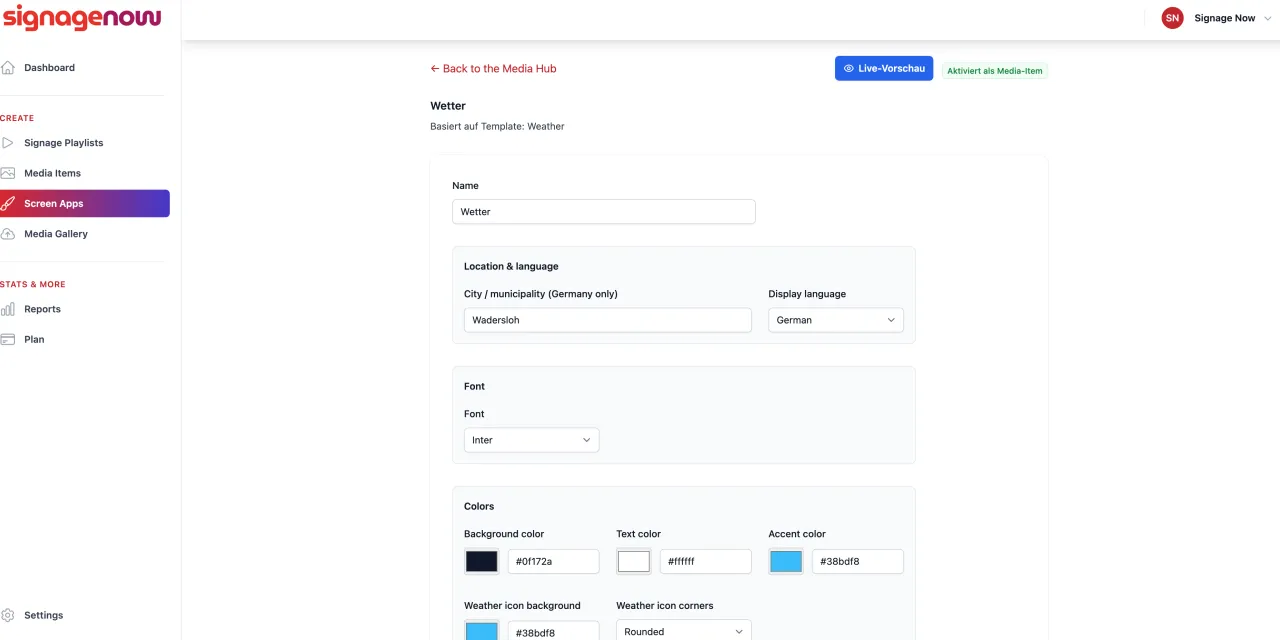
- Location-specific forecast: Simply enter your city or ZIP code - the widget reliably displays current temperatures and the forecast for the coming days.
- No effort required to update: The data is automatically synchronized via the cloud.
- GDPR-compliant & secure: Since the software runs on servers in the EU, the screen display is completely legally compliant and meets data protection standards.
Below you’ll find step-by-step instructions on how to display the weather on your screens.