In the past, anyone who wanted to display content, menus, company news, or advertisements on screens usually had to rely on expensive specialized hardware. Complicated media players, fan-cooled mini-PCs, and complex cabling were a common sight behind the monitors.
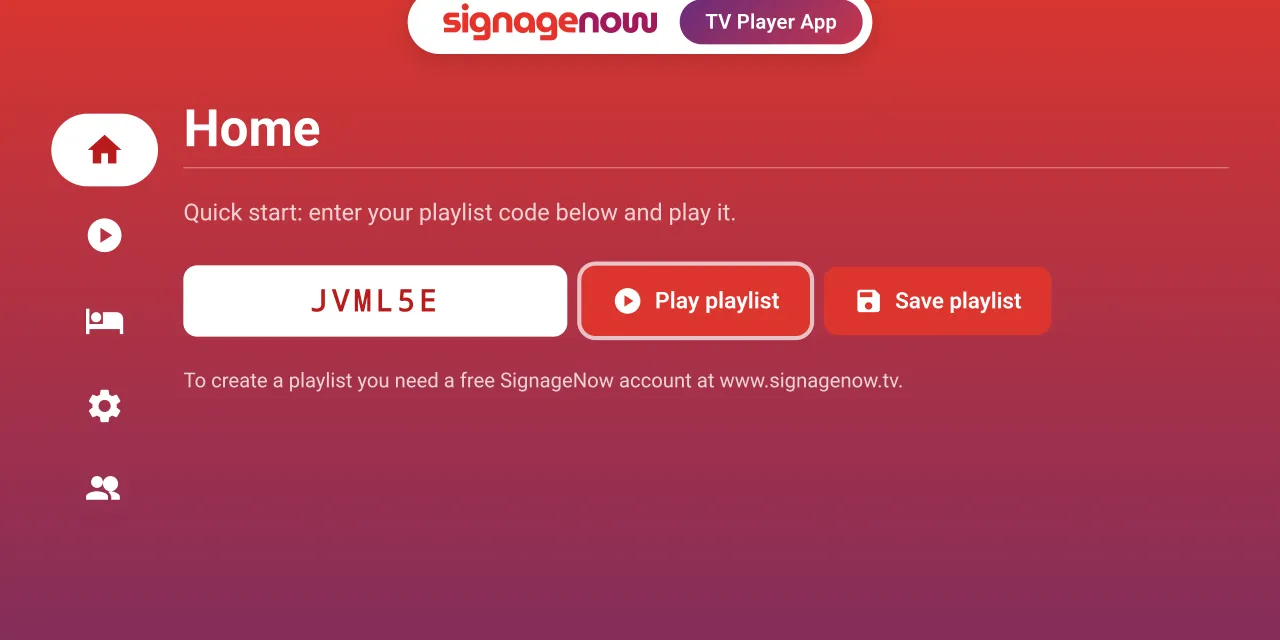
Today, it’s much simpler: Modern smart TVs feature powerful operating systems like Android TV, Google TV, or Fire OS. This allows you to install digital signage software directly as an app on the TV. The screen connects to the cloud via Wi-Fi or Ethernet and plays your prepared content completely on its own.
Why a Digital Signage App on a Smart TV Is the Best Choice
Using a cloud-based TV app offers both small businesses and growing companies key advantages in their day-to-day operations:
- No additional hardware: You don’t need external media players, set-top boxes, or extra cables. The smart TV handles everything on its own.
- Low upfront costs: Instead of expensive specialized displays, you can use standard smart TVs or retrofit existing monitors with an affordable streaming stick.
- Clean, uncluttered look: No visible cables or wall-mounted mini-PCs—ideal for modern lobbies, salesrooms, and hallways.
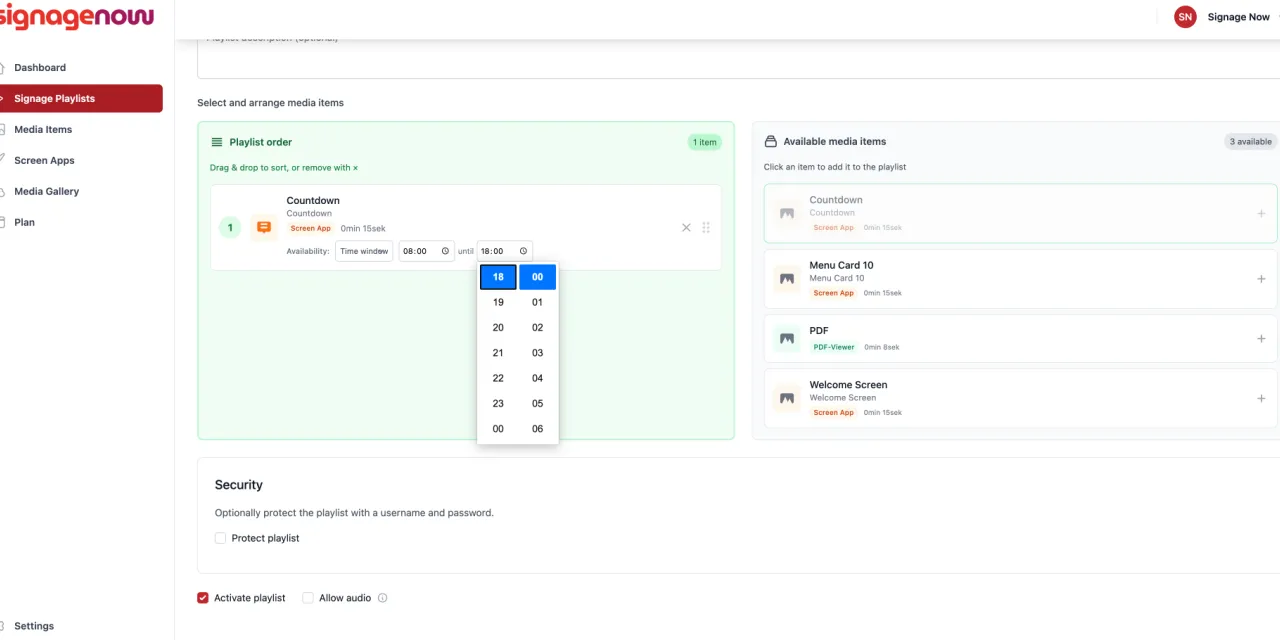
- Centralized management via browser: You can conveniently create content on your computer at the office or from home. The display updates automatically and remotely.
SignageNow: The Free Digital Signage Software with Its Own TV App
Good software doesn't have to be expensive. SignageNow is a modern cloud-based solution designed specifically for hassle-free use. What sets it apart: SignageNow offers you a plan that's free forever - including full access to all features, ready-made templates, and its own TV app.
| Feature | Traditional Digital Signage Systems | SignageNow |
|---|---|---|
| Cost per Screen | Often $10–$30 / month per device | $0 – Unlimited displays allowed |
| Hardware Required | Dedicated media player hardware required | No extra hardware (Smart TV is enough) |
| App Availability | Often limited to expensive industrial hardware | Free for Google TV & Fire TV |
| Setup Time | Complex & requires trained IT staff | Ready to go in under 3 minutes |