For many companies, the transition from printed posters to digital advertising displays is the key step toward flexible and modern customer communication. But how exactly does the technical implementation work? Contrary to popular belief, setting up digital signage isn’t a project that necessarily requires an expensive IT department. With the right components, you can set up professional digital signage yourself in just a few steps.
In this article, you’ll learn what you need and how to set up your displays.
Hardware and Infrastructure: The Foundation for Your Digital Signage
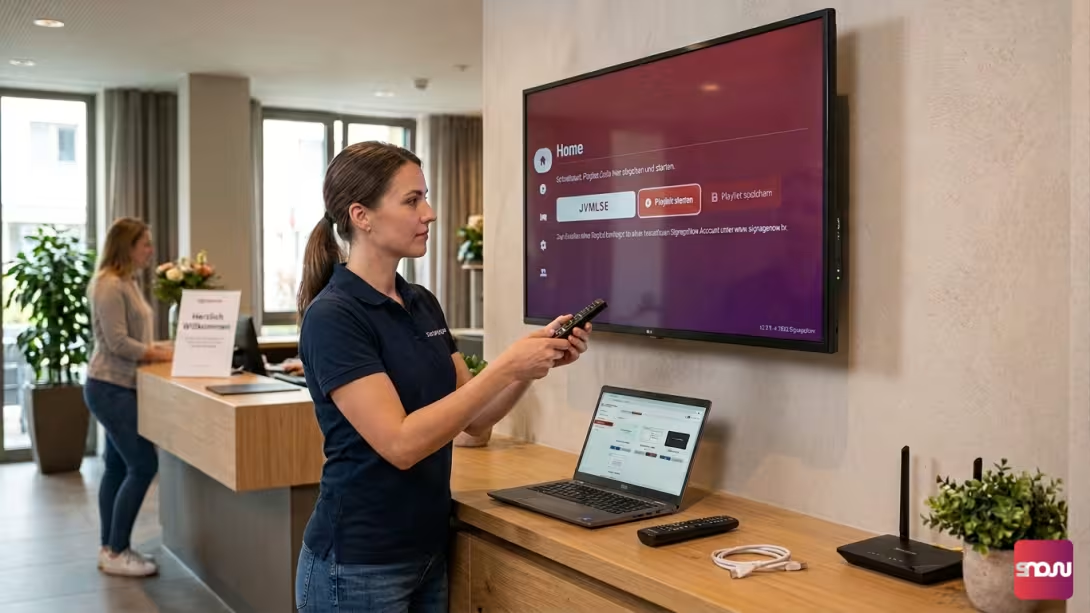
Before your content can light up, you need a solid foundation consisting of just a few, well-coordinated components. The technical equipment required for a functioning digital signage system is essentially divided into four areas:
- The Right Screen: As a rule, a standard TV with a free HDMI port is perfectly sufficient. For professional 24/7 operation, there are also special public displays optimized for long operating times.
- A Media Player: If you’re not using a modern smart TV on which a browser or apps can be installed directly, you’ll need a small external media player. Compact streaming sticks (such as the Amazon Fire TV Stick or Google Chromecast), which simply plug into the TV’s HDMI port, are ideal for this purpose.
- Power and Wi-Fi: Every screen and every external stick requires a reliable power supply. In addition, a stable Wi-Fi connection throughout the entire area is essential so that the software can receive and update data.
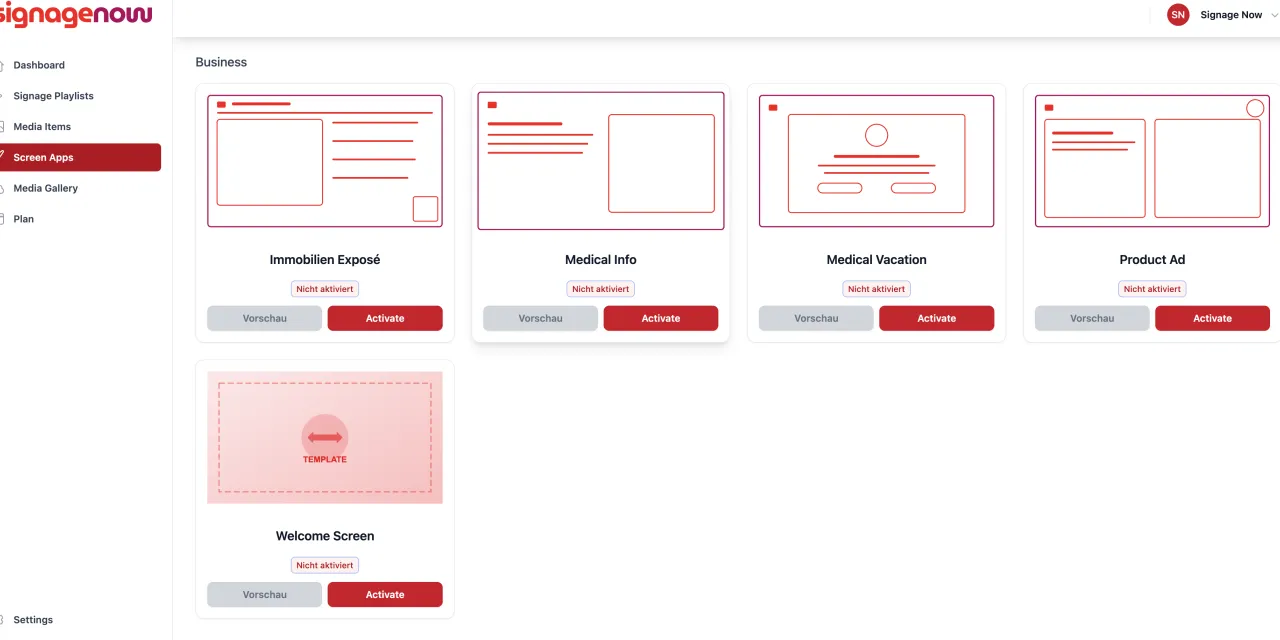
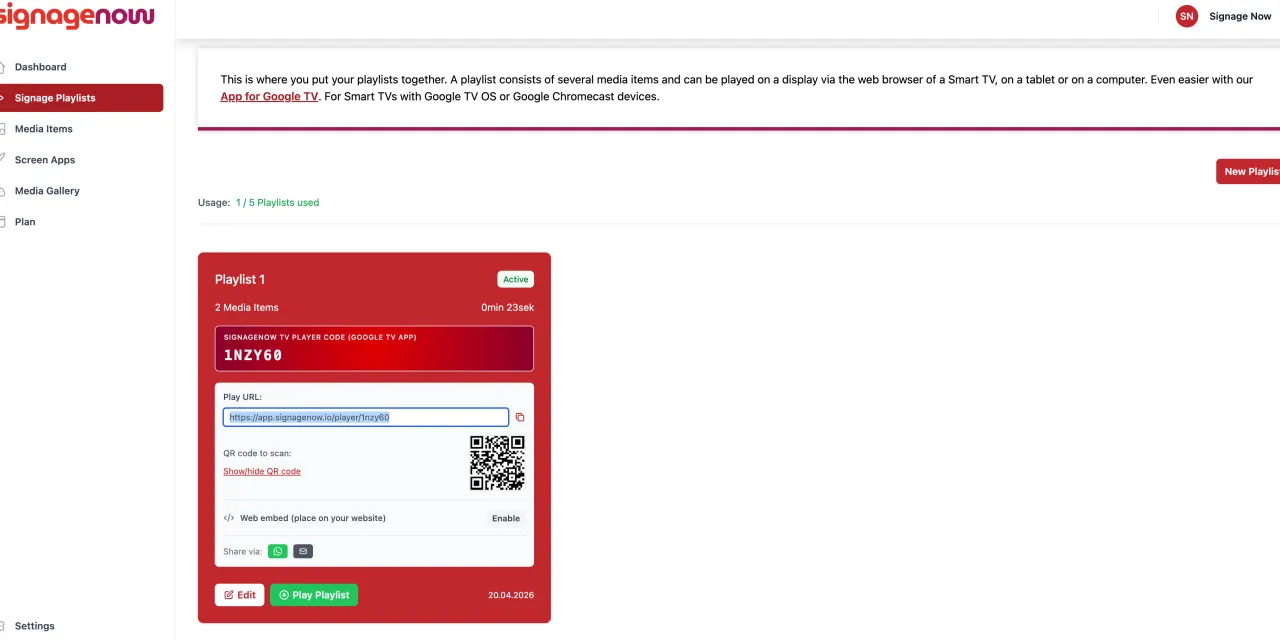
- The digital signage software: It’s the heart of the system. You use it to create playlists in your browser, manage media such as images or videos, and set schedules.
Once all the cables are connected, the screen is plugged into the power outlet, and the media player has access to the local Wi-Fi network, the physical infrastructure for your digital screen advertising is in place.