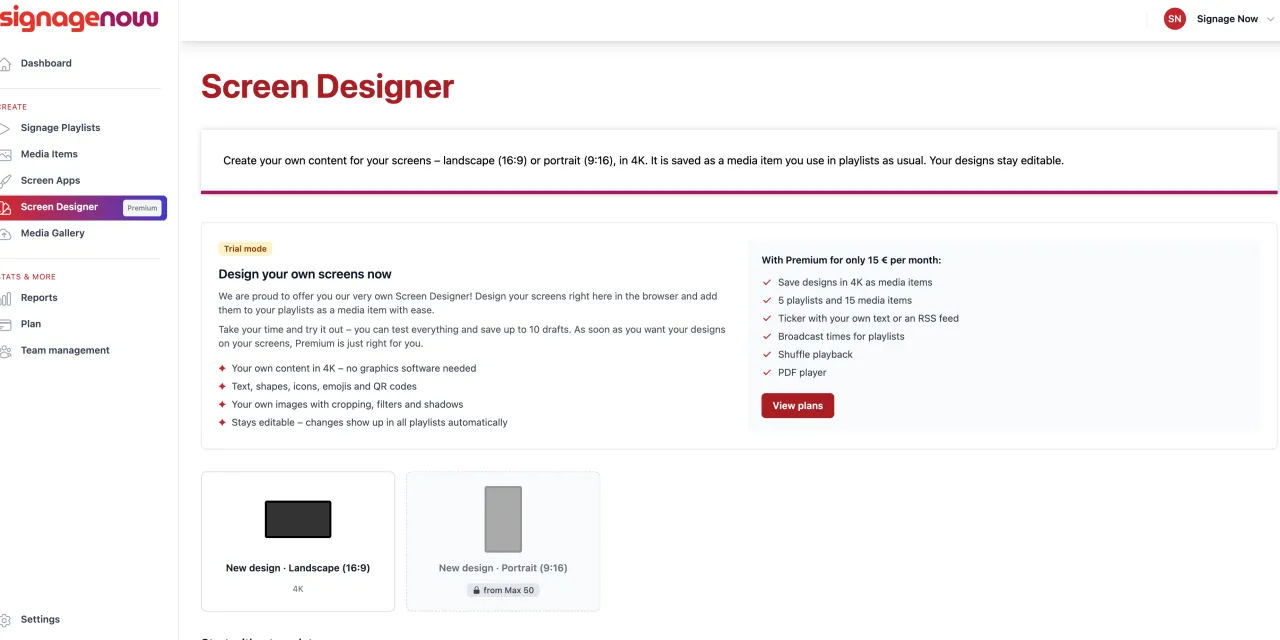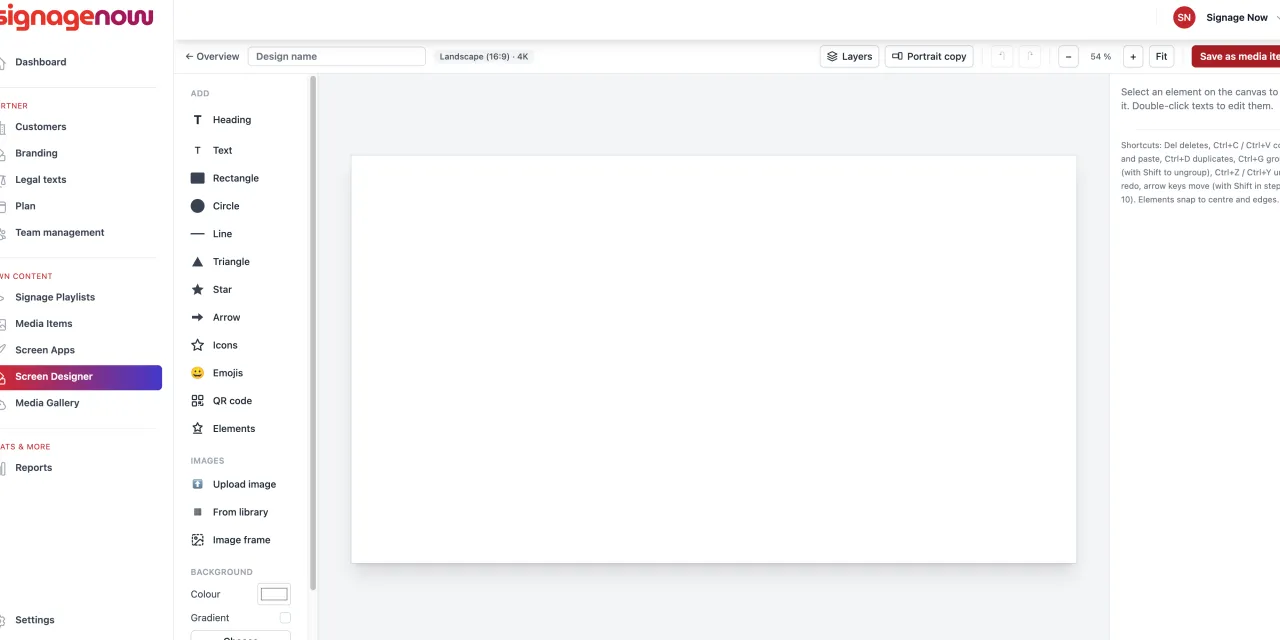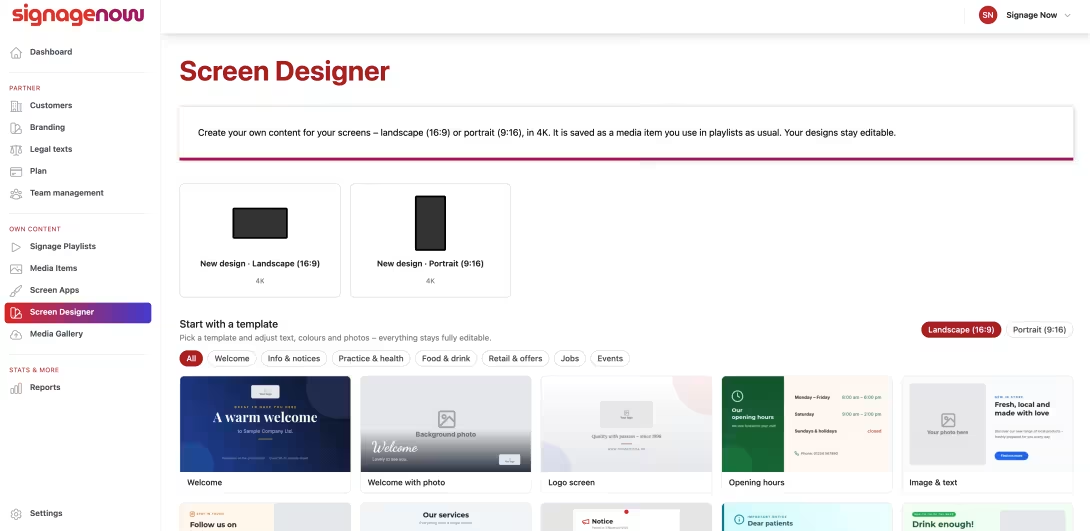
Are standard templates not enough for you, and do you want to tailor your digital signage exactly to your corporate design? With the new SignageNow Screen Designer, you can design your own screen layouts and screen apps right in your browser - intuitively, flexibly, and without any design experience.
In this article, you’ll learn how the Screen Designer works, how it differs from traditional screen apps, and how you can even test the tool extensively with the free plan.
1. What is the SignageNow Screen Designer?
The Screen Designer is an integrated design tool - or editor - within SignageNow that offers you similar creative freedom to popular graphic design tools (such as Canva) - but is specifically optimized for digital signage screens and display stands.
Whether it’s menus, event announcements, special offers, or information boards, you can place and customize layout elements completely freely on the digital screen.
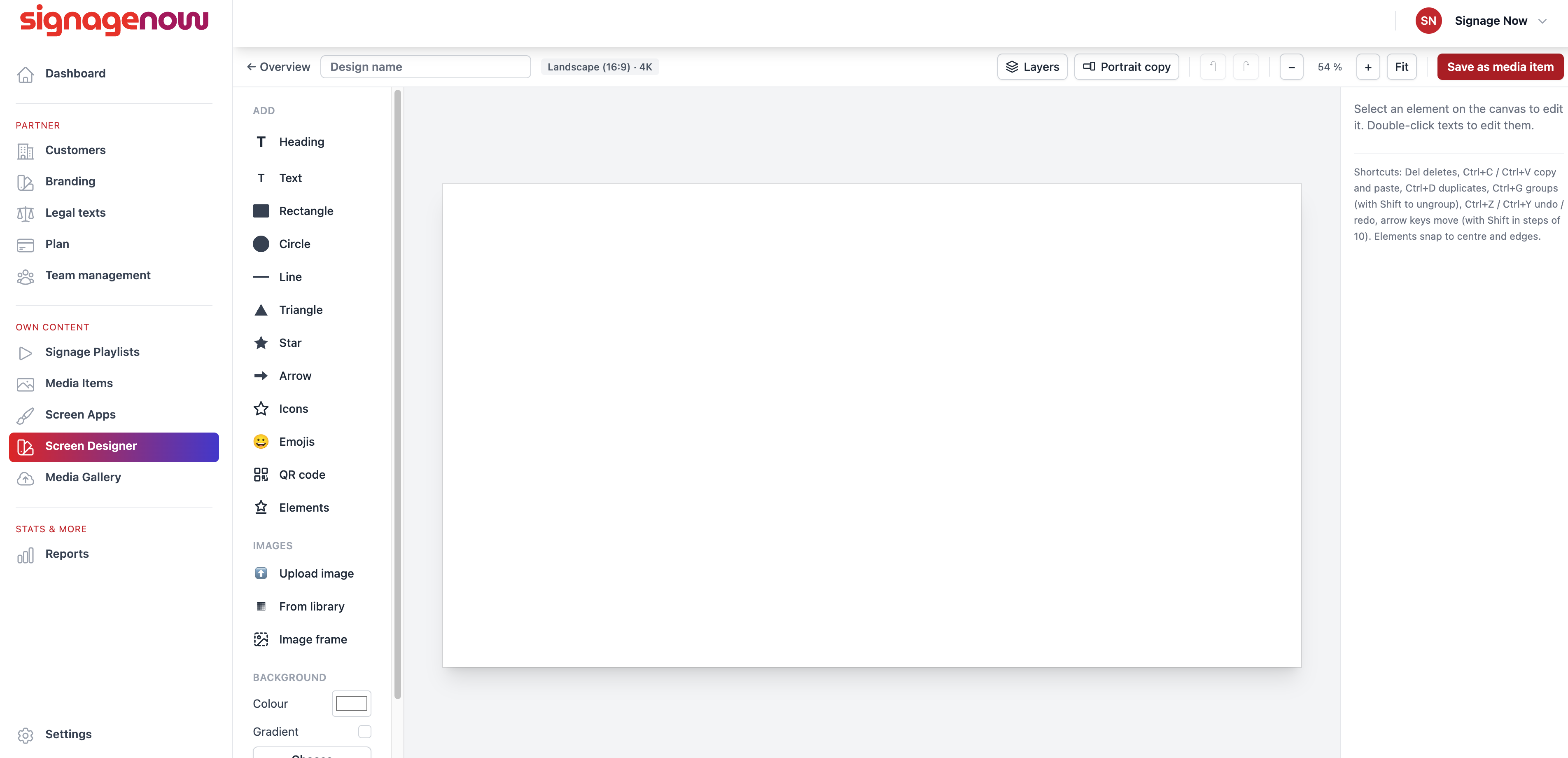
Key Features at a Glance:
- Portrait and Landscape Orientation: Choose right from the start whether your design should be created in the classic landscape orientation (16:9) or vertical portrait orientation (9:16).
- 18 Ready-Made Templates or a Blank Canvas: Start with one of our 18 editable design templates for inspiration, or create your layout completely from scratch.
- Extensive design elements: Add your own text, custom fonts, shapes, emojis, images, icons, and smooth color gradients.
- Crisp 4K resolution: All graphics you create are automatically rendered in crystal-clear 4K quality.
- Direct Media Storage: Once created, your design is saved as a standalone media item and can be immediately added to any playlist.
2. Screen Designer vs. Classic Screen Apps: What’s the Difference?
SignageNow offers two different ways to fill your displays with content: Classic Screen Apps and the new Screen Designer. Both have their own strengths:
| Feature | Classical Screen Apps | SignageNow Screen Designer |
|---|---|---|
| Concept | Ready-made, dynamic widgets (e.g., weather, news, daily news, class schedule) | Free visual design of graphics |
| Content | They often update automatically or can be customized | Static or visually customized layouts |
| Adaptability | Fixed layout structure: Color, font, and content can be changed | 100% freedom to position text, images, shapes, and icons |
| Resolution | Dynamically adjusts to the screen resolution | Exported as a crystal-clear 4K video |
| Format | Automatically scaled (depending on app support) | Set to 16:9 (landscape) or 9:16 (portrait) |