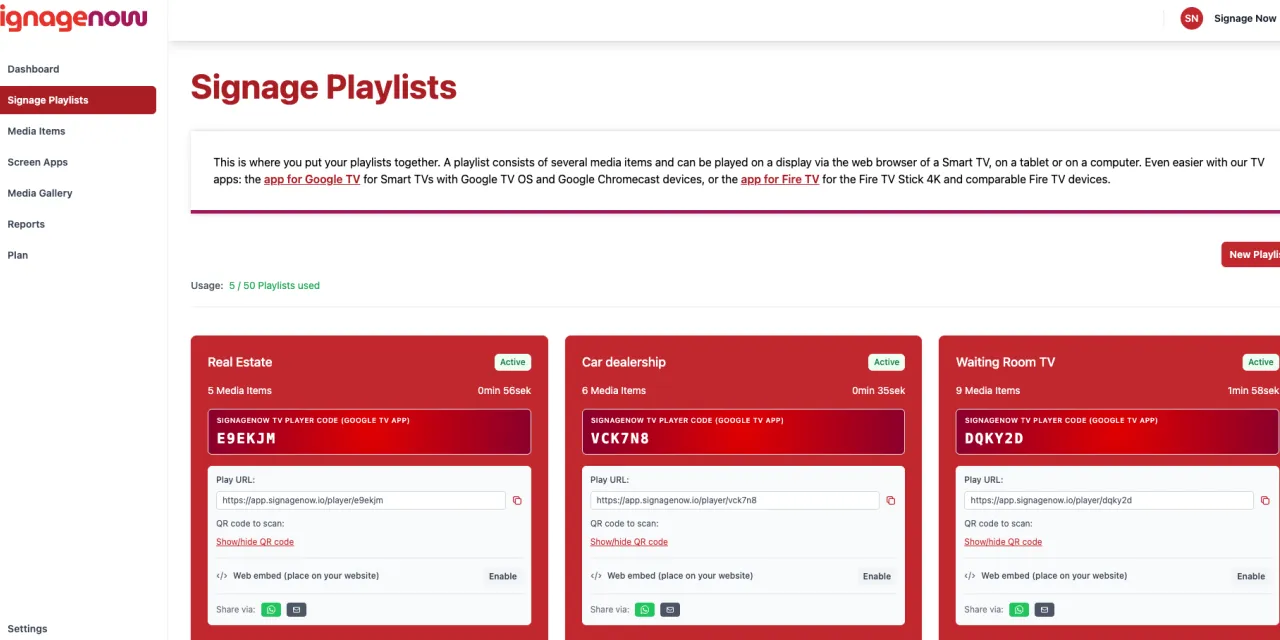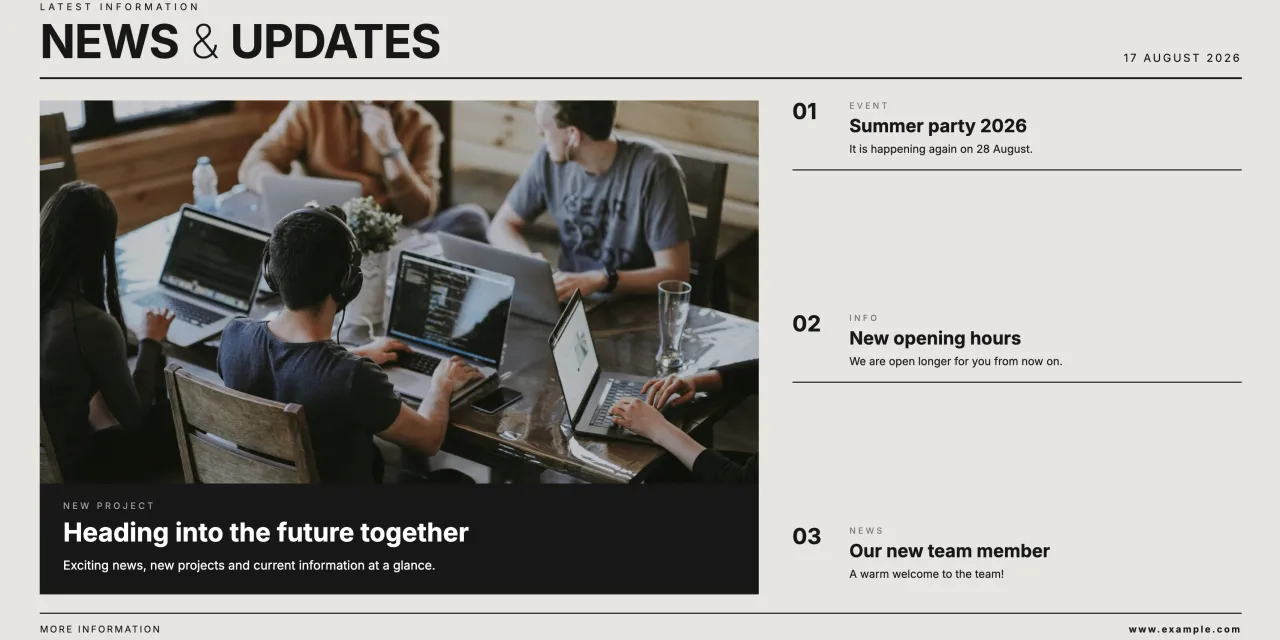
In many companies, a flood of emails is part of everyday work life. Important IT security notices, HR updates, or invitations to the summer party quickly get lost in an overflowing inbox. At the same time, digital messages often reach only those employees who have a dedicated desktop computer. Teams in production, the warehouse, healthcare, or logistics are frequently left out.
However, traditional notes on a corkboard in the break room are no longer a solution: they quickly become outdated, look cluttered, and require manual replacement. A digital bulletin board bridges this communication gap. It automatically delivers relevant information in an eye-catching way right where your workforce spends their time every day.
In this article, learn how you can easily set up your own digital bulletin board - and do it for free.
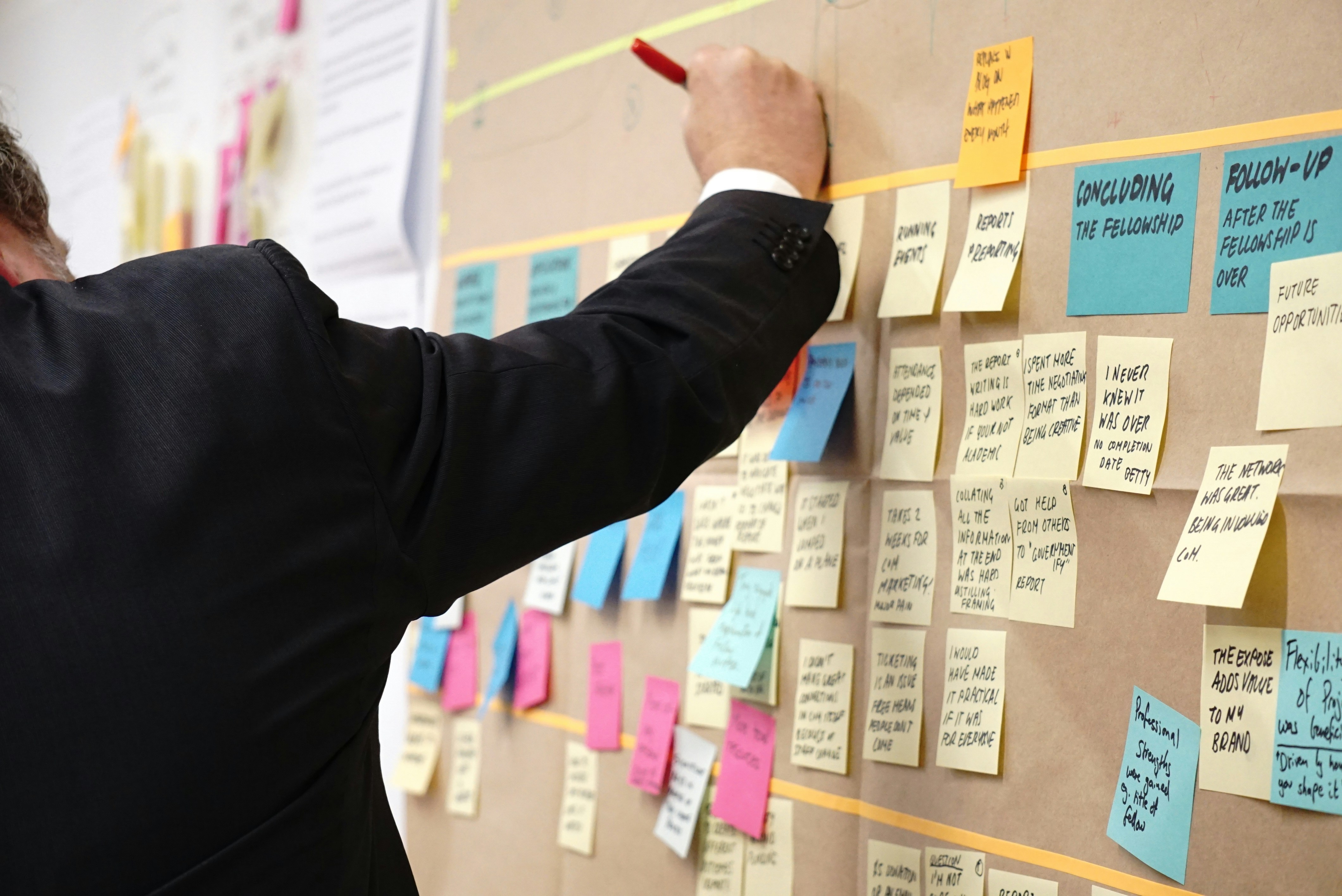
Why the Analog Bulletin Board Has Had Its Day
The demands on internal corporate communication have changed fundamentally. Modern teams expect information that is fast, transparent, and visually appealing.
- Reach for All Teams: Even employees without their own company email address or computer workstation can stay informed as they walk by.
- Real-time updates: Announcements can be updated centrally in a matter of seconds - without printouts or having to walk through the building.
- High visibility: Dynamic content, images, and short videos automatically catch the eye.
- Clean appearance: Outdated postings are a thing of the past; the information area always remains modern and well-organized.
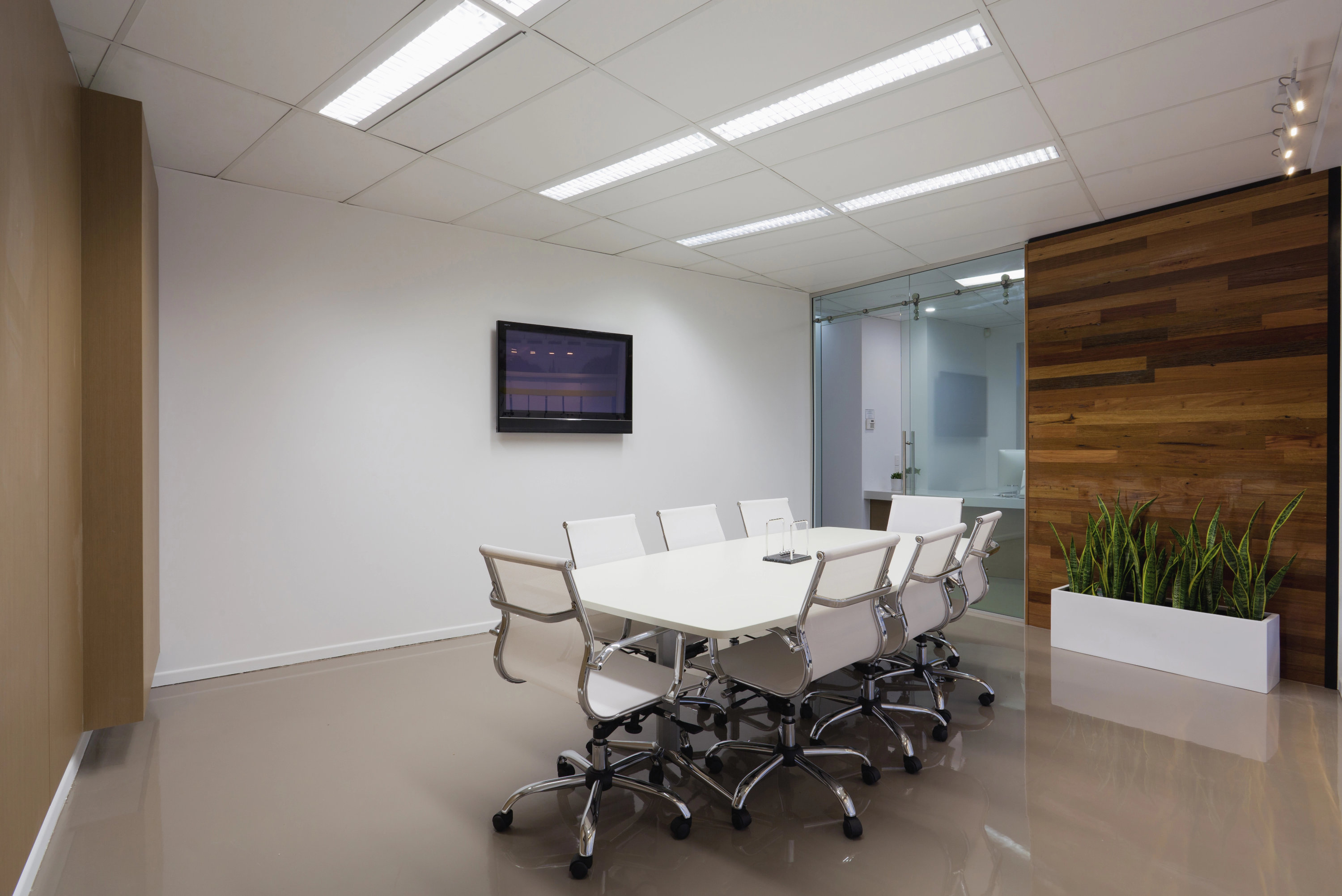
Step-by-Step: How to Set Up a Digital Bulletin Board
Introducing a digital bulletin board at your workplace doesn’t require months-long IT projects or huge budgets. With the right roadmap, the launch will go smoothly:
- Choose the right location: Place the screen in high-traffic areas where people tend to linger - ideal locations include the coffee kitchen, break room, cafeteria, lobby, or central hallways.
- Define relevant content: Mix informative company updates with entertaining content. A proven combination includes HR information, safety instructions, work anniversaries, duty schedules, and weather or news widgets.
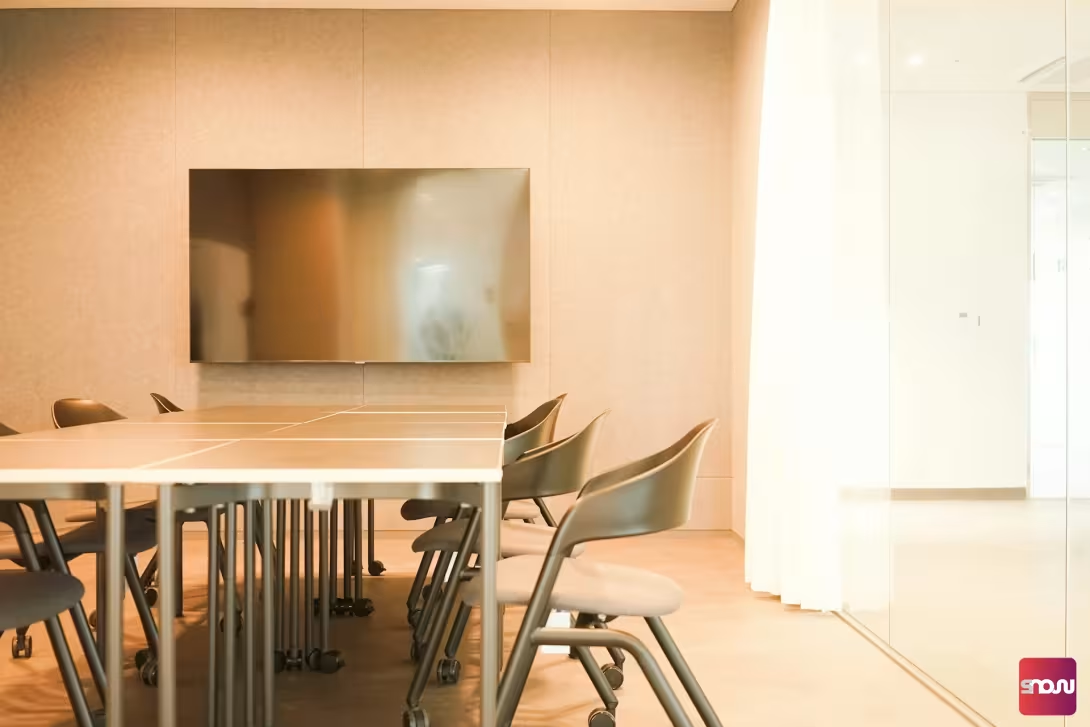
- Select hardware: Use existing smart TVs or standard flat-screen monitors.
- Choose cloud software: Opt for GDPR-compliant digital signage software that is flexible and easy to use without complicated training. If necessary, make sure the software is free of charge.