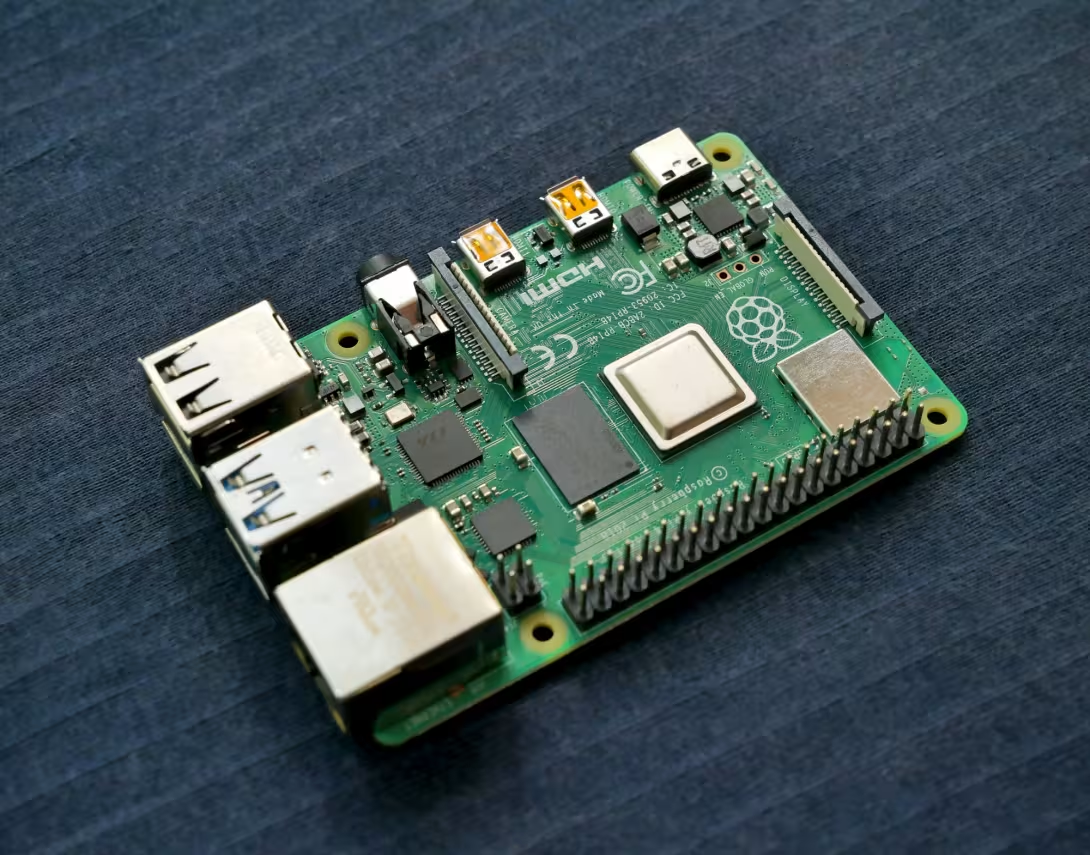
Would you like to display current special offers, menus, hours of operation, or company news on a screen in your storefront window, lobby, or checkout area? When searching online for the right digital signage software, you’ll quickly come across tutorials about the Raspberry Pi.
Many guides recommend mounting the small single-board computer behind the TV, flashing an SD card, and setting up a Linux system. But is a Raspberry Pi even necessary for digital signage today?
The short answer is: No!
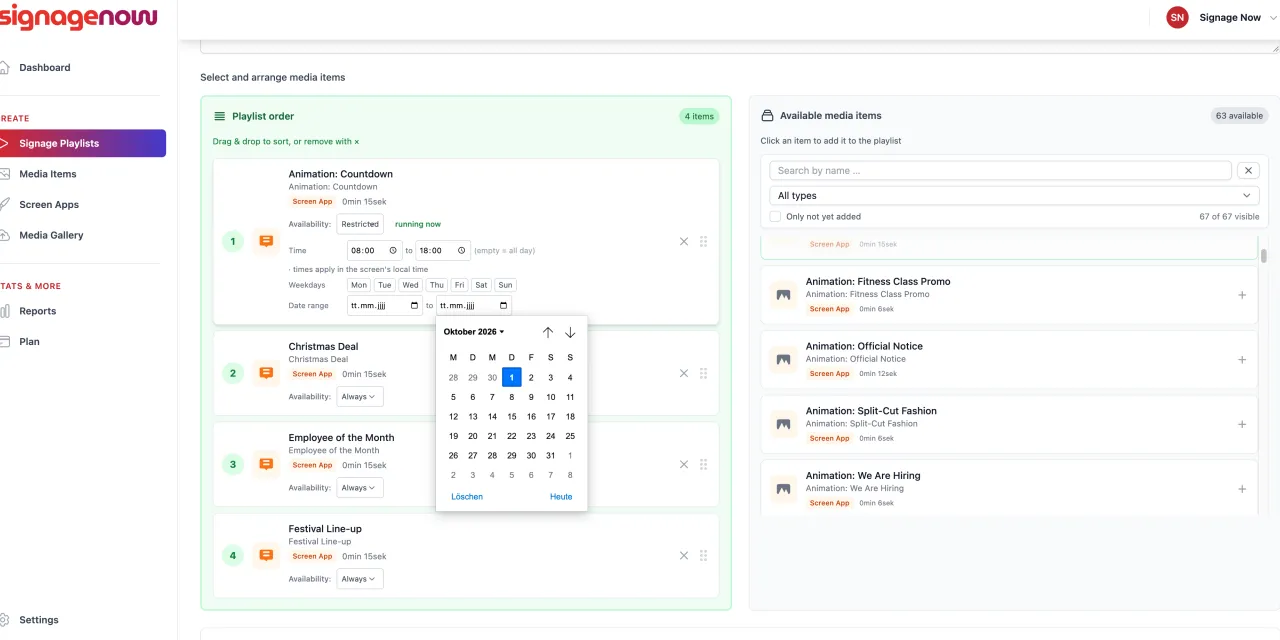
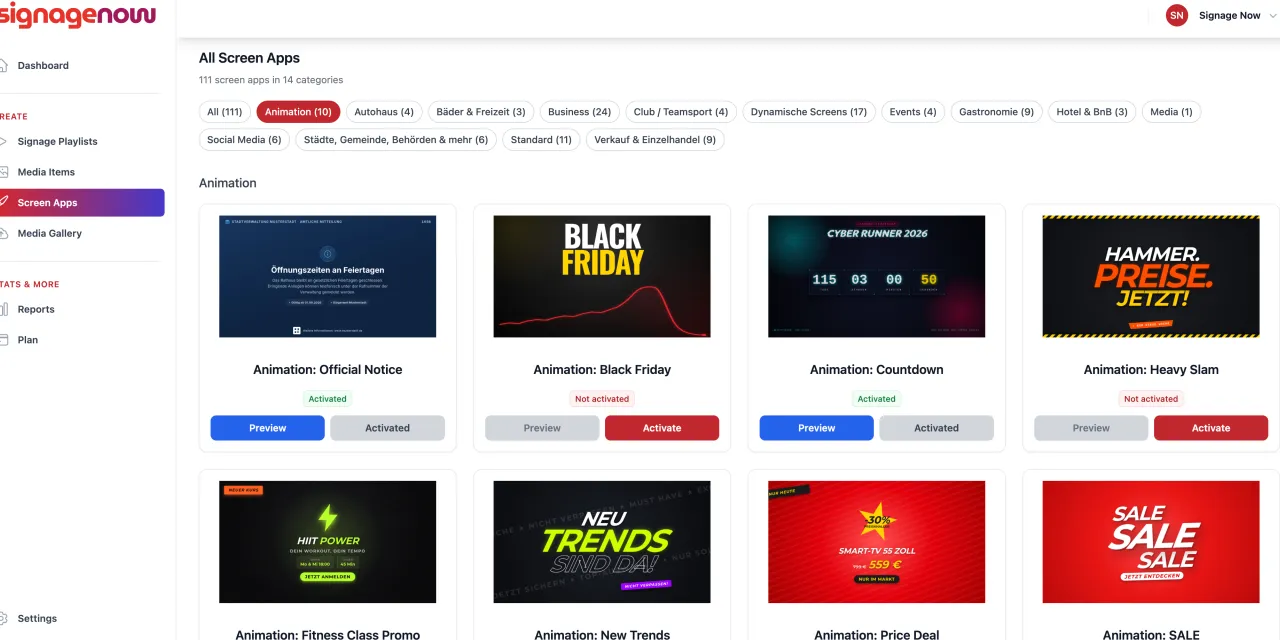
In this guide, you’ll learn why the DIY effort involved with a Raspberry Pi is often unnecessarily expensive and complicated, how to use digital signage directly on existing smart TVs without a media player, and why free cloud software like SignageNow is the much smarter alternative.
Why the Raspberry Pi Is Often the Wrong Choice for Digital Signage
For a long time, the Raspberry Pi was considered the go-to solution for affordable digital signage systems. But times have changed. What sounds like an inexpensive DIY project in theory often turns out to be a cost and time trap in practice for stores, medical offices, restaurants, and small businesses.
Here are the most common myths and arguments against using a Raspberry Pi as a digital signage player:
Myth 1: “A Raspberry Pi is dirt cheap!”
The reality: The price of the bare board is misleading. For a Raspberry Pi to run reliably as a digital signage player, you’ll need a power supply, a rugged case, a high-quality micro SD card, micro HDMI cables, and, if necessary, a passive cooler.
- Total cost per screen: Hardware costs alone can easily reach 100 to 150 euros - per screen! With 2 or 3 displays, that quickly adds up to several hundred euros.
Myth 2: “The Pi is quick and easy to set up.”
The reality: If you’re not an IT specialist, setting it up is a headache. You have to load the operating system onto an SD card, configure Wi-Fi via the command line, set up automatic boot scripts, adjust display resolutions, and perform regular Linux security updates. If the power goes out or the Wi-Fi password changes, the display quickly goes black.
Myth 3: “SD cards hold up just fine in continuous operation.”
The reality: In 24/7 operation, micro SD cards are the number one weak link. Due to constant read and write operations, SD cards are prone to data corruption after a few months. The result: A frozen screen right when customers are standing in front of your store.
Myth 4: “Remote maintenance is always included with the Raspberry Pi.”
The reality: Many free open-source programs for the Pi only offer a local dashboard on the same Wi-Fi network. If you want to change content on the fly from your home office or while on the go, you’ll either have to set up complex VPN connections or pay a monthly fee for cloud extensions.
Digital Signage Without a Media Player: Here’s How It Works Today
Modern TVs and monitors (System-on-a-Chip / SoC) now have enough processing power to smoothly play high-resolution graphics, videos, and animations. You simply no longer need external player hardware.
There are two easy ways to control your screen without an additional device:
- Directly via the built-in smart TV browser: Almost every modern TV has a built-in web browser. Just enter the web address of your playlist - and you’re done.
- Via standard streaming sticks or smart TV apps: If you have a TV running the Android or Fire TV operating system, or if you’re using an affordable streaming stick like the Amazon Fire TV 4K Stick, simply install a compatible player app directly from the app store.