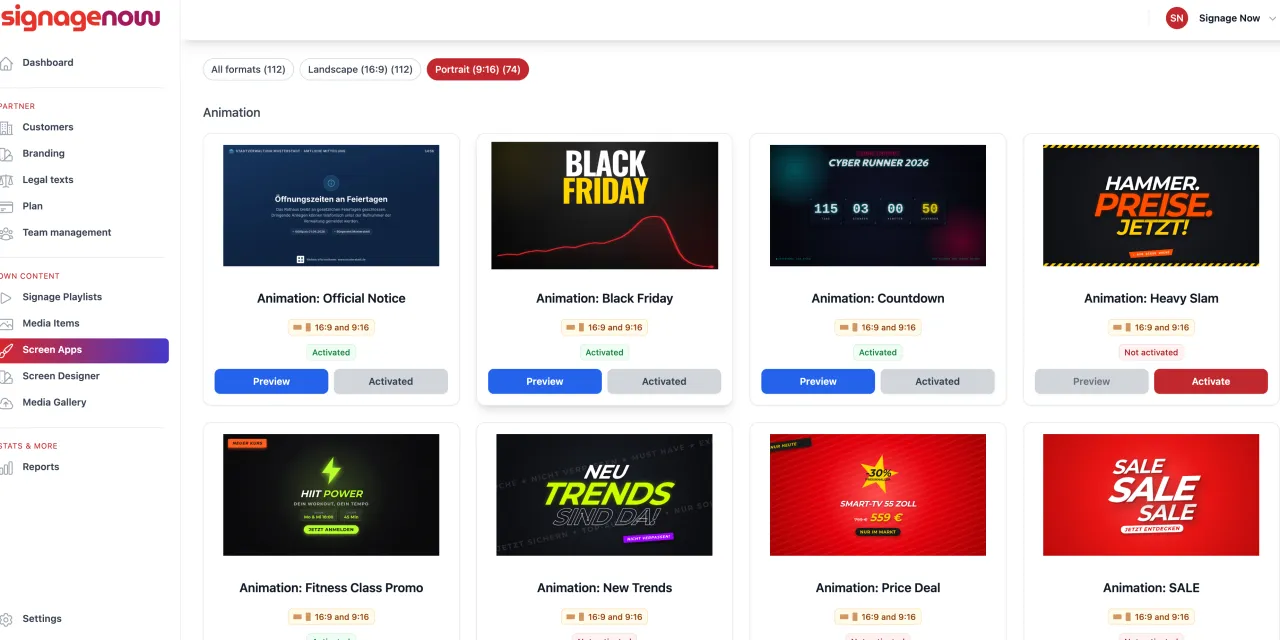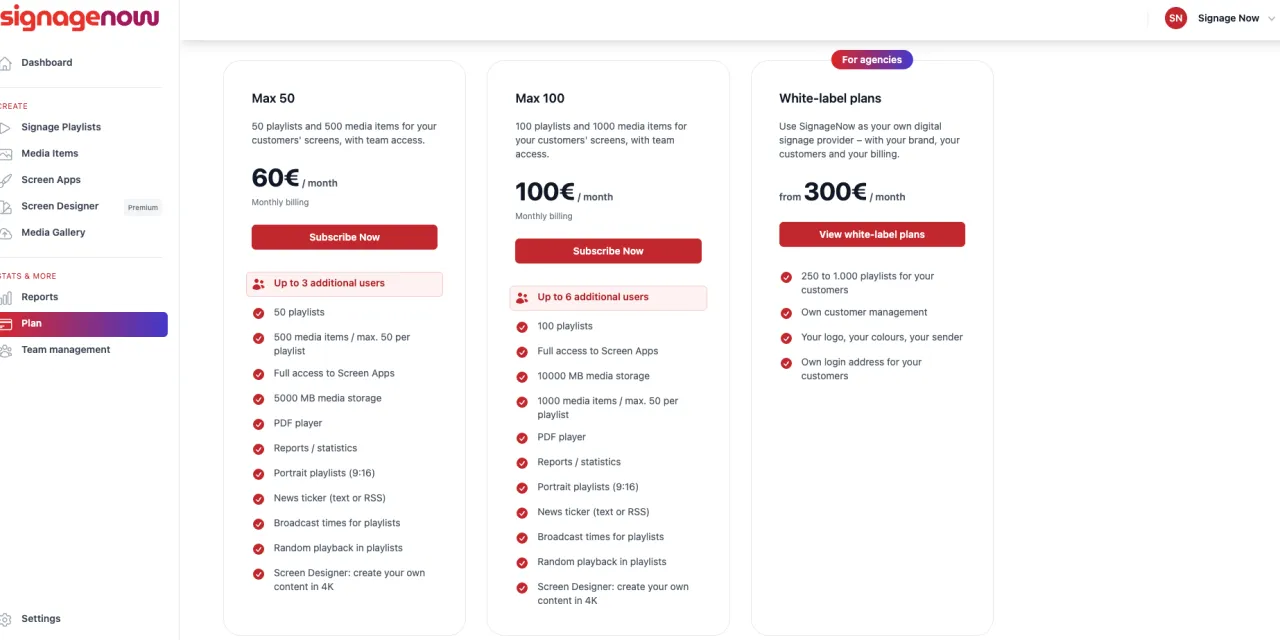
Vertical screens, storefront displays, and digital pillars attract a great deal of attention in pedestrian zones, retail spaces, and reception areas. With SignageNow’s new portrait mode support, you can place your advertising messages exactly where your customers are looking - without distracting black borders or distorted images.
In this article, you’ll learn how easy it is to create portrait-mode playlists, how the Screen Designer (Template Editor) expands your creative freedom, and how you can benefit from over 70 ready-to-use templates.
1. Why Portrait Mode? The Advantages of Vertical Digital Signage
Traditional widescreen displays (16:9) are ideal for videos or wide information boards. However, in retail, the food service industry, or entryways, the portrait orientation (9:16) offers key advantages:
- Better use of space: Portrait-oriented digital steles and wall-mounted monitors require less horizontal space and blend seamlessly into modern store designs.
- Natural viewing experience: Thanks to smartphones, we’re used to vertical content. Portrait-oriented displays look modern and engage passersby directly at eye level.
- Ideal for menus & products: Whether daily specials, fashion collections, or real estate listings—vertical layouts provide perfectly structured space for long lists and full-body images.
2. Full flexibility: Set the orientation for each playlist
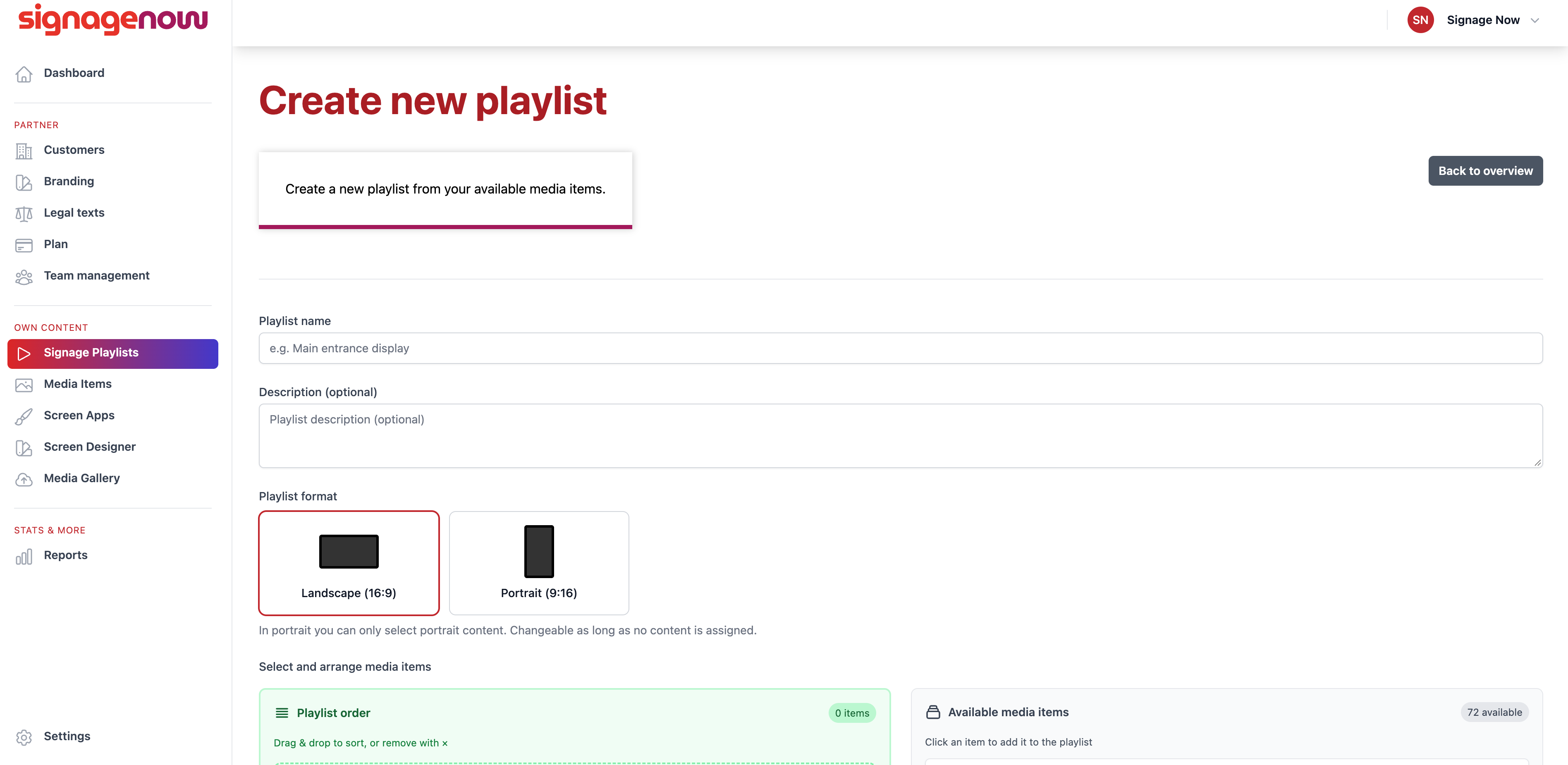
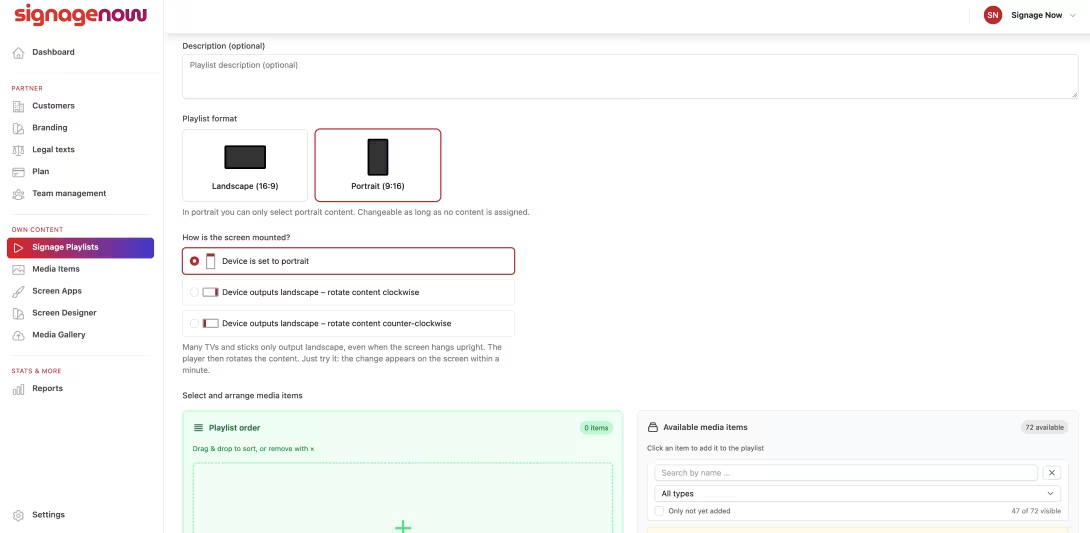
With SignageNow, you don’t have to choose a single format for your entire network. You retain full control over every individual display in your network:
- Format selection during creation: When you create a new playlist, you can choose with just one click whether it should play in landscape (16:9) or portrait (9:16) orientation.
- Automatic scaling: Your media and apps adapt precisely to the selected playlist orientation. This allows you to easily manage mixed networks (e.g., landscape monitors on the sales floor and portrait displays in the storefront) through a single account.
3. Create your own portrait templates with the Screen Designer
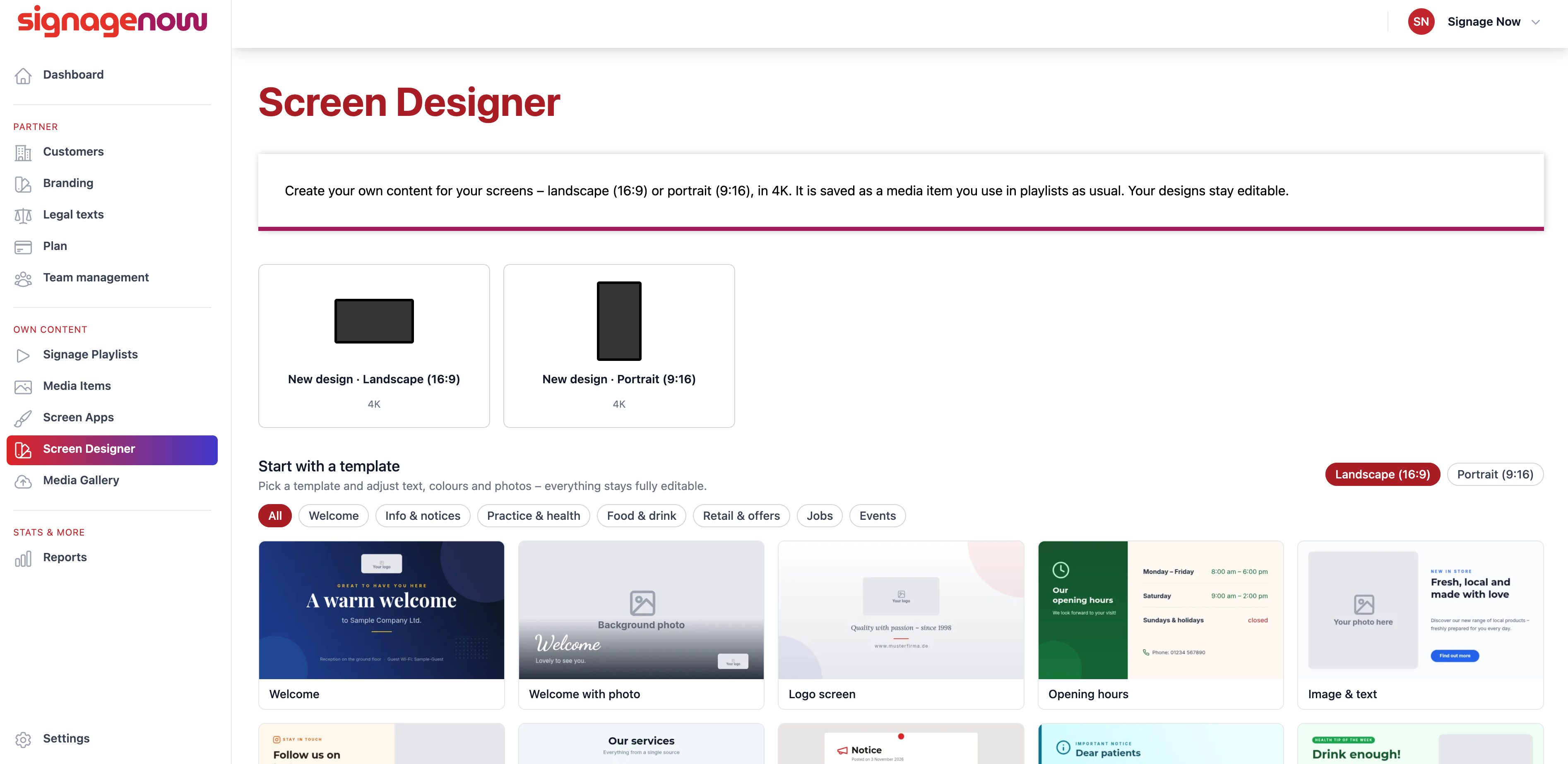
Would you like to design custom posters, menus, or event posters that perfectly match your company’s corporate design? Our built-in Screen Designer makes it possible:
- Start in 9:16 format: Select portrait orientation right when you create a new Screen App.
- Free design in the browser: Place text, logos, images, emojis, shapes, and color gradients using drag-and-drop—similar to popular graphic design tools, but optimized specifically for your screens.
- Crystal-clear 4K output: Every layout you create is saved as a high-resolution 4K asset and can be instantly integrated into your portrait-orientation playlists.