Not everyone has a brand-new smart TV with a built-in browser set up in their doctor’s office or workplace right away. But don’t worry - that’s absolutely no reason to forgo professional digital communication.
One of the easiest and most affordable ways to turn any standard screen into a full-fledged advertising display is the Amazon Fire TV 4K Stick.
In this guide, we’ll show you how to set up the Amazon Fire TV 4K Stick as a digital signage player on your TV with minimal effort and without expensive hardware investments.
Why the Fire TV 4K Stick Is the Ideal Hardware Alternative
Don’t want to spend hundreds of euros on media players or Raspberry Pis (mini-PCs)? Plus, you don’t have a smart TV, or its built-in browser is just too slow and outdated?
That’s where streaming sticks like the Amazon Fire TV 4K Stick or the Google Chromecast come in. You can find them in stores starting at around 40 €, and setting them up is a breeze and takes no time at all.
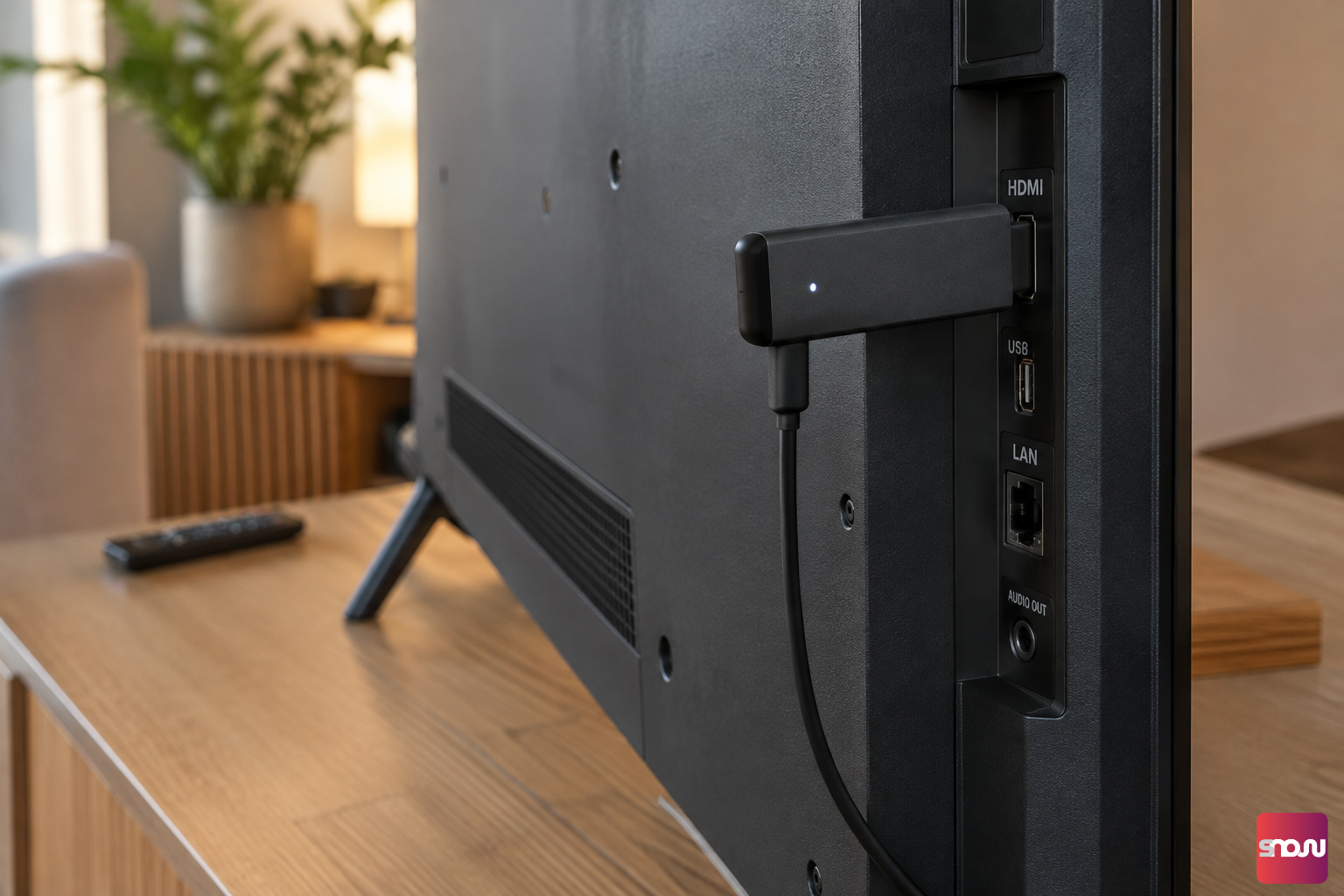
Simply plug these small gadgets into your TV’s HDMI port, and your TV is instantly internet-ready. For you, this means you can use digital signage even on older devices. The stick acts as a bridge to bring your digital playlists directly from the software to the screen.
Which Software Is the Best and Most Affordable?
To use your screen with the Fire TV 4K Stick for digital signage, you’ll need cloud-based
digital signage software. Unlike earlier, expensive all-in-one systems, today you can access flexible Software-as-a-Service (SaaS) solutions that are controlled directly over the Internet.
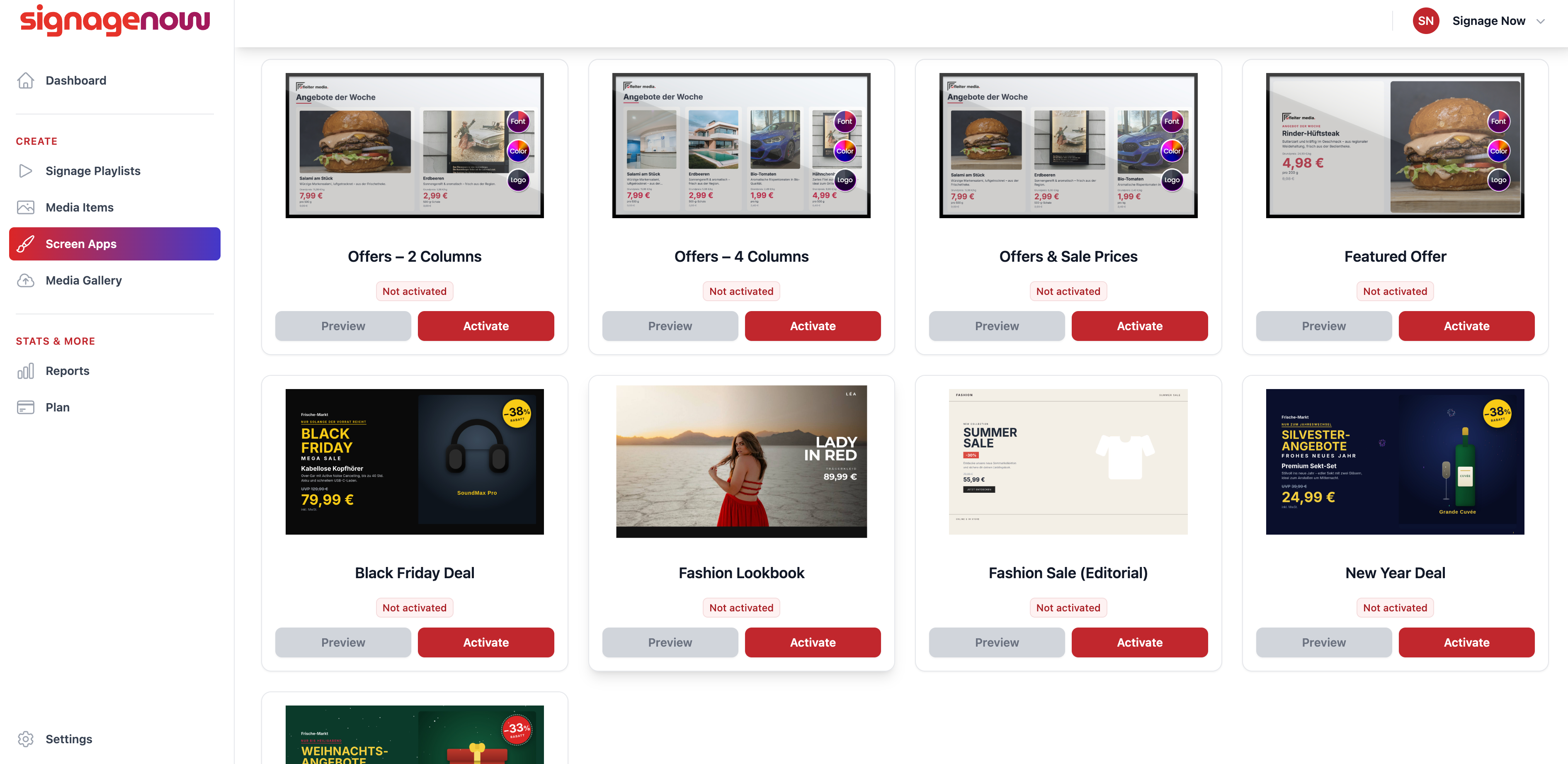
The best and most affordable digital signage software is characterized by a perfect balance of being free, highly user-friendly, and seamlessly compatible with hardware. SignageNow was developed specifically to meet these requirements and offers key advantages on the Fire TV Stick:
- Free: You can use SignageNow completely free of charge and with no obligations. All templates are included, and you can use as many screens as you want.
- Manage from anywhere: Whether you edit your content on a computer at the office or on the go via your phone or tablet—all changes are applied in real time.
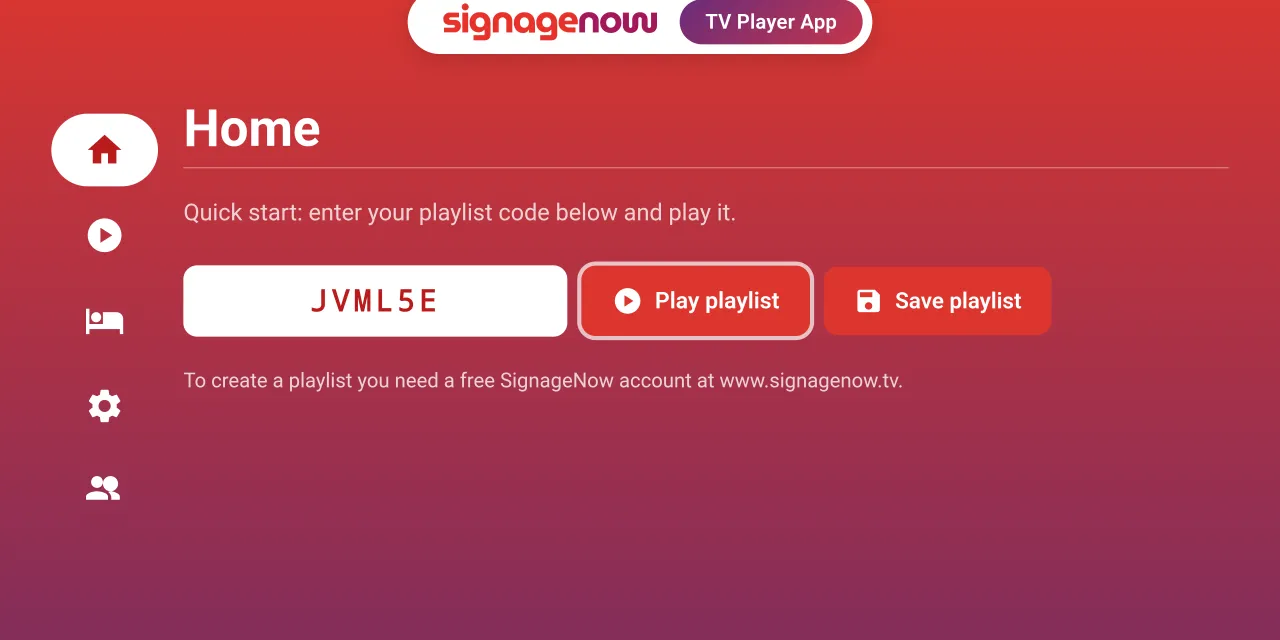
- Seamless Fire TV integration: Simply use the free SignageNow TV Player app from the Amazon App Store or access it directly through the Stick’s browser.
- Security & GDPR: All servers are located in the EU, and the service includes 2FA and DPA contracts, making it fully GDPR-compliant.
And of course, you don’t need any expensive specialized hardware, such as player boxes. You can simply use what you might already have at home.
What You Need for Your Digital Info Screen
Before you get started, quickly check to make sure you have everything you need:
- A TV or monitor with an available HDMI port.
- An Amazon Fire TV 4K Stick (or a similar device, such as Chromecast).
- A stable Wi-Fi connection.
- A free account with a digital signage cloud software provider.