
How do I play the playlist on my smart TV?
Launch the SignageNow Playlist in the App
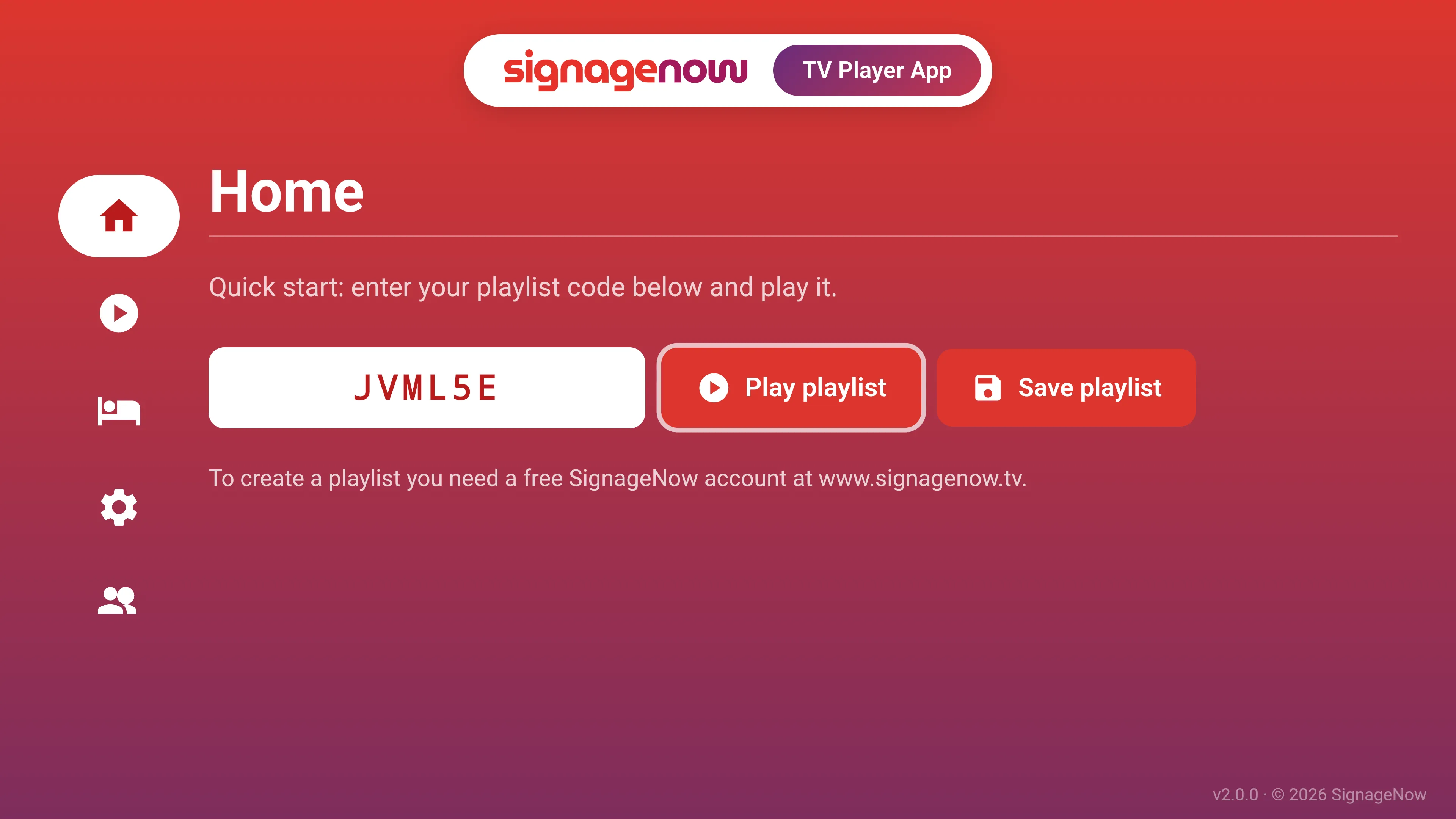
If your smart TV runs on the Android or Fire TV operating system, you can download our free app from the Google Play Store or the Amazon App Store. If you don't have a smart TV, simply use a streaming device such as the Fire TV Stick, Google Chromecast, or the Xiaomi Mi Stick.
Enter your shortened playlist code there and tap “Start Playlist.” Your content will automatically play in full-screen mode.
Launch the SignageNow Playlist in your browser
This is the easiest part: Open the web browser on your smart TV and enter your playlist’s custom URL. Once the page loads, the display will automatically switch to player mode. For a professional look without distracting browser toolbars, we recommend switching the browser to full-screen mode if it doesn’t do so automatically.
Alternatively, you can log in to your account and then start the playlist directly.
Want to learn more about SignageNow? No problem.
Learn more about our digital signage software and prices here.